Many users want to check which apps use the most mobile data on their phone after realizing their monthly data runs out faster than expected or their phone bill suddenly feels harder to explain. Someone may think they only browse a little, send messages, and check maps occasionally, yet the phone still uses far more data than expected. In many cases, the cause is not one major mistake. It is a few apps quietly using more data than users realize.
Mobile network specialists explain that data use is often shaped just as much by background app behavior as by visible screen time. Device support researchers also note that people usually blame streaming first, but social apps, cloud backups, video autoplay, map use, and software updates can all play a major role. A quick review of app-by-app data use can turn a vague suspicion into something much easier to understand.
Why It Helps to Check Which Apps Use the Most Mobile Data on Your Phone
Mobile data problems are frustrating because they often feel invisible. Unlike battery drain or low storage, data use is not always obvious while it is happening. A phone may seem idle while background syncing, uploads, refreshes, and autoplay features quietly continue using the connection.
Phone support professionals explain that users often underestimate how much data can build up through repeated small actions. A little streaming here, an automatic photo upload there, and constant app refresh throughout the day can add up to a bigger total than expected. Once users can see which apps are responsible, the problem usually becomes much easier to manage.
Experts recommend starting with the phone’s data usage view before changing settings at random. The app list often reveals the real story much faster than guesswork.
How to Check Which Apps Use the Most Mobile Data on Your Phone in Settings
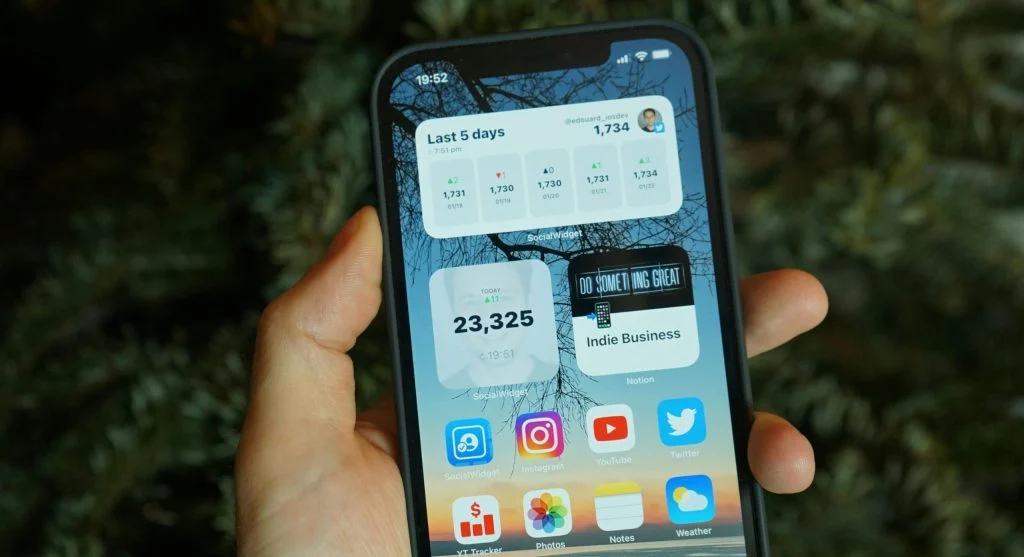
One of the easiest ways to check which apps use the most mobile data on your phone is to open the phone’s network or mobile data settings and review usage by app. Most phones display a list of apps with their recent data totals, which often makes the biggest data users clear right away.
Device support teams explain that this list is useful because it turns a general concern into a specific one. Instead of thinking, “My phone uses too much data,” users can see whether the real issue is coming from video apps, social feeds, cloud storage, maps, browsers, or something running in the background. That specific view is what makes better decisions possible later.
Experts suggest checking the time range shown in settings before making conclusions. A one-day view and a monthly view may tell slightly different stories about which apps matter most.
Why Video Apps and Social Platforms Often Use More Data Than Expected
Video is one of the most common reasons for heavy phone data drain. Streaming platforms are the obvious examples, but social apps can also use large amounts of data because they often autoplay clips, preload media, and show image-heavy feeds. A user may feel like they are only “scrolling for a few minutes,” while the app is actually loading a steady stream of content.
Mobile performance analysts explain that short-form video and media-rich feeds can use far more data than text-based browsing. An app may keep fetching the next clips or images before the user directly asks for them. This is why some social platforms climb near the top of the data list much faster than people expect.
Experts recommend paying close attention to apps where visual content plays or loads automatically. These are often among the strongest hidden contributors to mobile data use.
How Background Activity Creates Hidden Phone Data Drain
Some of the most surprising data use comes from apps that are not even open on the screen. Cloud storage services may upload photos, messaging apps may download media previews, email apps may refresh repeatedly, and social tools may preload content in the background. This hidden activity can continue through the day without obvious signs.
Network researchers explain that background use matters because users often judge data use by active screen time alone. A phone sitting in a pocket may still be using mobile data through syncing, uploading, or refreshing. That creates the feeling that the data plan is disappearing for no clear reason.
Experts recommend comparing foreground use and background use where the phone shows both. That difference often reveals whether an app is using data mainly during active use or because of quiet background behavior.
Frequently Asked Questions
Q: How can users check which apps use the most mobile data on your phone?
A: Most phones show app-by-app mobile data totals in the network or mobile data settings menu.
Q: Which apps usually use the most mobile data?
A: Video apps, social platforms, cloud photo backup tools, maps, and other media-heavy or background-active apps are common high users.
Q: Can background apps use mobile data without being open?
A: Yes. Apps can refresh, sync, upload, or preload content in the background even when they are not visible on screen.
Q: Why do social apps use so much data?
A: Many social apps autoplay videos, preload media, and refresh image-heavy feeds constantly, which can increase data use quickly.
Q: What is the easiest way to reduce mobile data use?
A: Experts often recommend limiting background activity, turning off autoplay, and restricting photo backup or other large uploads to Wi-Fi only.