
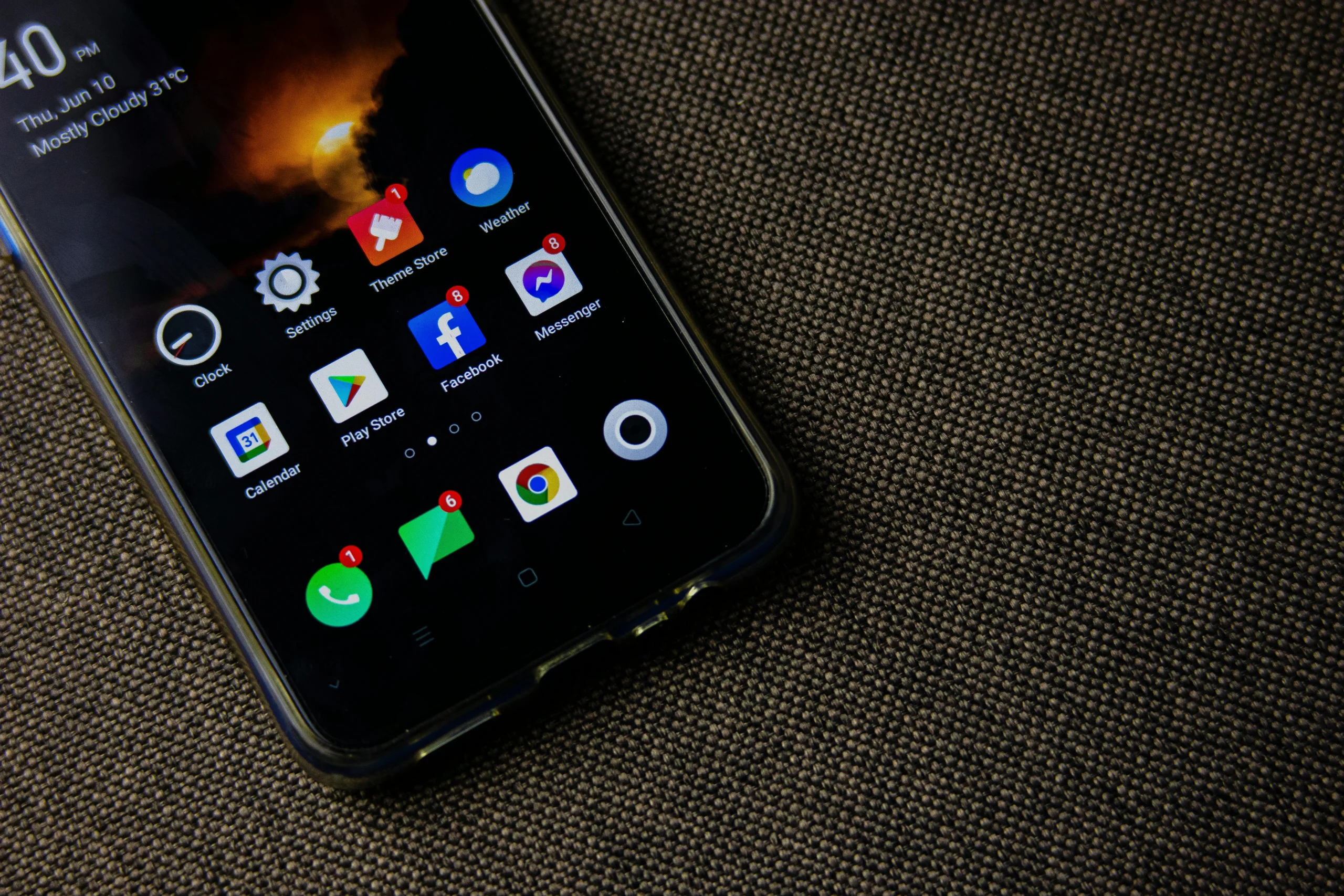
clear app cache on a phone through app storage settings

How to Clear App Cache on a Phone and When It Actually Helps

Many users try to clear app cache on a phone when an app starts slowing down, taking up too much space, or behaving unexpectedly. Cache files are small pieces of temporary data that help apps launch faster and load familiar content more smoothly. Over time, however, these files can pile up, become outdated, or start causing minor performance issues that users notice during everyday use.

Mobile device specialists point out that clearing cache can help, but it’s often misunderstood. App cache is not the same as personal files or full app data, and removing it won’t fix every issue. Device support analysts also emphasize that cache clearing works best when users understand what it actually does and when it’s worth doing.

What It Means to Clear App Cache on a Phone

To clear app cache on a phone means deleting the temporary files an app stores to run more efficiently. These files can include thumbnails, recently loaded images, website elements, saved interface details, or small bits of content the app plans to reuse. The purpose is to improve speed and convenience, not to store data long term.

Phone support professionals explain that cache exists because re-downloading or recreating the same small elements every time would slow apps down. For example, a social media app might keep image previews, a browser may store parts of web pages, and a streaming service could save fragments of recently used content. This helps apps feel faster and more responsive during regular use.

Experts also note that cache is generally safe to clear because it is temporary by design. If needed, the app will simply rebuild these files over time. That’s why clearing cache is often recommended as a quick and easy troubleshooting step.

app storage screen helping users clear app cache on a phone

Credit:  Brett Jordan / Pexels

Why Cached Files Build Up Over Time

Cache builds up naturally as apps are used again and again. The more users scroll, search, watch, browse, and return to the same app, the more temporary data it stores. In most cases, this is both normal and useful. Over time, though, those stored files can grow larger than expected.

Technology analysts explain that some apps create more cache than others. Browsers, social media platforms, maps, shopping apps, streaming services, and other media-heavy tools tend to build larger caches because they handle a lot of images, video previews, and web content. That’s why storage usage can increase even if the user hasn’t downloaded many personal files.

Experts recommend checking which apps are using the most storage before clearing cache at random. Often, just a few high-cache apps account for most of the buildup.

How to Clear App Cache on a Phone Through App Storage Settings

One of the simplest ways to clear app cache on a phone is by opening the settings for a specific app and looking at its storage section. Many phones show how much space is taken up by the app itself, its data, and its cached files. This makes it easier to focus on one app at a time instead of clearing everything at once.

Mobile support teams suggest starting with the apps that are actually causing problems. If a particular app is freezing, loading slowly, or using an unusual amount of storage, it should be checked first. This approach is usually more effective than clearing multiple apps without a clear reason.

Experts also advise reading the storage menu carefully before selecting anything. The options “clear cache” and “clear data” are often placed close together, but they serve very different purposes.

Why Clear Cache and Clear Data Are Not the Same

Many users mix up cache and full app data. Clearing cache removes temporary files, while clearing data usually deletes more important information, such as saved settings, offline content, login details, and personal preferences stored within the app. This can result in a much bigger reset than expected.

Device technicians explain that clearing cache is generally the safer first step because it doesn’t usually log users out or remove key personal information. Clearing data, on the other hand, is more like starting the app from scratch. It can be useful in certain situations, but it should be used with caution.

Experts recommend trying cache clearing first for minor troubleshooting or storage cleanup, since it causes less disruption while still resolving many smaller issues.

When Cache Clearing Helps Fix App Problems

Clearing cache can be helpful when an app feels unusually slow, loads outdated content, crashes during simple actions, or shows images and pages that don’t refresh properly. In these cases, the issue may come from old temporary files rather than the app itself.

Phone performance specialists explain that these problems can occur after app updates, design changes, or minor syncing issues. An app may still be holding onto temporary files that no longer match its current version. Removing those files allows the app to rebuild cleaner ones the next time it runs.

Experts note that while cache clearing isn’t guaranteed to fix every problem, it remains one of the easiest troubleshooting steps since it usually doesn’t affect the user’s main data.

When It Helps With Phone Storage Cleanup

Another common reason to clear app cache on a phone is to free up storage. This can be useful when space is running low, updates fail to install, or the device starts warning about limited storage. Cached files are often one of the quickest ways to recover space.

Storage researchers explain that the results depend on the apps involved. A lightly used messaging app may free very little space, while a browser, video service, social app, or shopping platform may recover much more due to the amount of temporary visual content they store.

Experts suggest treating cache clearing as part of a broader storage strategy rather than a complete solution. It works best alongside removing unused apps, deleting large downloads, and clearing duplicate files.

Why Clearing Cache Too Often Is Not Always Necessary

Some users clear cache daily, but this isn’t always helpful. Since cache is meant to improve speed, removing it too often can make apps feel slower at first because they have to rebuild those files. Images may reload, pages may take longer to open, and content may need to be downloaded again.

Mobile efficiency specialists explain that regular cache clearing only makes sense when storage is limited or an app is acting up. Otherwise, those temporary files are likely still doing their job effectively. Constantly deleting them can create extra work for both the phone and the app.

Experts recommend using cache clearing as a targeted fix rather than a daily habit. It’s most effective when there’s a clear reason to do it.

How to Decide Whether Cache Clearing Is the Right Fix

Before clearing app cache on a phone, it helps to understand the actual problem. If a single app is lagging, crashing, or taking up too much space, clearing its cache is often a good step. If the entire phone feels slow, the issue may be related to background processes, outdated software, storage limits, battery condition, or too many apps running at once.

Support professionals recommend matching the solution to the problem. Cache clearing works best for issues tied to specific apps or storage-heavy categories. For broader performance concerns, it may also help to check storage usage, restart the device, review app activity, or remove unused apps.

Experts say the most practical approach is simple: use cache clearing when it fits the situation, and don’t expect one small action to solve every performance issue.

Frequently Asked Questions

Q: What happens when users clear app cache on a phone?
A: Temporary files used by the app are removed, which may free storage and help the app rebuild cleaner working files.

Q: Will clearing cache delete photos or messages inside an app?
A: Usually no. Clearing cache is different from clearing full app data, which is more likely to remove saved settings or sign-in information.

Q: Does clearing cache make a phone faster?
A: It can help when one app is using outdated temporary files or too much cached storage, but it does not fix every kind of slowdown.

Q: Which apps usually build the most cache?
A: Browsers, social apps, video platforms, shopping apps, maps, and other media-heavy services often build the largest caches.

Q: How often should cache be cleared?
A: Experts usually recommend doing it only when an app has a clear problem or when storage is getting too full.

Key Takeaway

Knowing how to clear app cache on a phone can help free storage and fix small app problems without creating the bigger reset that comes with clearing full app data. Experts recommend using it for apps that lag, crash, or hold unusually large temporary files, especially browsers and other media-heavy services. Cache clearing works best as a targeted troubleshooting step, not as a constant habit used without a clear reason.


[INTERNAL LINKING SUGGESTIONS]

– How to Free Up Phone Storage Without Deleting Important Files
– How to Reduce Background App Activity So Your Phone Feels Faster
– How to Organize Your Phone Home Screen So Daily Tasks Feel Easier


Leave a Reply

Your email address will not be published. Required fields are marked *