Indoor smart cameras often seem simple at first glance. A small device sits on a shelf, connects to Wi-Fi, and lets the household check a live view from a phone. But once people start thinking about how these cameras fit into real life, the questions get bigger. What exactly should the camera watch? When should it be active? Who can view it? And how much convenience still feels comfortable inside a private living space?
That is why it helps to understand how indoor smart cameras work before relying on one casually. These devices can be useful for checking on pets, watching entry points, seeing whether children arrived home, or keeping an eye on certain rooms while away. At the same time, they change the feeling of a home because they bring connected monitoring into spaces that were once purely private. A good setup depends as much on household decisions as on the camera itself.
What an Indoor Smart Camera Actually Does
An indoor smart camera is usually a connected device that captures video inside the home and makes that view available through an app or linked account. Depending on the setup, it may also provide motion alerts, sound alerts, night vision, two-way audio, live viewing, or saved event clips. Some cameras focus on real-time awareness, while others emphasize recorded history and app-based review.
Home monitoring specialists explain that the most important point is not that the camera sees everything. It is that it creates a new way for the household to check specific spaces from somewhere else. That could mean watching the front room while at work, checking whether a pet is resting calmly, or confirming whether there was movement in a part of the home during a specific time.
Experts note that indoor cameras are often more about targeted awareness than about broad security theater. The question is what the household truly needs to know and whether a camera is the right tool for that job.
Why Indoor Cameras Feel Different From Outdoor Ones
Outdoor cameras usually feel easier for households to accept because they point toward the outside edge of the home. Indoor cameras feel different because they exist inside shared personal space. A living room, hallway, office, playroom, or kitchen carries a different emotional meaning than a front path or driveway. That difference changes the conversation immediately.
Privacy researchers explain that indoor cameras raise more questions because the home is not only a property boundary. It is also where people relax, speak freely, and expect a stronger sense of personal comfort. Even when the purpose is practical, the device changes the atmosphere if the people in the space do not clearly understand when it is active and why it is there.
Experts recommend treating indoor cameras as household policy devices, not just gadgets. Where they sit and how they are used should be agreed clearly, not assumed casually.
What Motion Alerts Actually Mean Indoors
One of the most important features in many indoor camera setups is motion detection. Instead of watching live footage constantly, the user can receive a notification when the camera sees movement. That can make the device feel more practical because it reduces the need to keep opening the live view for no reason.
Connected device analysts explain that indoor motion behaves differently from outdoor motion. Inside a home, ordinary daily life creates movement constantly. Family members walk by, pets roam, lights change, and doors open and close. That means the value of motion alerts depends heavily on where the camera points and how the household wants alerts to behave.
Experts say motion alerts are most useful when the camera is aimed at a meaningful zone rather than at a room where constant normal activity makes every alert unimportant.
Why Placement Matters More Indoors Than People Expect
Placement is one of the biggest decisions in indoor monitoring. A camera aimed at a doorway answers a different question than a camera aimed at a couch or desk. A camera in a family room creates a different feeling than one facing a pet crate, hallway, or utility area. Where it looks determines not only what it sees, but also how intrusive or comfortable it feels to the people living there.
Interior technology researchers explain that good placement starts by identifying the real need. If the goal is to know whether someone entered a room, the camera may not need to point across the whole room. If the goal is pet monitoring, the camera can often face a smaller zone where the pet spends time. The more focused the purpose, the easier it becomes to place the camera in a way that feels proportionate rather than excessive.
Experts recommend choosing the smallest useful view instead of the widest possible one. A precise camera angle often creates better trust and better alerts at the same time.
How Live View Changes the Role of the Camera
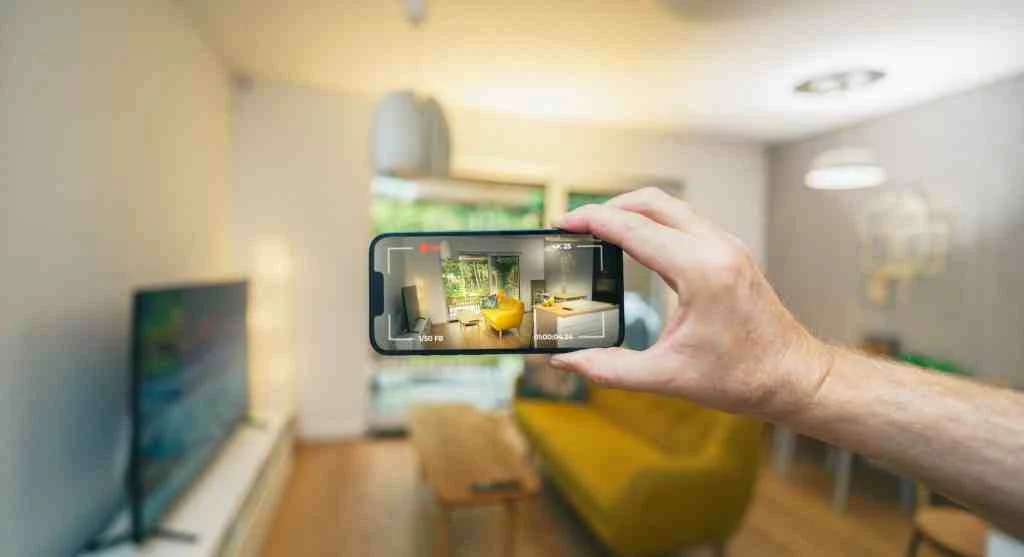
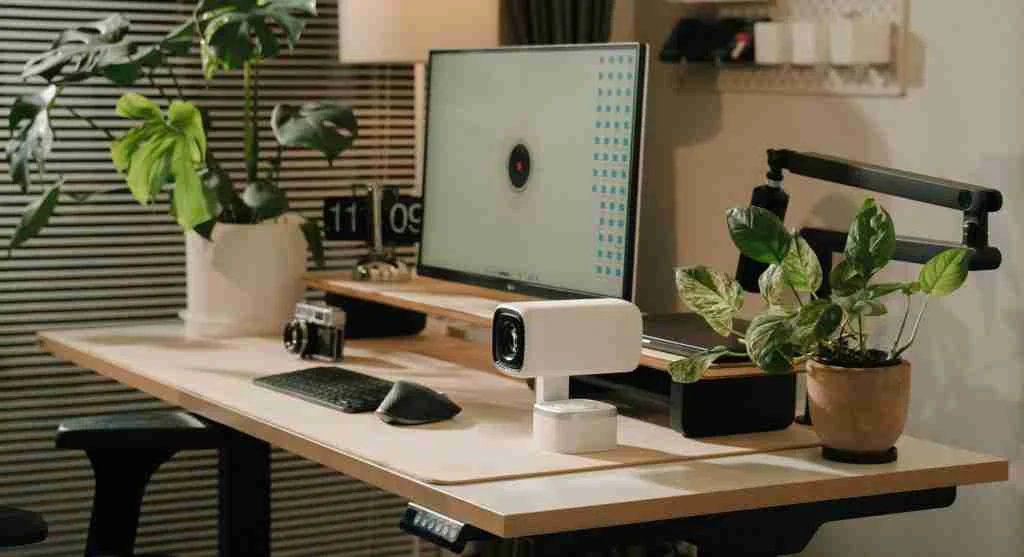
Live view is one of the features that makes a smart camera feel more interactive than a basic recording system. A user can open the app, look into the room, and understand what is happening in that exact moment. This can be useful for checking on pets, verifying that children are home, or seeing whether motion alerts reflect something routine or unusual.
Consumer technology specialists explain that live access changes the device from passive observer to active household tool. The camera is not only storing events for later. It is also helping the user answer immediate questions from a distance. That is often where the strongest everyday convenience appears.
Experts note that live access can be useful without becoming constant. The best setups usually support occasional checking, not continuous watching that turns the camera into a source of anxiety rather than reassurance.
What Two-Way Audio Adds and What It Changes
Some indoor cameras include microphones and speakers, allowing two-way audio. This means the user can hear what is happening in the room and speak through the device from the app. That can be practical for calming a pet, speaking to someone at home, or reacting quickly when the user is away and wants to communicate without making a traditional call.
Audio interface researchers explain that this feature changes the camera’s role significantly. It is no longer only a viewing tool. It becomes a communication point. That can make the device more useful, but it also changes how present the camera feels in the household. A camera that can speak into the room often feels more active than one that only records video.
Experts recommend deciding whether the household wants visual awareness only or visual plus audio interaction, because those two setups do not always feel the same in practice.
Why Saved Video Should Be a Conscious Choice
One of the biggest decisions with indoor cameras is whether the household wants live view only, short motion-based clips, or longer saved event history. Recording can be useful for reviewing something that happened while nobody checked the phone. But indoor recording also changes the privacy balance more than live-only viewing does.
Digital privacy educators explain that the question is not simply whether recording is available. It is whether it is actually needed. A family using a camera only to check a pet may need a different storage approach than a household using a camera to monitor a specific entry point during work hours. The more clearly the purpose is defined, the easier it becomes to decide what level of saved footage feels appropriate.
Experts recommend choosing storage habits that match the real use case instead of turning on every recording feature by default.
How Households Should Think About Trust and Access
Indoor cameras do not only raise questions about the device itself. They also raise questions about who can access it. A phone app, shared household login, tablet view, or connected smart display may all become part of the camera’s access path. If several people in a home can view the feed, the rules around that access should be clear.
Household digital safety specialists explain that trust becomes easier when camera access is simple and explicit. Who can open the live feed? Who can hear audio? Who can review saved clips? Are old devices still signed in? Is the camera tied to one primary account or several shared ones? These practical questions matter as much as image quality or app design.
Experts say indoor cameras feel easier to live with when access is limited, understandable, and reviewed regularly instead of left vague.
What Indoor Cameras Do Well and What They Do Not
Indoor smart cameras are strong at helping households check specific rooms, confirm movement, view home activity while away, and monitor narrow concerns such as pet behavior or arrival patterns. They are weaker when users expect them to replace all household trust, answer every safety concern, or feel completely invisible in private spaces.
Home technology educators explain that disappointment often happens when expectations become too broad. A camera can provide information, but it does not replace conversation, routines, or household agreements. It works best when it supports a clear practical need without pretending to solve every uncertainty in the home.
Experts often describe a good indoor camera setup as one that answers a real question without creating a bigger comfort problem than the original question itself.
What to Decide Before Turning One On
Before activating an indoor smart camera, households often benefit from deciding five things clearly. What exact purpose does the camera serve? Which room or zone truly needs coverage? When should the camera be active? Who can access the feed or clips? And does the household want live checking, saved footage, or both?
Home monitoring support teams explain that these decisions usually matter more than extra features or complicated app menus. A household with clear answers often ends up using the camera more comfortably and more effectively than a household that installs one first and debates the purpose later.
Experts say understanding how indoor smart cameras work helps reveal the real issue: the technology is only half the decision. The other half is choosing how much monitoring fits the home without making the home feel less like home.
Frequently Asked Questions
Q: What do indoor smart cameras do?
A: They provide live viewing, motion or sound alerts, and sometimes audio or saved event clips for specific indoor spaces.
Q: Are indoor smart cameras mainly for security?
A: Not always. Many households use them for pet checks, room awareness, child arrival monitoring, or targeted household visibility.
Q: Why does camera placement matter so much indoors?
A: Placement affects both usefulness and comfort because it decides what the camera sees and how intrusive it feels in a private space.
Q: Should indoor cameras always record continuously?
A: Not necessarily. Some households prefer live view only or short event clips depending on the purpose and comfort level.
Q: What should households decide before using one?
A: They should decide the purpose, placement, access rules, active times, and whether saved video is truly needed.
Key Takeaway
Understanding how indoor smart cameras work helps households make better decisions about visibility, privacy, and daily comfort before the device becomes part of home life. Experts recommend starting with a narrow purpose, using focused placement, limiting access clearly, and deciding intentionally whether recording is really necessary. An indoor camera works best when it solves a specific household need without creating more unease than reassurance.