Many households want to understand how smart doorbells work before adding one to a front door, gate, or porch entry. These devices combine a doorbell button, a camera, motion detection, and a connected app so users can see activity at the entrance even when they are not standing nearby. They are often used for convenience, package awareness, and general front door monitoring, but they also raise important questions about privacy, alerts, and daily setup.
Home technology specialists explain that smart doorbells are popular because they connect one of the busiest parts of the home to a phone-based view. Security researchers also note that a smart doorbell is not only a camera on a wall. Its usefulness depends on Wi-Fi strength, account protection, motion settings, recording behavior, and whether the placement fits the home responsibly.
How Smart Doorbells Work With Video, Motion, and App Alerts
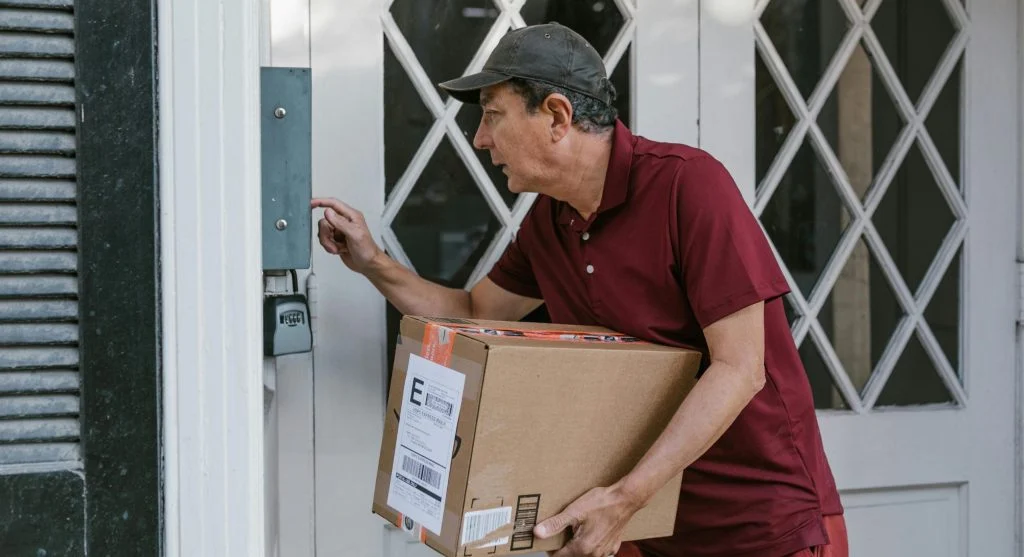
The simplest way to explain how smart doorbells work is that they watch the area around the entrance and send information to a connected app. Most smart doorbells include a small camera, motion sensing, a microphone, a speaker, and a connection to Wi-Fi. When someone presses the doorbell or motion is detected nearby, the device may send a phone alert and open a live view screen.
Connected device experts explain that the system usually works in two ways. The first is visitor-triggered activity, such as a person pressing the button. The second is motion-triggered activity, which may detect someone walking to the door, standing on the porch, or passing through the monitored area. The app then lets the user check video, receive a clip, or speak through the built-in audio if that feature is available.
Experts note that the hardware is only one part of the experience. The phone app shapes much of the daily use by controlling alerts, video history, zones, and who has access to the system.
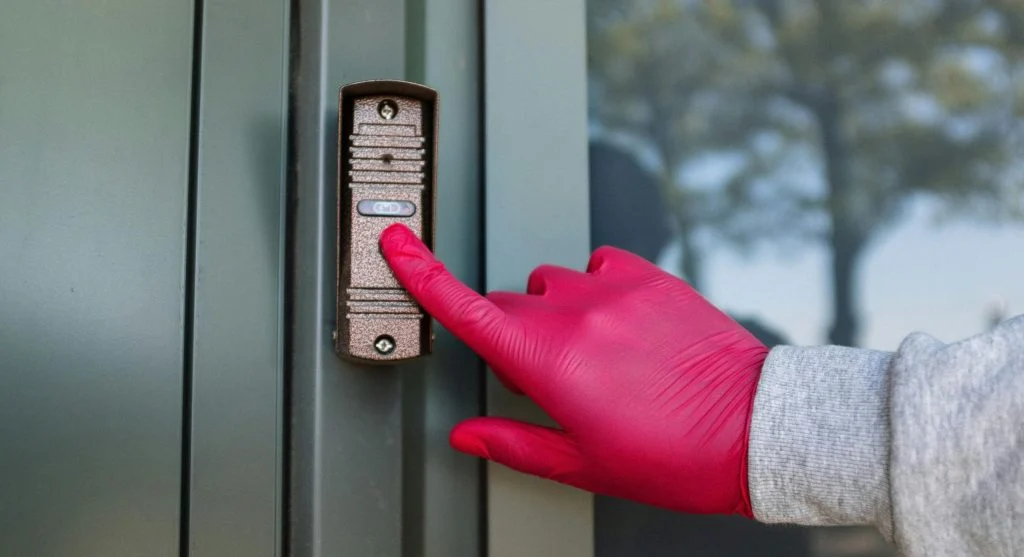
Why Wi-Fi Strength Matters More Than Many Users Expect
Smart doorbells depend heavily on a stable Wi-Fi connection because they send alerts, video clips, and live streams through the home network. If the signal near the front door is weak, the system may become less reliable. Alerts may arrive late, video may stutter, or the connection may fail during moments when the user expects a quick response.
Network support professionals explain that front doors and entryways are often harder for Wi-Fi than interior rooms. Exterior walls, metal frames, brick, stone, and distance from the router can all weaken the connection. This means a household may have good indoor Wi-Fi overall but still struggle with the signal exactly where the smart doorbell is installed.
Experts recommend checking entryway signal strength before depending on the device daily. A smart doorbell works best when the network at the door is as dependable as the network in the main living area.
What Smart Doorbell Basics Matter Most for Daily Use
For many households, the most important smart doorbell basics are clear video, accurate motion alerts, dependable notifications, and simple app controls. A device does not need every possible feature to be useful. It needs to handle front door events clearly enough that users can tell what happened without confusion.
Home monitoring researchers explain that motion zones are especially important because they help reduce unnecessary alerts. A doorbell pointed at a sidewalk, busy road, or shared walkway may trigger too often if the monitored area is too wide. This can make the system noisy and easy to ignore. Narrower zones often produce more useful alerts.
Experts recommend focusing on the alert quality, not only the feature count. A front door device becomes less useful when it sends too many alerts that do not really matter.
Why Front Door Camera Privacy Deserves Attention
Front door monitoring may sound simpler than indoor monitoring, but front door camera privacy still matters. A smart doorbell may capture neighbors, passersby, shared walkways, delivery workers, and visitors who are not part of the household. Because the device points into a semi-public area, camera angle and recording range deserve careful review.
Privacy specialists explain that households should think about what the camera needs to see and what it does not need to see. A device placed too wide may monitor more of the street or neighboring property than necessary. Better placement often means focusing on the doorway, steps, and immediate entry zone rather than a large surrounding area.
Experts recommend aiming for proportion. The goal is to monitor the home entrance clearly, not to collect more surrounding footage than the household truly needs.
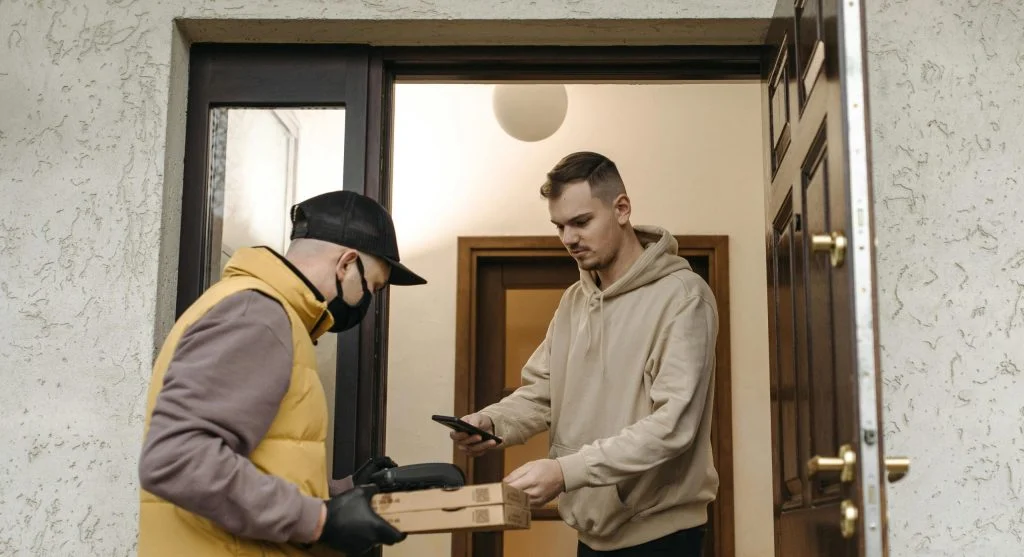
How Recording Settings Change the Experience
Some smart doorbells save short motion clips, while others may support longer recordings or broader event history. These settings affect both convenience and privacy. More recording may create a larger history of front door activity, while shorter clips may provide enough awareness without storing more than necessary.
Digital safety professionals explain that households should review how long recordings are kept, how easily they can be reviewed, and who in the household can access them. A device used mainly to see package arrivals may not need the same storage approach as one used to monitor a busy shared entry. The right setting depends on the purpose behind the doorbell, not just the maximum recording option.
Experts recommend choosing the narrowest useful recording pattern first and expanding only if daily use clearly shows the need.
Why Two-Way Audio and Notification Timing Matter
Many smart doorbells include two-way audio so users can speak with visitors, delivery workers, or family members through the app. This can be useful, but only if the connection is fast enough and the notification arrives in time. A delayed alert or choppy audio may reduce the value of that feature during real interactions.
Device usability specialists explain that households often judge the system by how quickly it feels responsive. If a visitor is already walking away before the alert appears, the doorbell may still be recording, but it may not be helping in the most practical way. That is why notification timing is just as important as camera quality.
Experts recommend testing the device in ordinary conditions after setup. A short real-world test often reveals whether timing, audio, and alerts feel smooth enough for daily use.
How Account Security Supports Home Entry Monitoring
Because smart doorbells connect to apps and often store video history, account protection is a key part of safe home entry monitoring. A weak password or old signed-in device may create more risk than the camera hardware itself. The doorbell may be on the wall, but the real control sits inside the account and app.
Cybersecurity specialists recommend a strong unique password, extra sign-in protection where available, and regular review of which phones or tablets still have access to the device. This is especially important after changing phones, sharing household access, or using the app on an older tablet that remains in the home.
Experts note that smart home devices work best when the account behind them is reviewed as carefully as the device settings themselves.
What Households Should Review Before Relying on a Smart Doorbell Daily
Before relying on the device every day, households usually benefit from reviewing five things: signal strength at the door, motion zone accuracy, video and audio clarity, recording length, and account access. Together, these checks usually reveal whether the system fits the home well or still needs adjustment.
Home technology educators explain that the best smart doorbell setups stay helpful without becoming noisy, intrusive, or difficult to trust. That balance usually comes from small adjustments after installation rather than assuming the first settings are already perfect.
Experts say that understanding how smart doorbells work is really about understanding the whole system around them. The camera, app, network, and privacy choices all work together, and the result is strongest when each part is reviewed with real daily use in mind.
Frequently Asked Questions
Q: What do smart doorbells do?
A: Smart doorbells record front door activity, detect motion, and send alerts to a connected app so users can view visitors or events remotely.
Q: Do smart doorbells need Wi-Fi?
A: Most do. Wi-Fi is usually needed for live video, alerts, clip delivery, and app-based controls.
Q: Why does front door camera privacy matter?
A: A smart doorbell may capture neighbors, shared paths, or public-facing areas, so camera angle and motion range deserve careful review.
Q: What should users test after installing a smart doorbell?
A: Experts often recommend testing Wi-Fi strength, notification timing, motion detection, video clarity, and audio response.
Q: Is account security important for smart doorbells?
A: Yes. The account controls app access, stored video, and household permissions, so strong login protection is important.
Key Takeaway
Understanding how smart doorbells work helps households decide whether front door monitoring fits their daily needs without creating unnecessary noise or privacy concerns. Experts recommend focusing on Wi-Fi strength, motion zones, account security, recording settings, and camera placement before depending on the device fully. A smart doorbell works best when it supports clear, timely entry awareness while staying limited to the area that truly matters most.