Many people feel as if their phone treats every hour of the day the same. A work email can appear during dinner, a shopping alert can pop up in the middle of a meeting, and a group chat can interrupt right when someone is trying to fall asleep. That is where it helps to set up focus modes on your phone. Instead of allowing every app and every person to reach the screen with the same priority, focus modes let the device follow different rules for different parts of life.
Mobile productivity specialists explain that focus modes are helpful because most phone stress comes from mixed contexts, not from phone use itself. A device can still be useful for work, family, fitness, travel, and rest. The problem starts when all of those demands arrive in one stream with no boundaries. A better setup helps the phone match the moment instead of working against it.
Why Focus Modes Work Better Than Simple Silence
Some users try to deal with overload by muting the entire phone. That can help for a short time, but it often creates another problem. Important calls may be missed, useful reminders disappear, and the user eventually turns everything back on out of frustration. A total silence approach is usually too blunt for real life.
Focus modes work in a more practical way. Digital wellbeing researchers explain that they are not about blocking out the world completely. They are about choosing which people, apps, and alerts deserve attention in specific situations. That makes the phone feel more selective instead of simply louder or quieter.
Experts recommend thinking of focus modes as context filters, not punishment for using the phone. The goal is not less technology at any cost. The goal is better timing.
Start by Naming the Parts of Your Day Clearly
Before changing any settings, it helps to decide which parts of life need their own phone behavior. Many people do well with only three or four modes. Work, Personal Time, Sleep, and Driving are common examples. Others may add Study, Exercise, Family Time, or Deep Work, depending on how they use their phone during the week.
Phone setup educators explain that the most effective focus systems are simple enough to remember. If someone creates eight complicated modes with tiny differences, the setup becomes harder to maintain. A small number of meaningful categories usually works much better than a long list of ideal situations.
Experts often recommend choosing modes based on real interruptions, not perfect planning. If work messages keep entering evenings, that is a strong reason for one mode. If sleep is being disrupted by low-value alerts, that is another.
Build One Mode Around One Purpose
Each focus mode works best when it has one clear job. A Work mode should protect work time. A Sleep mode should protect rest. A Personal mode should reduce background pressure from professional tools. Once the purpose becomes unclear, the settings usually become messy too.
Workflow specialists explain that users often make modes too generous because they worry about missing something. As a result, almost every app and nearly every contact gets allowed through, and the mode stops changing much at all. A more useful question is this: what should this mode protect?
Experts suggest writing one sentence for each mode before adjusting the settings. For example, “Work mode should let me communicate with coworkers and calendars, but block shopping, entertainment, and casual group noise.” That short statement keeps the setup practical.
Choose People Before Apps
One of the smartest ways to shape a focus mode is to decide which people can still reach you before deciding which apps can do the same. This is because people usually create the highest-value interruptions. A close family member, a child’s school contact, a manager, or a specific teammate may still need access in certain modes even when most other alerts are reduced.
Communication researchers explain that this people-first approach helps users avoid a common mistake. They spend too much time thinking about apps and not enough time thinking about relationships. In many cases, one person matters more than five entire app categories.
Experts recommend allowing the smallest necessary group rather than broad contact categories if the phone supports that level of control.
Then Choose Which Apps Deserve to Break Through
After people, the next step is deciding which apps are truly useful in that moment. During Work mode, calendar, email, meeting tools, and task apps may matter. During Sleep mode, almost nothing should be urgent except alarm tools or a very small number of emergency contacts. During Personal mode, work chat and office email may not deserve immediate access at all.
Mobile usability specialists explain that users often discover how many apps interrupt them without earning that right. The focus setup makes this clear quickly. If an app feels hard to categorize, it may be a sign that it is not essential in most modes.
Experts recommend being stricter than instinct at first, then adjusting upward only if something important is truly missed later.
Use Home Screen Changes to Reinforce the Mode
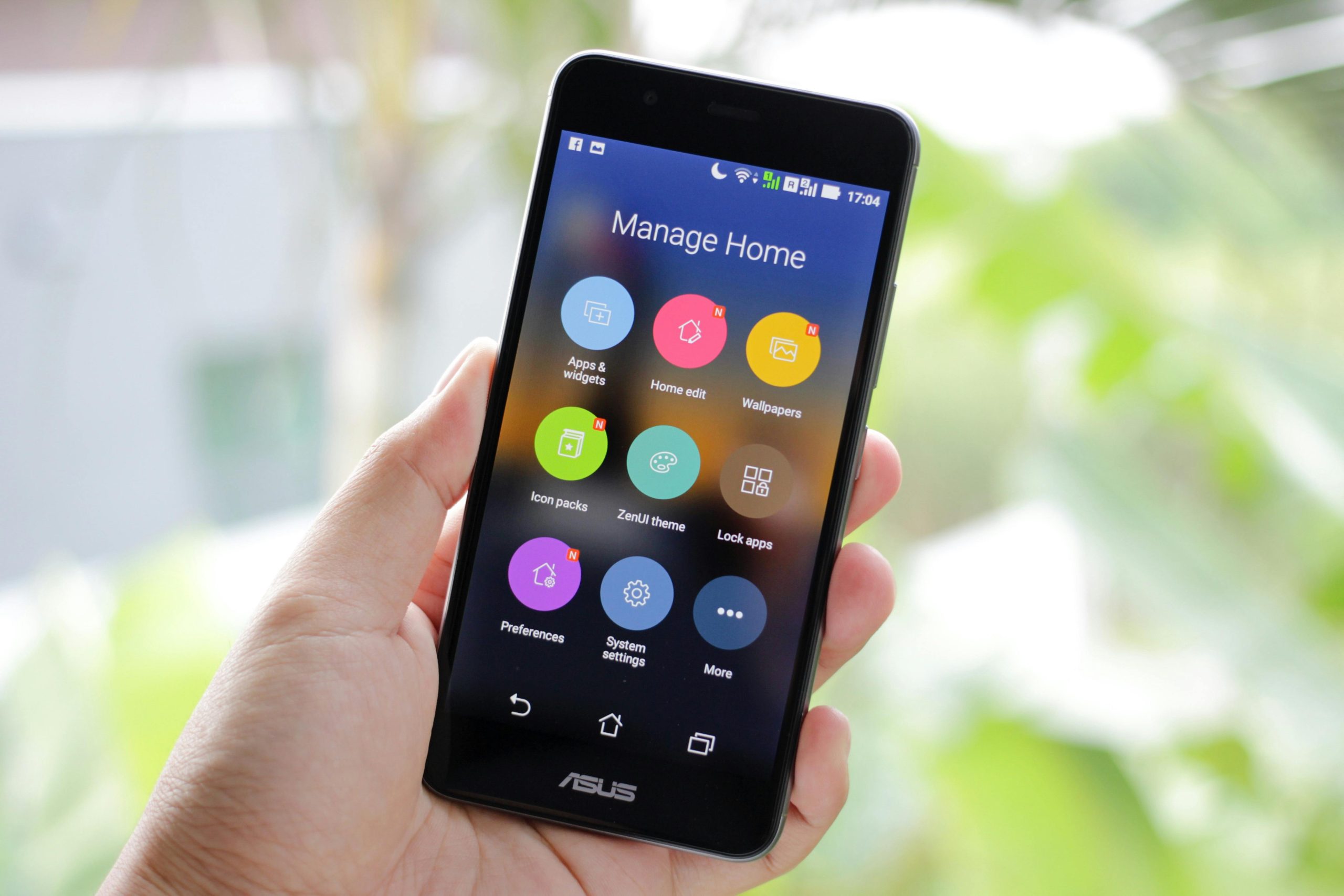
Some phones allow different home screens, widgets, or app pages to appear during specific focus modes. This feature is often more useful than users expect because it changes not only what interrupts the device, but also what the user sees when unlocking it.
Attention design experts explain that many distractions do not begin with a notification. They begin with visual temptation. A person opens the phone to check a calendar and then sees entertainment apps, shopping icons, and social shortcuts on the first screen. A focus-specific home layout reduces that pull by keeping only the relevant tools in view.
Experts say this is one of the most effective ways to make a mode feel real. The phone should look different when the purpose is different.
Schedule the Modes So They Begin Before You Need Them
Focus modes are often strongest when they start automatically. A Work mode that activates ten minutes before the workday begins is easier to trust than one that depends on remembering it every morning. A Sleep mode that starts before bedtime helps more than one turned on only after the user is already tired and distracted.
Routine researchers explain that automation matters because people usually need boundaries most at the exact moments when they are least likely to set them manually. Automatic timing reduces that weak spot. The phone begins protecting the context before interruptions build up.
Experts recommend using time, location, or routine triggers when available. Good boundaries are easier to keep when they do not rely on perfect memory.
Create One “Escape Hatch” for Real Urgency
A well-designed focus system should still leave room for real urgency. That might mean allowing repeated calls from the same number, a short list of priority contacts, or emergency-style exceptions that can still break through when needed. Without this, users may stop trusting the mode and abandon it entirely.
Digital safety educators explain that people keep boundaries better when they know true emergencies still have a way through. The mistake is not allowing exceptions. The mistake is allowing so many exceptions that the rule disappears.
Experts recommend building one clear safety channel rather than a long list of just-in-case exceptions.
Review the Modes After One Week of Real Life
The first version of a focus system rarely gets everything right. A useful app may have been blocked by mistake. A distracting one may still be getting through. A family member may need access in one mode but not another. The answer is not to give up. It is to review the setup after it has been tested in real life.
Behavior researchers explain that the best phone systems develop through use, not perfect planning. After a week, users usually know which interruptions were truly missed and which ones were never important in the first place.
Experts recommend treating the first week as a test period. Making adjustments is a sign that the system is becoming realistic, not that it failed.
Why Focus Modes Often Change How the Phone Feels Emotionally
One of the most surprising effects of a good focus setup is emotional rather than technical. The phone can stop feeling like a constant source of small pressure. Instead of every unlock leading to mixed demands, the screen begins to match the task, time, or mood more closely. That change can make the device feel calmer even when total screen time does not drop dramatically.
Wellbeing specialists explain that people often respond well to structure when it feels respectful rather than restrictive. A good focus mode does not punish the user. It gives each part of life the right level of access. That difference is why many users keep using focus tools once they are set up properly.
Experts say the best reason to set up focus modes on your phone is simple: the phone should support the life you are in right now, not drag every other part of life into it at the same time.
Frequently Asked Questions
Q: What are focus modes on a phone?
A: Focus modes are settings that change which people, apps, and alerts can reach you during different situations such as work, sleep, or personal time.
Q: Are focus modes better than turning on total silence?
A: Often yes. Focus modes are more flexible because they allow important alerts through while reducing low-value interruptions.
Q: How many focus modes should most users create?
A: Many users do well with three or four clear modes such as Work, Personal, Sleep, and one extra mode for a specific routine.
Q: Should focus modes block all contacts?
A: Not usually. Most people benefit from allowing a small number of important contacts while blocking everything else that is not urgent.
Q: When should a focus mode turn on?
A: Automatic schedules or triggers often work best because they start the mode before distractions begin building up.