 Credit: Jakub Zerdzicki / pexels
How to Choose the Best First Smart Home Routine
A good place to start is with a task that happens almost every day. This could be lights turning on in the evening, a fan switching off before bed, or a speaker starting a morning playlist. Routines tend to work best when they support something the household already does regularly.
Connected home consultants often recommend avoiding routines built around rare events at the beginning. If something only happens occasionally, it’s harder to test and easier to forget. Daily or weekly routines give more feedback and help users quickly understand what works and what doesn’t.
Experts also suggest choosing a first routine that still feels useful on its own. A strong starting point doesn’t need multiple devices or complex steps it should provide clear value even in a simple form.
Why Timing Matters in Smart Home Automation Basics
Timing plays a big role in how well a routine works, but it needs to match real-life patterns. A routine that triggers too early or too late can quickly become frustrating. This is why schedules based on actual household behavior tend to work better than rough estimates.
Smart device specialists explain that some routines are best tied to fixed times, while others work better with conditions like sunset, sunrise, motion, or arrival. For example, lighting often works well when linked to changing daylight, while a kitchen or coffee area light might be better set to a specific morning time.
Experts recommend testing timing over a few days and making small adjustments. Even a five-minute change can make a routine feel more natural without needing to rebuild it.
How to Keep a Connected Home Schedule Easy to Follow
A connected home schedule can become confusing when multiple routines control the same device in different ways. For example, one routine might turn on a lamp at sunset, while another switches it off earlier than expected. Without a clear plan, these overlaps can cause frustration.
Home automation professionals often suggest using simple, clear names for routines and grouping them by purpose. Labels like “Evening Lamp,” “Night Shutdown,” or “Morning Start” are easier to understand and remember than vague names. Clear labeling makes it easier to manage and adjust routines over time.
Experts also recommend limiting the number of routines that affect the same space. If several automations are tied to one room, it’s often better to combine them thoughtfully or remove the ones that aren’t truly helpful.
 Credit: Jakub Zerdzicki / pexels
What Devices Work Best in a Simple Smart Home Routine
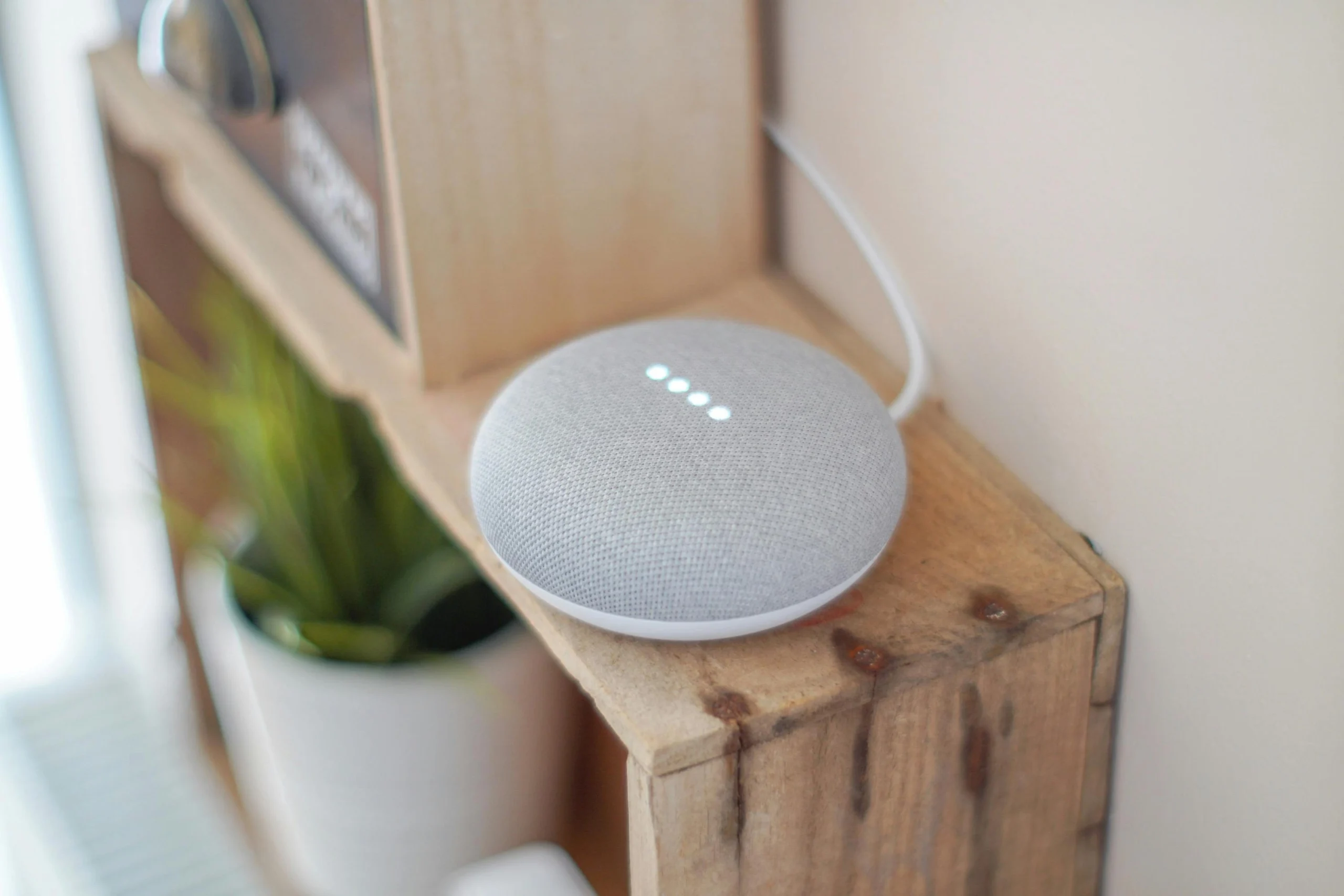
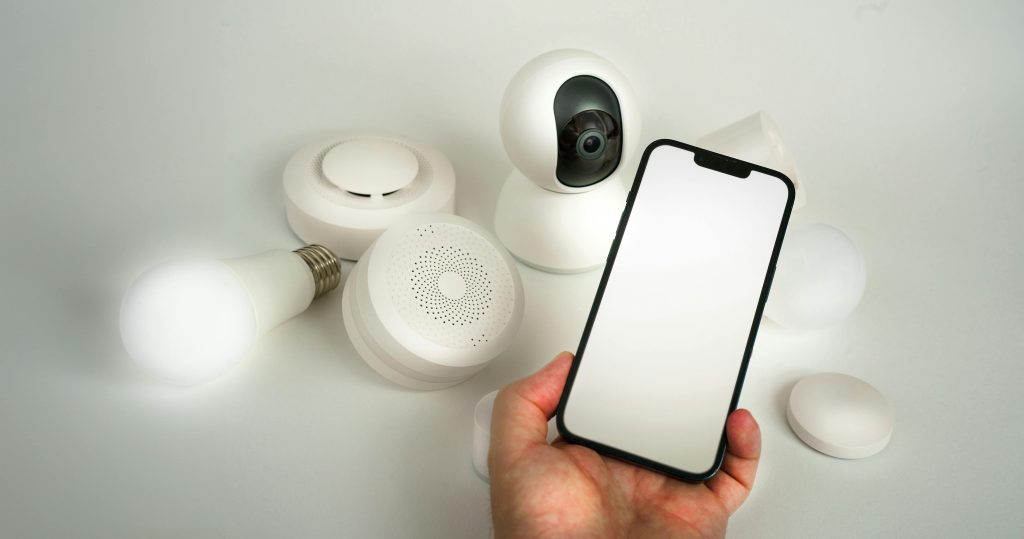
Some devices are naturally easier to automate than others. Lights, plugs, and speakers are usually the simplest starting points because their actions are clear and predictable. A light turns on or off, a plug powers a device like a lamp or fan, and a speaker plays audio or reminders.
Device support teams often point out that these types of devices work well because they don’t require complex decisions or conditions. While more advanced devices can be useful, they often bring additional settings and potential points of failure. Starting with straightforward, reliable devices helps build confidence with smart home automation basics.
Experts also recommend choosing devices that already work smoothly on their own before adding them into a routine. If a device struggles with Wi-Fi or setup, it can create issues that feel like automation problems when the real cause is the device itself.
Why Manual Override Still Matters in Smart Device Routine Tips
Even the best routine should be easy to override. Daily life doesn’t always follow a fixed pattern, and users should be able to adjust devices manually without frustration. Good automation supports flexibility rather than forcing strict behavior.
Smart home researchers often explain that routines are most effective when they handle repeated tasks while still allowing normal control. For example, a bedside lamp that turns off at night should still respond instantly if someone wants to turn it back on later.
Experts suggest checking that routines remain flexible after setup. A system feels more reliable when it works automatically most of the time but still respects manual changes when needed.
How Account Security and Wi-Fi Reliability Affect Smart Home Routines
A smart home routine is only as reliable as the system behind it. Weak Wi-Fi coverage can cause delays or failures, especially for devices placed far from the router. Similarly, poor account security can create unnecessary risks for connected devices.
Cybersecurity professionals recommend using strong passwords, keeping apps updated, and securing home Wi-Fi settings. Network specialists also suggest checking signal strength in areas where devices are installed, particularly for lights, plugs, and speakers near the edge of coverage.
Experts often note that many routine issues are blamed on automation when the real problem is connection quality. A stable network is the foundation of any successful smart home setup.
Why Small Reviews Help Keep Routines Useful Over Time
A routine that works well today may not stay useful forever. Schedules change, devices move, and household habits evolve. That’s why it helps to review routines regularly, even in a simple setup.
Home technology educators often suggest checking in every few weeks to see whether a routine still saves time or improves comfort. If it no longer serves a clear purpose, removing or adjusting it can make the system easier to manage.
Experts often point out that the most effective smart homes aren’t the ones with the most automations. They’re the ones with routines that stay clear, useful, and easy to maintain another reason why a simple smart home routine often works best.
Frequently Asked Questions
Q: What is a smart home routine?
A: A smart home routine is a scheduled or triggered set of actions that tells connected devices what to do at a certain time or under certain conditions.
Q: What is the best first smart home routine to create?
A: Experts often recommend starting with a daily task such as evening lighting, bedtime shutdown, or a simple morning device routine.
Q: Should one routine control many devices at once?
A: Not at first. Simpler routines with fewer devices are easier to test, understand, and adjust.
Q: Do smart home routines need Wi-Fi?
A: Most connected home routines depend on Wi-Fi or a stable device connection, especially when controlled through an app or cloud account.
Q: How often should smart home routines be reviewed?
A: A short review every few weeks is often enough to confirm that the routine still fits real household habits.