
Fake software update pop-ups appearing on a laptop screen

How to Spot Fake Software Update Pop-Ups Before They Trick You Into Downloading the Wrong Thing

Many users know they should be careful with suspicious emails and strange text messages, but fewer people stop to question update alerts that suddenly appear while browsing. That is exactly why fake software update pop-ups continue to trick users. They copy something people already expect to see: a warning that a browser, media player, security tool, or system component needs urgent attention.

Online safety specialists explain that these scams work because they combine two powerful ideas. The first is trust. People are used to real updates. The second is urgency. The pop-up often claims the device is outdated, vulnerable, or unable to continue unless the user acts immediately. Once panic replaces patience, the wrong click becomes much easier.

Why Fake Update Alerts Feel So Believable

Real software really does need updates, which makes the scam feel familiar before it feels suspicious. A person may already understand that browsers, apps, and operating systems are updated regularly, so a message about a pending update can sound reasonable at first. That familiarity is what gives the scam its chance.

Fraud researchers explain that fake update alerts often copy official design styles closely enough to seem convincing in the moment. A user may notice a bold warning color, a product logo, or a message claiming the current version is unsafe. Those details do not prove the alert is real. They only make it feel familiar enough for the user to lower their guard.

Experts recommend keeping one simple rule in mind: a message that looks technical is not automatically trustworthy.
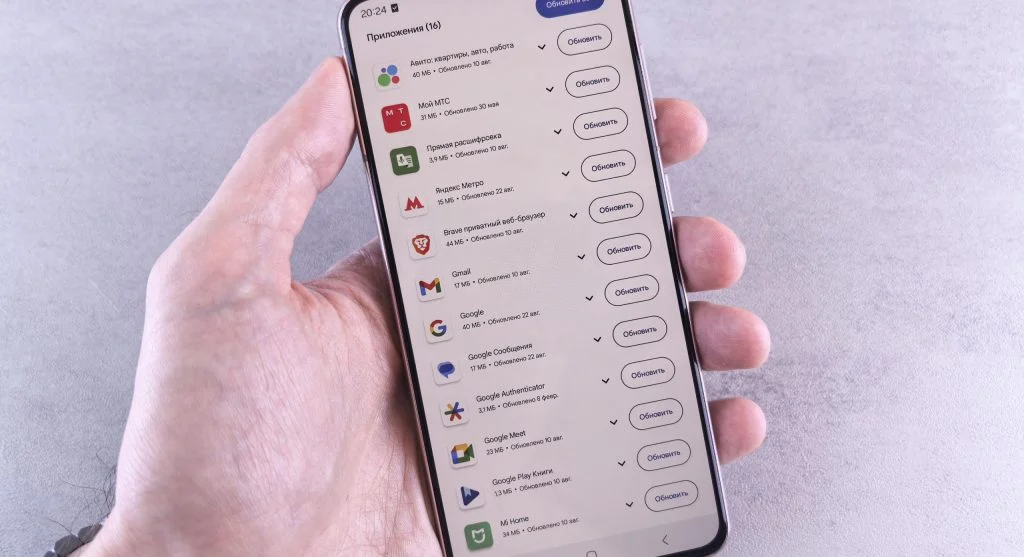
Misleading update banner showing one form of fake software update pop-ups
Credit: Andrey Matveev / Pexels

Where These Pop-Ups Usually Appear

Many fake update messages do not come from the software itself. They appear inside a webpage, advertisement space, streaming site, download page, or suspicious redirect. That difference matters. A real update usually comes from the app, browser, operating system, or official settings area. A fake one often appears as part of the browsing experience instead.

Browser safety experts explain that these alerts commonly show up on lower-trust websites, file-sharing pages, aggressive ad networks, and misleading content platforms. A user may be trying to watch a video, open a document, or close an ad when a large message suddenly claims a browser update is required.

Experts say the placement is often the first warning sign. If an update appears inside a random webpage instead of the device’s real software settings, extra caution is needed right away.

How a Fake Browser Update Alert Tries to Rush the User

A fake browser update alert usually depends on pressure. It may claim the version is “critically outdated,” that the computer is “at risk,” or that the user must update now to keep browsing. Some pop-ups add countdowns, flashing warnings, or claims that features will stop working unless a file is downloaded immediately.

Consumer protection specialists explain that urgency is one of the clearest scam patterns online. Real updates can be important, but legitimate software rarely tries to force users into an instant decision through dramatic pressure inside an unfamiliar page. Scammers want quick action because slow thinking gives users time to question the message.

Experts recommend being especially cautious whenever a pop-up makes one click feel like the only safe option.

Why the Download Button Is Often the Real Trap

The most dangerous part of the pop-up is usually not the warning text itself. It is the button that promises to fix the problem. That download may lead to an unwanted installer, a misleading browser extension, a fake cleanup tool, or another unsafe file disguised as a necessary update.

Cybersecurity educators explain that these downloads can cause problems in several ways. Some install ad-heavy software. Some change browser settings. Some push users toward more pop-ups and subscription traps. Others may be designed to collect information or create deeper security issues. The file may look ordinary, but the destination behind it is what matters most.

Experts recommend treating any surprise update download as suspicious until it is confirmed through the official software source.
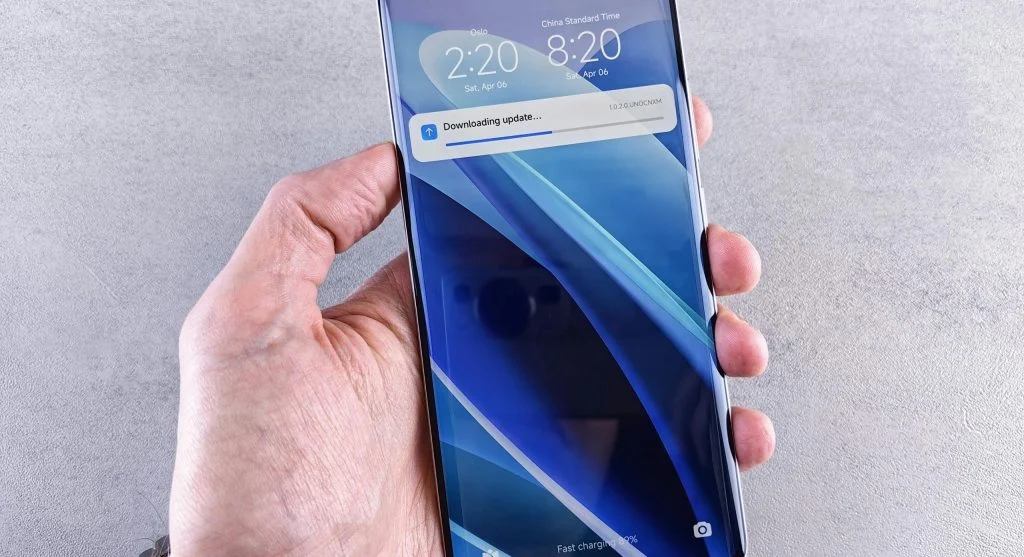
Avoiding an unsafe download from a fake update pop-up
Credit: Andrey Matveev / Pexels

The Quick Reality Check That Prevents Many Mistakes

When a surprise update alert appears, the safest first response is not to click anything inside the pop-up. Instead, users can pause and ask a simple question: would this software normally update me this way? For many common tools, the answer is no. Browsers, operating systems, and widely used apps usually provide updates through built-in settings, official stores, or their own menus, not through random website overlays.

Support technicians explain that this reality check works because it shifts attention away from the warning and back to the normal update path. If a browser truly needs updating, the user can go directly to the browser’s official settings and check there. That makes the scam pop-up unnecessary, even if the alert happened to mention a real product.

Experts recommend leaving the page and checking the software from its actual source rather than trusting the message that interrupted browsing.

Signs the Pop-Up Is Probably Not Real

Several details can make scam pop-ups easier to recognize. The language may sound awkward or overly dramatic. The design may feel slightly wrong. The page may claim to update a product the user does not even have installed. The address bar may show a random website that has nothing to do with the software brand being mentioned.

Online fraud analysts explain that another warning sign is when the message appears as a full webpage demand instead of a real system notice. Pop-ups that block the page, keep returning after being closed, or try to trap the user in a loop are especially suspicious. Real update systems usually let users review the update more calmly inside the actual product settings.

Experts say users should trust the mismatch. If the software name, page address, and update style do not fit together naturally, something is probably wrong.

What To Do Instead of Clicking the Pop-Up

The safest response is to close the page if possible, avoid downloading anything from it, and then open the actual software or device settings separately. If the alert mentions a browser, users can open the browser menu and check its update section directly. If the message claims there is a system issue, users can review updates through the operating system settings instead of through the website.

Digital safety instructors explain that this habit removes the scammer’s main advantage. The fake alert wants to control the path. Once the user leaves that path and checks the product independently, the trap loses much of its power.

Experts recommend treating updates as something users should verify at the source, not something they should trust from surprise web pages.

Why Streaming and Download Sites Often Trigger These Scams

Users are more likely to run into fake update pop-ups on sites where aggressive advertising, misleading buttons, and low-trust downloads are already common. Free streaming pages, file-conversion tools, unofficial software listings, and some click-heavy media sites often create the perfect setting for fake warnings to appear.

Web safety researchers explain that these pages work well for scammers because users visiting them are often trying to access something quickly. That speed creates distraction. The update warning then appears at the exact moment when the user is least likely to slow down and question it.

Experts recommend using extra caution on sites with heavy ads, automatic redirects, or repeated download prompts. Those environments are already more likely to contain deceptive pop-ups.

How a Safer Habit Protects You Long After One Scam

The best protection is not memorizing every scam design. It is building one repeatable habit: do not install updates from unexpected pop-ups inside webpages. Always check the actual software, system menu, or official store directly. That habit works across many scam styles because it changes the decision pattern, not just the reaction to one design.

Digital safety educators explain that users who rely on this habit do not need to judge every pop-up perfectly in the moment. They simply know which update path they trust, and anything outside that path becomes much easier to dismiss.

Experts say this is the strongest way to deal with fake software update pop-ups. Do not let the warning choose the route. Choose the official route yourself.

Frequently Asked Questions

Q: What are fake software update pop-ups?
A: They are misleading warnings that pretend a browser, app, or device needs an urgent update in order to push unsafe downloads or other scams.

Q: Are update alerts inside webpages trustworthy?
A: Not automatically. Legitimate updates usually come through the software itself, official stores, or device settings rather than random websites.

Q: What should users do if a browser update pop-up appears?
A: Close the page if possible and check the browser’s real update settings directly instead of clicking the pop-up.

Q: Why do scammers use fake update warnings?
A: Because updates sound familiar and urgent, which makes users more likely to click quickly without checking the real source.

Q: Can fake update downloads cause problems even if they look normal?
A: Yes. They may install unwanted software, change browser behavior, trigger more scams, or create deeper security risks.
Key Takeaway

Fake software update pop-ups work because they copy something users already trust, then create pressure to act quickly. Experts recommend avoiding unexpected downloads, ignoring update demands that appear on webpages, and checking the real software or device settings directly instead. The safest habit is simple: when an update warning shows up unexpectedly, trust the official source, not the pop-up.

Leave a Reply

Your email address will not be published. Required fields are marked *