Many households want to improve smart speaker privacy because voice assistants now handle music, reminders, timers, shopping lists, questions, and smart home routines in everyday living spaces. The convenience is obvious, but the concern is real too. A device that listens for a wake word and connects to household accounts can feel helpful one moment and a little too present the next if its settings are never reviewed properly.
Privacy specialists explain that smart speakers are easier to trust when users understand how they listen, what they store, and who can control them. Home technology researchers also note that many privacy concerns do not require giving up the speaker entirely. In many cases, a few settings changes and better daily habits can make the device feel much more comfortable to use.
Why It Helps to Improve Smart Speaker Privacy Early
Smart speakers are often set up quickly. A user plugs in the device, links an account, enables music or home controls, and then moves on. The speaker becomes part of daily life before anyone has spent much time checking voice history, account access, or how the device behaves in shared household spaces.
Digital safety experts explain that this quick setup pattern is common because the device is designed to feel simple. That simplicity is useful, but it also means users may miss important choices during the first hour of use. If those settings are left untouched for months, the speaker may continue working in a way that feels broader or more open than the household actually wants.
Experts recommend reviewing privacy early so the device matches the household’s comfort level from the beginning, rather than becoming something that feels questionable later.
How Smart Speakers Handle Voice Requests in Daily Use
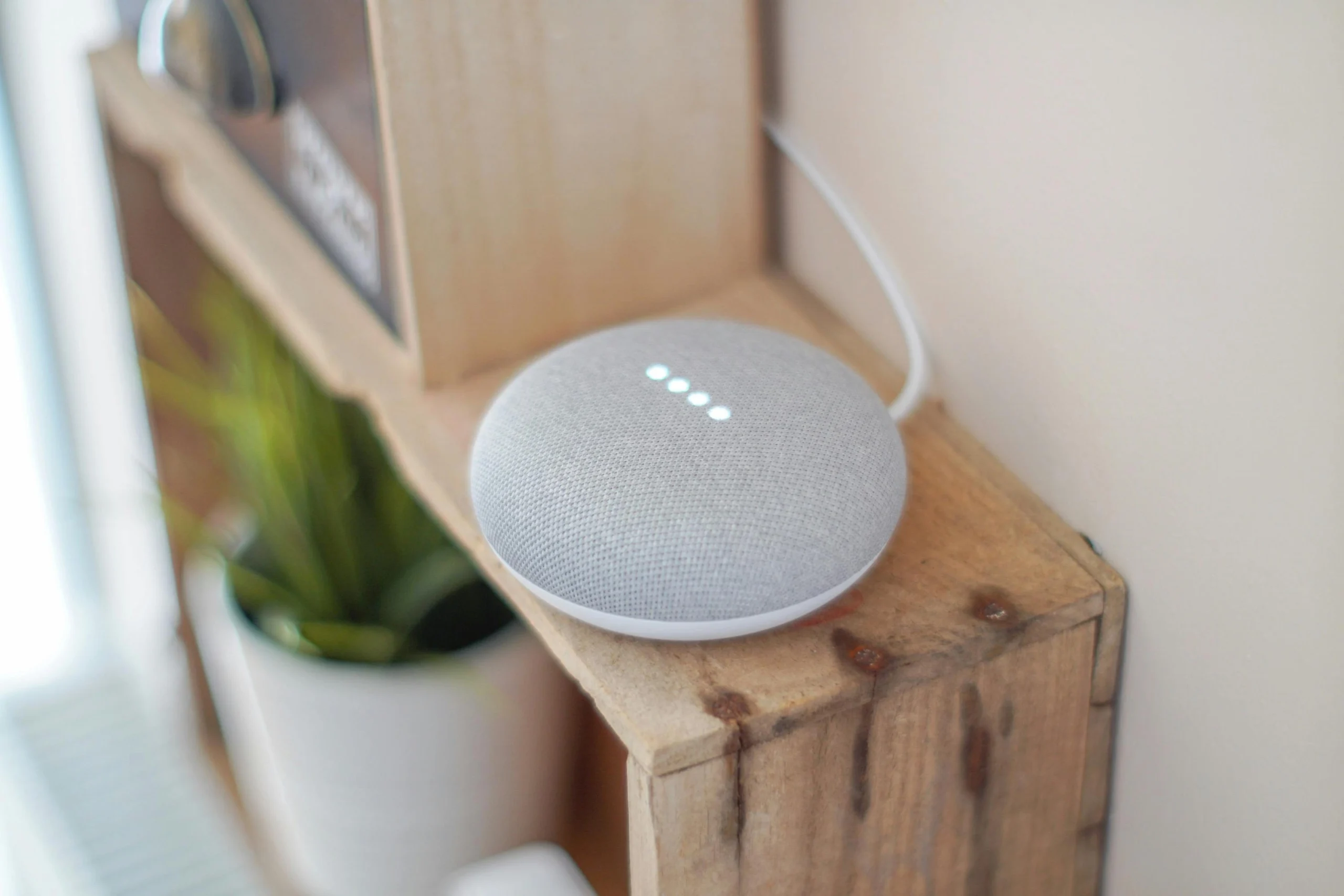
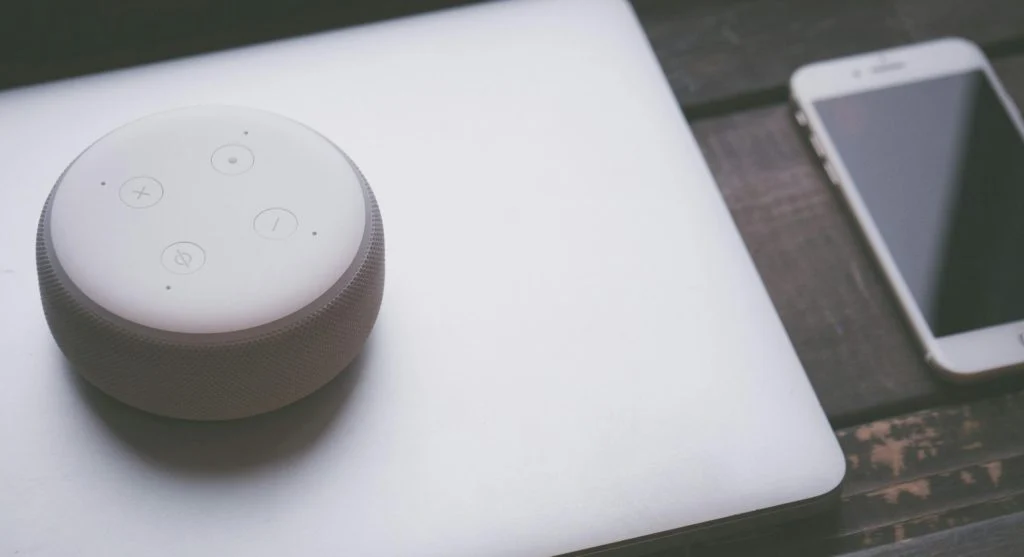
One reason users want to improve smart speaker privacy is that these devices are designed to respond to spoken requests quickly. Most smart speakers wait for a wake word, then process the request and return a spoken answer or action. That might include playing music, giving weather updates, controlling smart lights, or adding items to a list.
Voice technology specialists explain that this process usually involves both the speaker and a connected account system. The device hears the wake word, captures the request, and sends or processes information so the assistant can respond correctly. This is why privacy depends not only on the speaker itself, but also on the account, app settings, and data rules connected to it.
Experts note that users often feel more comfortable with the device once they understand this flow. Privacy is easier to manage when the process no longer feels mysterious.
Why Placement Matters for Voice Assistant Privacy
One of the simplest home device privacy tips is to think carefully about where the speaker is placed. A smart speaker in a kitchen may naturally support timers, music, and recipes. The same device in a more private room may feel different because it sits closer to personal calls, work conversations, or family routines that do not need a voice assistant nearby.
Home privacy researchers explain that placement often matters more than users expect. The speaker does not need to be in every room to be useful. A device kept in a shared common area may feel much easier to manage than one placed in a bedroom, study space, or room where private conversations happen regularly.
Experts recommend matching the speaker’s location to its purpose instead of placing it wherever there happens to be empty shelf space.
How to Improve Smart Speaker Privacy in the App Settings
One of the best ways to improve smart speaker privacy is to open the companion app and carefully review the privacy, history, and account sections. Many smart speaker apps include settings for voice recordings, personalization, wake word behavior, linked services, and household access permissions.
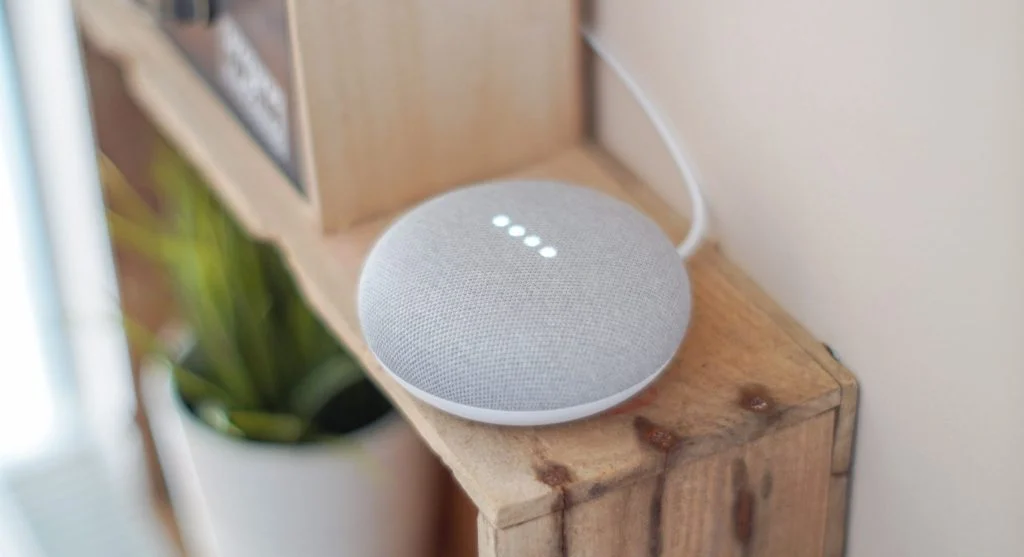
Support teams explain that the app is often the real control center for privacy decisions. A speaker sitting quietly in the room may look simple, but the app controls much of what is stored, who can review it, and how the assistant connects to music, shopping, calendars, or other smart home tools.
Experts recommend starting with voice history and account access first. Those two areas usually reveal the most about how private the device currently is.
Why Voice History and Saved Recordings Deserve Review
Many assistants keep some form of request history so users can review past commands, improve accuracy, or reconnect with recent actions. That can be useful, but it also means some households may be storing more voice interaction history than they realized. Reviewing that history helps users decide what level of retention feels appropriate.
Privacy analysts explain that users often benefit from checking whether recordings or request logs are kept, how long they remain available, and whether automatic deletion options exist. A household that likes the assistant’s convenience may still prefer shorter history retention than the default setting provides.
Experts recommend deciding intentionally how much voice history the household actually wants. A stored record should have a clear reason to exist, not remain there simply because no one checked it.
How Linked Accounts Can Expand Smart Speaker Access
Smart speakers often feel more useful when they connect to calendars, music services, shopping tools, messaging features, or smart home devices. Each connection adds convenience, but it can also expand what the assistant can access or influence. A speaker linked to many services becomes part of a much larger digital system than one used only for timers and music.
Account security specialists explain that users should review which services are linked and whether every connection still makes sense. A shopping link may not be needed in every household. A calendar connection may be helpful for one person but unnecessary for a guest-access device. The more services connected, the more important it becomes to keep the setup intentional.
Experts recommend unlinking any service that no longer supports a real daily need. Less connected can sometimes feel more comfortable.
Why Household Access Should Be Limited Clearly
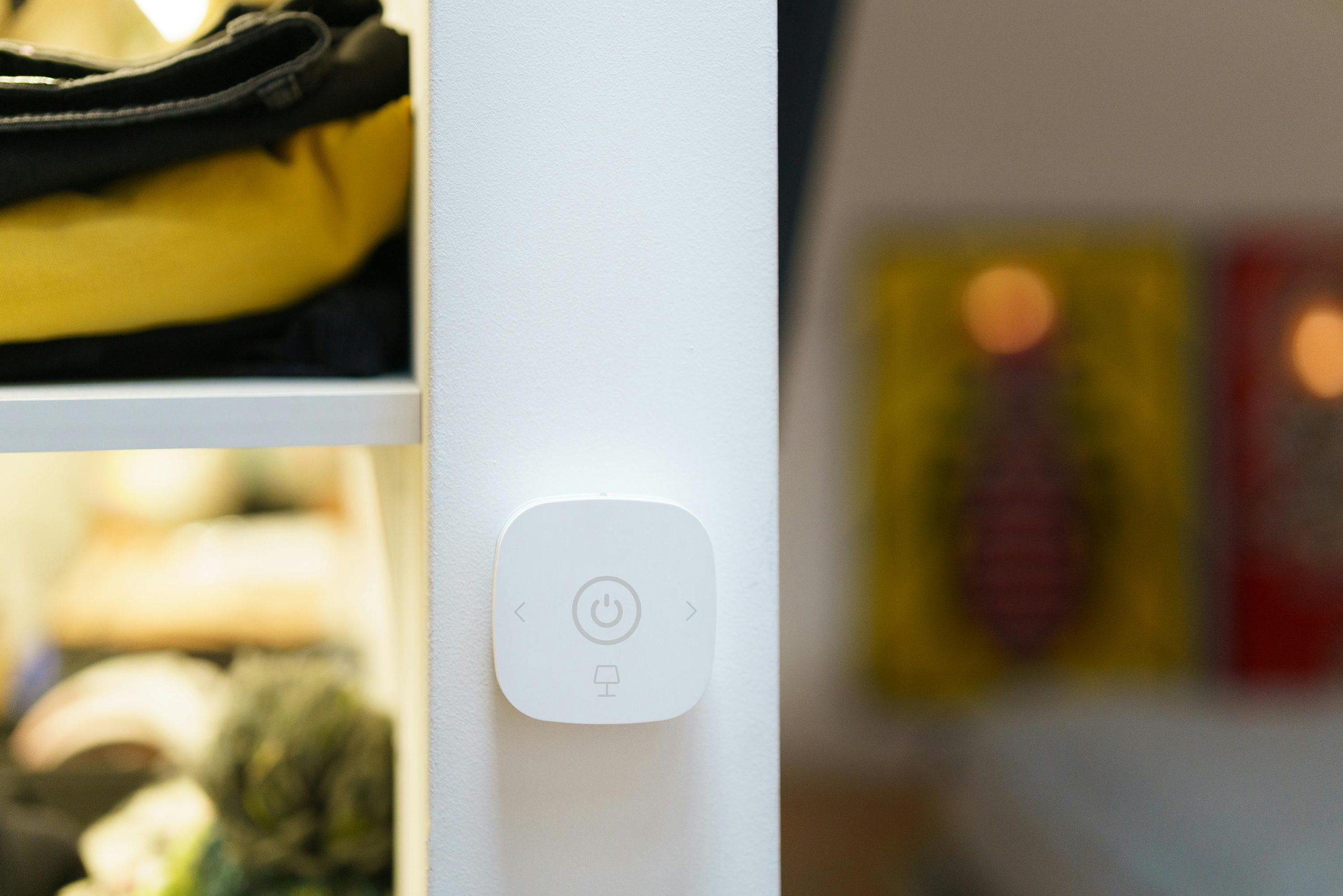
Many smart speakers are shared by family members, roommates, or guests. That can be practical, but it also raises questions about who can control routines, review connected devices, or change settings. A shared speaker works best when the access rules are simple and clearly limited.
Home technology educators explain that confusion often appears when old phones remain linked, past household members still have access, or multiple people can change important settings without anyone noticing. This is less about distrust and more about keeping the household system easy to understand.
Experts recommend checking which devices and accounts still control the speaker. A smaller, clearer access list usually makes the whole system easier to trust.
How Mute Buttons and Manual Habits Help Day to Day
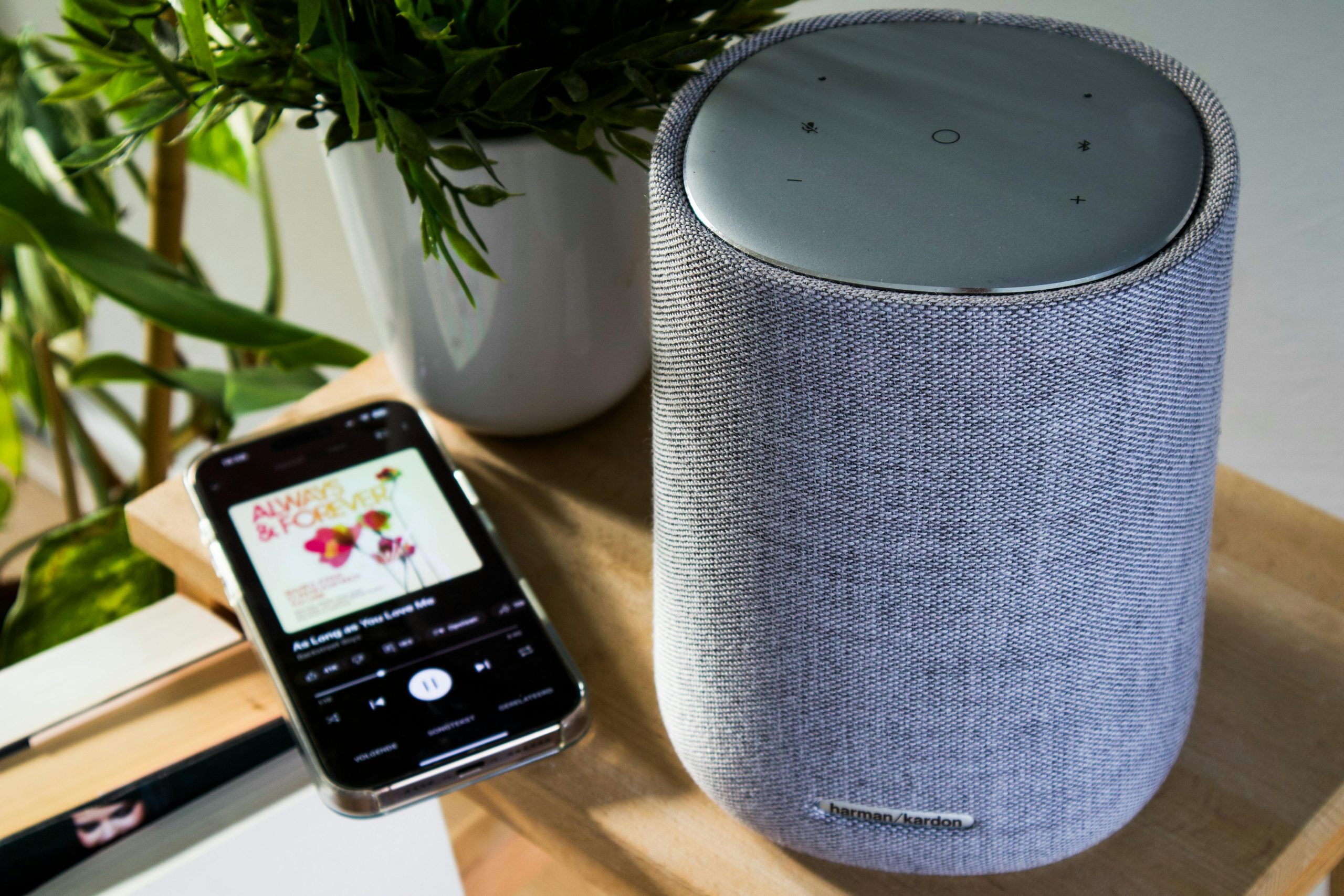
One of the easiest privacy habits is also one of the simplest: use the microphone mute button when the speaker is not needed. Many devices include a visible mute control that temporarily stops voice listening features. This gives households a practical way to choose when the assistant is available and when it is not.
Usability researchers explain that manual habits matter because privacy is not only a settings issue. It is also a routine issue. A speaker used for kitchen timers may not need to stay ready during a long private conversation nearby. The mute button gives users a direct way to control that moment without changing the whole setup.
Experts recommend building a few simple habits like this instead of relying only on deeper settings menus that may be forgotten later.
Why Regular Privacy Reviews Keep Smart Speakers Easier to Trust
Smart speaker settings do not stay fixed forever. New features are added, linked services change, household members shift, and account access can grow quietly over time. A setup that felt simple six months ago may now include more history, more devices, and more integrations than anyone clearly remembers.
Digital privacy educators recommend reviewing the speaker app every few weeks or after major changes, such as linking new services, moving the speaker to a new room, or adding more smart home tools. Small reviews usually take only a few minutes and help keep the device aligned with current comfort levels.
Experts say the best way to improve smart speaker privacy is not to stop using the assistant completely. It is to keep the device connected only to what it truly needs, store only what feels reasonable, and place it where it supports the home without quietly becoming more present than intended.
Frequently Asked Questions
Q: What is the easiest way to improve smart speaker privacy?
A: Experts often recommend reviewing the companion app, checking voice history settings, and using the microphone mute button when the speaker is not needed.
Q: Do smart speakers always store voice recordings?
A: Some may keep request history or recordings depending on settings, which is why users benefit from reviewing voice history options directly.
Q: Does speaker placement matter for privacy?
A: Yes. A speaker in a shared common area often feels more appropriate than one placed in a highly private room.
Q: Should all linked services stay connected?
A: Not always. Users often benefit from unlinking shopping, calendar, or other services that no longer support a clear daily purpose.
Q: How often should smart speaker privacy settings be reviewed?
A: A short review every few weeks, or after linking new services or changing household access, is often enough.