Many users want to clear app cache on a phone after an app starts freezing, loading slowly, showing outdated content, or taking up more space than expected. Cache is often mentioned as a quick fix, but many people are not fully sure what it does or when it is worth using. That confusion leads some users to clear cache constantly, while others never check it even when an app is obviously misbehaving.
Mobile device specialists explain that app cache is meant to help phones work faster by storing temporary files that apps use often. Phone support researchers also note that cached data can become less helpful when it grows too large, becomes outdated, or conflicts with newer app behavior after updates. Clearing it can help in certain situations, but it is not a magic answer for every phone problem.
What It Means to Clear App Cache on a Phone
To clear app cache on a phone means removing temporary app files that were saved to help the app open or load content more quickly. These files may include images, saved interface elements, short-term data, and other items the app expects to reuse later instead of downloading or rebuilding them again every time.
Phone support professionals explain that cache is different from personal app data. Cache usually holds temporary support files, not the main account itself. That is why clearing cache often does not sign users out or erase their core saved information, though the app may need a moment to rebuild some content afterward.
Experts recommend understanding this difference early because many users confuse clearing cache with deleting the whole app history. The two actions are not the same.
Why Apps Use Cache in the First Place
Apps use cache because phones would feel slower without it. A social app may store images it expects to show again. A map app may keep pieces of recent views ready. A shopping app may save interface elements so the store opens more smoothly next time. This temporary storage helps reduce repeated loading work.
Performance analysts explain that cache is usually helpful when it stays current and balanced. The trouble begins when cached files become outdated, pile up too heavily, or stop matching the latest version of the app. In that case, the same feature that once sped things up can start causing small delays, display errors, or storage pressure instead.
Experts note that cache is not a problem by default. It becomes worth clearing only when the app behavior suggests the temporary files are no longer helping as intended.
When It Helps to Clear App Cache on a Phone
One of the best times to clear app cache on a phone is when an app behaves oddly without a bigger phone-wide issue. An app may load blank sections, show the wrong version of content, keep crashing during startup, or feel unusually slow compared with the rest of the phone. These are often the kinds of small, isolated problems where cache cleanup can help.
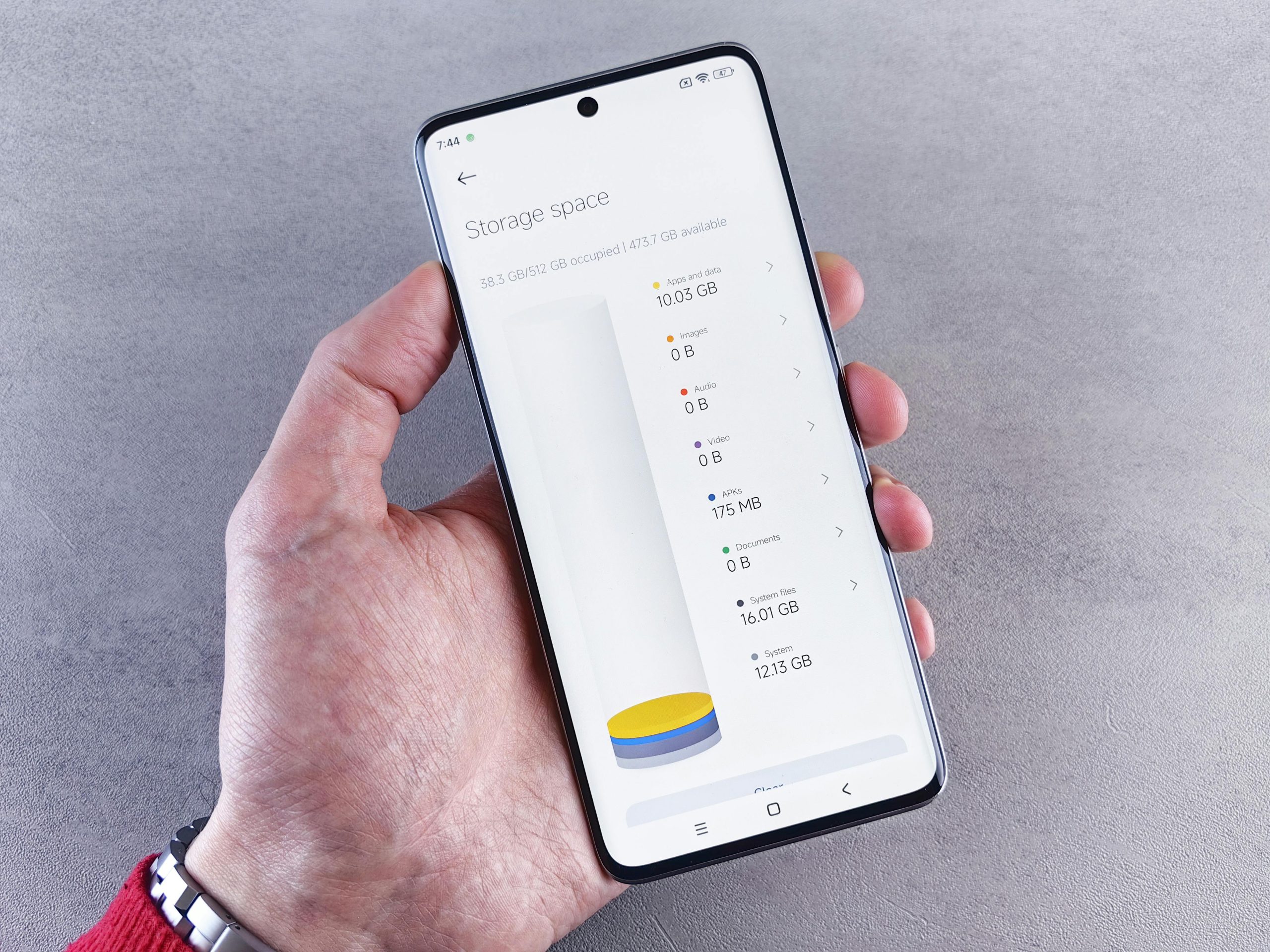
Device support teams explain that cache clearing is also useful when an app’s storage size looks unusually large compared with what the app actually does. A browser, shopping app, streaming app, or social platform may collect large amounts of temporary data over time. Removing that buildup can free space and give the app a cleaner restart.
Experts recommend using cache clearing as a targeted fix for a misbehaving app rather than as a daily habit for every app on the phone.
What Problems Clearing Cache Can Actually Improve
Cache cleanup often helps with temporary content issues, stuck loading screens, repeated app lag, missing images, and older stored files that no longer match the newest version of the app. It can also reduce storage pressure when one app has built up a large amount of temporary material in the background.
Mobile troubleshooting specialists explain that the improvement often comes from forcing the app to rebuild a cleaner set of temporary files. If the old cached information was confusing the app, clearing it removes that clutter. Once the app opens again, it starts collecting fresh temporary files based on its current version and current data.
Experts note that this is why some apps feel better immediately after cache is cleared. The app is no longer trying to use stale temporary files that no longer fit the present situation well.

What Clearing Cache Usually Does Not Fix
Even though cache cleanup can help, it does not solve every problem. It usually does not repair weak internet, a damaged screen, a failing battery, low memory across the whole phone, or account-related problems on a remote service. If every app is slow, the issue may be broader than one app’s temporary files.
Phone reliability researchers explain that users often expect too much from cache clearing because it is one of the easiest settings to find. If the app is slow because the network is poor or the phone is overloaded with many background tasks, cache removal may change very little. In the same way, if the service behind the app is having an outage, clearing cache will not fix that outside problem.
Experts recommend asking whether the problem belongs to one app or the whole phone. That question often reveals whether cache is the right first step.
How Cache Differs From Clearing App Data
Many phones show both a cache option and a data option inside app storage. These should not be treated the same way. Clearing cache usually removes temporary support files. Clearing full app data often resets the app much more deeply and may remove sign-in sessions, saved preferences, offline content, and other stored information.
Technical support educators explain that users should be much more cautious with clearing app data because it behaves more like a reset. Cache cleanup is usually the gentler first step when troubleshooting. If the problem remains afterward, then users can decide whether a deeper reset is worth it.
Experts recommend using the lighter action first. In many cases, cached file cleanup solves the issue without creating the extra work of signing in and setting everything up again.
Why Browsers, Social Apps, and Streaming Apps Often Build Large Cache Files
Some app categories collect more temporary files than others. Browsers store web elements, shopping apps save product images, social apps cache media, and streaming apps may keep thumbnails and playback data. These categories often build large cache files simply because they handle so much repeating visual content.
Storage management specialists explain that users often notice this first when phone storage feels tight. A single high-use app may be holding far more temporary content than expected because it is designed to keep recent material ready. Clearing cache in these cases may recover meaningful space without removing the app itself.
Experts recommend checking the largest, most frequently used apps first if storage is the main concern rather than app crashing.
How Often Should Users Clear App Cache?
Most users do not need to clear cache constantly. In fact, doing it too often can make some apps feel slower at first because the phone must rebuild temporary files again from the beginning. Cache exists for a reason, so removing it every day usually creates extra work without much benefit.
Mobile performance educators explain that cache is best cleared when there is a reason, such as an app acting unusually, a storage problem, or a display issue that does not make sense otherwise. Used this way, cache cleanup becomes a practical repair step instead of a routine habit done out of worry.
Experts say the best timing is simple: clear app cache when the app shows signs that its temporary files may be causing trouble, not just because the option exists in settings.
Why a Targeted App Review Works Better Than Clearing Everything
Users often get the best results when they focus on the specific app causing trouble rather than trying to clear every app one by one. A targeted review is faster, easier to understand, and less likely to create unnecessary reloading across apps that were already working fine.
Device support researchers recommend looking at the symptoms first. If the issue appears only in one shopping app, one browser, or one social platform, start there. If storage is the problem, begin with the apps showing the largest cache sizes. A focused approach usually solves the issue more cleanly than broad random cleanup.
Experts say the best reason to clear app cache on a phone is practical, not automatic. When users match the fix to the actual problem, cache cleanup becomes a smart and simple tool instead of a confusing habit.
Frequently Asked Questions
Q: What happens when users clear app cache on a phone?
A: The phone removes temporary app files that were stored to help the app load faster or reuse recent content.
Q: Will clearing cache delete the account or personal information?
A: Usually no. Cache often removes temporary files, not the core account itself, though the app may need to reload some content afterward.
Q: When should users clear app cache?
A: Experts often recommend doing it when one app is loading badly, showing outdated content, crashing, or using too much temporary storage.
Q: Is clearing cache the same as clearing app data?
A: No. Clearing app data is usually a deeper reset and may remove saved preferences, sessions, or offline content.
Q: Should users clear cache for every app regularly?
A: Not usually. Cache is meant to help performance, so it is generally best to clear it only when there is a specific reason.
Key Takeaway
Learning when to clear app cache on a phone helps users solve small app problems without expecting the setting to fix everything. Experts recommend using cache cleanup when one app is slow, glitchy, or using too much temporary storage, while remembering that it is different from a full app reset. Cache clearing works best as a targeted fix for temporary app clutter, not as a constant routine for every app on the device.