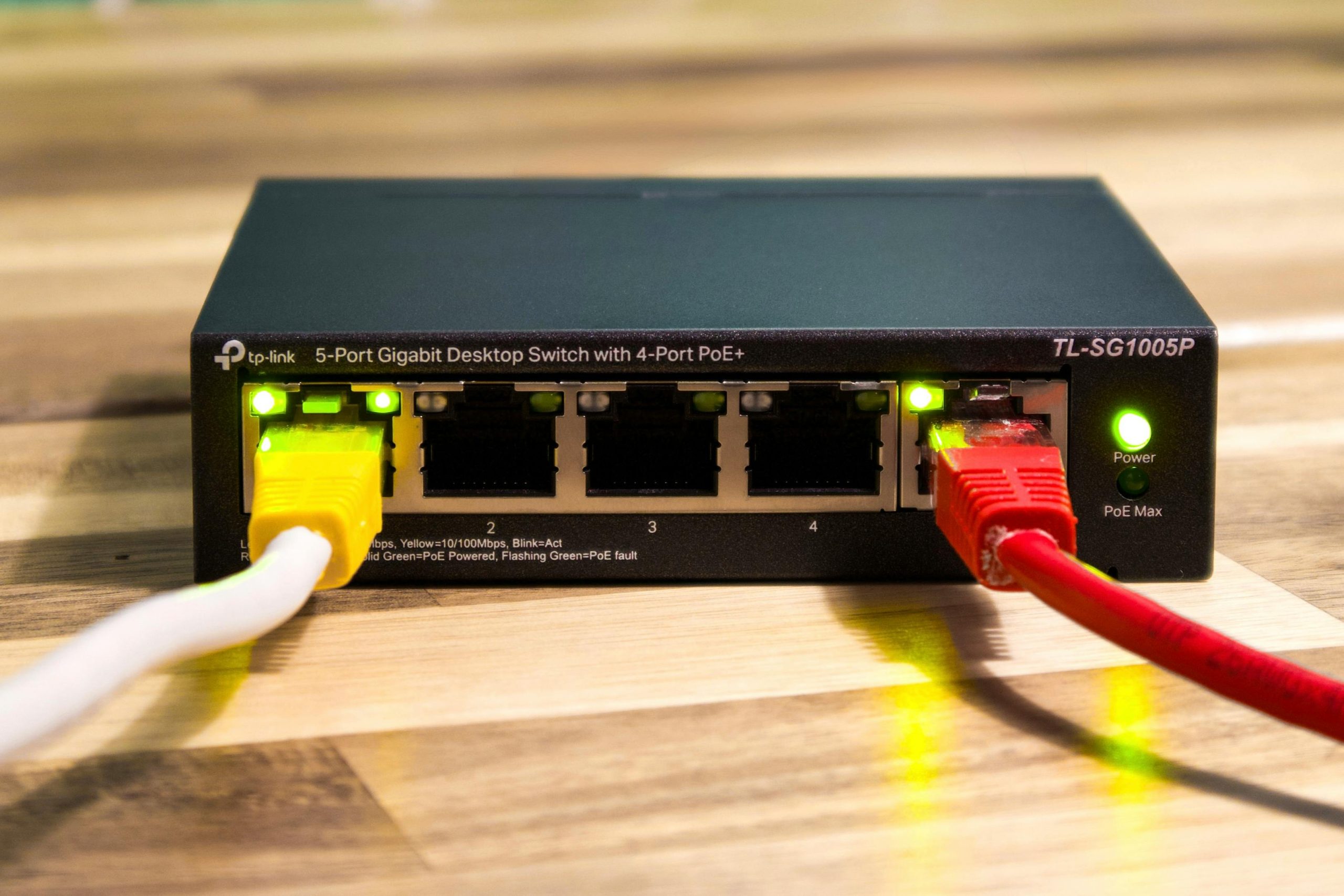
Many households wonder whether a router needs restarting when the internet suddenly feels slow, video calls freeze, or streaming starts buffering without warning. Restarting the router is one of the most common first steps because it is simple and often works. The challenge is that not every internet problem comes from the same cause. Sometimes a restart clears the issue quickly. Other times the real problem is a bigger home network issue that keeps returning.
Network specialists explain that users often waste time repeating the same restart step because it feels familiar, even when the underlying problem has not changed. Home internet support teams also note that router trouble usually follows patterns. The more clearly a household notices those patterns, the easier it becomes to tell the difference between a temporary glitch and a larger fix that needs more attention.
Why a Router Needs Restarting Sometimes Helps Right Away
A router restart can help because it refreshes the device’s active connection and clears short-term strain that may have built up. Like many connected devices, routers work continuously for long periods, and small communication issues can build quietly over time. A restart can reset that temporary state and allow the router to reconnect more cleanly.
Broadband support professionals explain that this is why restarting sometimes feels almost immediate. A stuck connection, overloaded short-term process, or small communication glitch may disappear once the router begins again from a clean state. The user experiences this as the internet suddenly “coming back,” even though the deeper network setup has not changed.
Experts note that this kind of success usually points to a temporary issue, not always a permanent solution. The timing of when the problem returns matters just as much as whether the restart worked once.
How to Tell if the Problem Is Temporary or Repeating
One of the best ways to decide whether a router needs restarting or something bigger is going on is to watch how often the issue returns. If the connection becomes normal for days or weeks after a restart, the problem may have been minor and temporary. If the same issue returns every evening or every few days, the restart may only be hiding a bigger pattern.
Connectivity researchers explain that repeating issues often reveal more than one isolated bad moment. A one-time drop could come from a brief signal problem, a power fluctuation, or a background software task. A repeating slowdown at the same time of day or in the same room usually points to a more consistent cause.
Experts recommend paying attention to frequency first. A restart that works only for a few hours tells a very different story from one that solves the problem for a long time.
Signs the Router Probably Only Needs Restarting
Some situations do point more strongly toward a simple restart. The connection may suddenly vanish across the whole house even though it had been normal earlier. Devices that usually connect well may all struggle at once. The issue may appear without any recent changes to app use, room location, or device demand. In those moments, the router may just need a fresh start.
Network technicians explain that these short-term disruptions often feel broad and temporary. The home network may look fine again soon after restarting, and nothing else about the household’s setup changes. This kind of reset helps most when the router had simply become less stable after long continuous use.
Experts say a restart is often a reasonable first check when the issue appears suddenly and affects the whole network at once.
Signs a Bigger Home Network Problem Is More Likely
Some problems point beyond a simple restart. A bedroom may always have weak signal. Video calls may fail only during evening hours. One floor of the home may feel much worse than another. A restart may help briefly, but the deeper problem keeps returning because it was never really about the router being temporarily stuck.
Home networking analysts explain that this often happens when the real issue involves router placement, too many active devices, weak room coverage, poor signal paths, or repeated heavy household demand. In those cases, the restart changes the moment, but not the structure causing the weakness.
Experts recommend thinking bigger when the same room, same time of day, or same usage pattern keeps creating problems. Repeated location-based or time-based trouble usually deserves more than a quick reset.

Why Room-by-Room Patterns Matter So Much
Room patterns often reveal whether the issue is really with the router itself or with home coverage. If the internet feels strong in the living room but weak in an upstairs office every single day, the issue is more likely related to signal travel than to a router that simply needs restarting.
Wireless engineers explain that walls, floors, dense materials, and furniture can weaken Wi-Fi in certain parts of the home. A restart may make the connection feel slightly better for a short time, but it cannot change the physical path the signal must travel. That is why weak-room problems usually come back unless the layout or equipment approach changes.
Experts recommend comparing rooms whenever the problem happens. A location pattern often reveals a Wi-Fi design issue rather than a router reset issue.
How Device Overload Can Look Like Router Trouble
Sometimes the router itself is working normally, but too many devices or heavy tasks make the network feel unstable. Streaming, large game downloads, cloud photo backup, software updates, and multiple video calls can all create stress that looks like “bad Wi-Fi” even though the connection is simply crowded.
Home internet educators explain that this kind of overload often appears during busy hours when everyone is online together. The router may seem like the problem because it is the center of the network, but the real cause is how much the household is asking the network to do at once.
Experts recommend checking what else is happening on the network before blaming the router alone. High demand can create symptoms that look very similar to router instability.
Why Router Placement Still Matters Even When Restarts Help
A poorly placed router can create recurring weak spots even if restarts seem helpful now and then. A router hidden in a cabinet, placed low on the floor, or pushed to one far corner of the home may never provide even coverage. Restarting can refresh the connection, but it cannot solve a weak starting position.
Signal behavior specialists explain that users sometimes restart routers repeatedly when the more effective fix would be moving the router higher, more centrally, or farther away from crowded electronics. Better placement often changes the home network more meaningfully than repeated reboots.
Experts say that if the router is always restarted from a poor position, the household may keep getting the same weak results from a refreshed but still limited setup.
How to Check Whether the Internet Issue Is Bigger Than Wi-Fi
Not every network issue is Wi-Fi-only. Some problems affect the internet connection entering the home rather than the wireless signal inside it. If both wired and wireless devices struggle, if the issue affects the whole home equally, or if restart results are very short-lived, the bigger problem may not be room coverage at all.
Broadband support researchers explain that users can learn a lot by comparing device types and locations. If a nearby device and a far-away device both fail in the same way, the issue may be broader than one weak room. If the whole network drops at once repeatedly, the connection source itself may deserve more attention.
Experts recommend observing whether the problem changes with location. If it does not, the household may be dealing with something bigger than simple Wi-Fi spread.
What Experts Recommend Before Replacing Equipment
Before replacing the router or making larger changes, experts usually recommend a few simple checks. Restart the router once and note how long the improvement lasts. Test the rooms where problems happen most. Check what other devices are doing during slow periods. Review router placement and look for obvious signal barriers nearby.
Network support teams explain that this short review often reveals whether the problem is temporary, structural, or demand-based. A household that sees improvement only after moving the router has learned something different from a household that sees improvement only when evening streaming is reduced. These are not the same problem, even if both began with “bad internet.”
Experts say the goal is not to restart endlessly. The goal is to use the restart as one clue in a larger picture. Once the pattern is clear, the next step usually becomes much easier to choose.
Frequently Asked Questions
Q: When does a router need restarting?
A: A router often needs restarting when the whole network suddenly becomes unstable without a clear reason and a restart restores normal service for a meaningful period.
Q: How can users tell if the problem is bigger than the router?
A: Repeating issues in the same room, at the same time of day, or under the same heavy usage pattern often suggest a larger home network problem.
Q: Does restarting a router fix weak Wi-Fi in one room?
A: Not usually for long. Weak room-by-room signal often points to placement or coverage limits rather than a temporary router glitch.
Q: Can too many devices make it seem like the router is failing?
A: Yes. Heavy streaming, downloads, video calls, and background updates can overload the home network and create symptoms that feel like router trouble.
Q: Should users replace the router right away if restarting helps only briefly?
A: Experts usually recommend checking placement, room patterns, and household demand first before assuming new equipment is the only answer.
Key Takeaway
Learning whether a router needs restarting or whether a larger fix is needed helps households stop guessing and start reading the pattern behind unstable internet more clearly. Experts recommend watching how long restart benefits last, checking room-based weak spots, reviewing device demand, and paying attention to repeated timing problems. A restart can be useful, but the bigger answer usually comes from understanding why the connection became unstable in the first place.