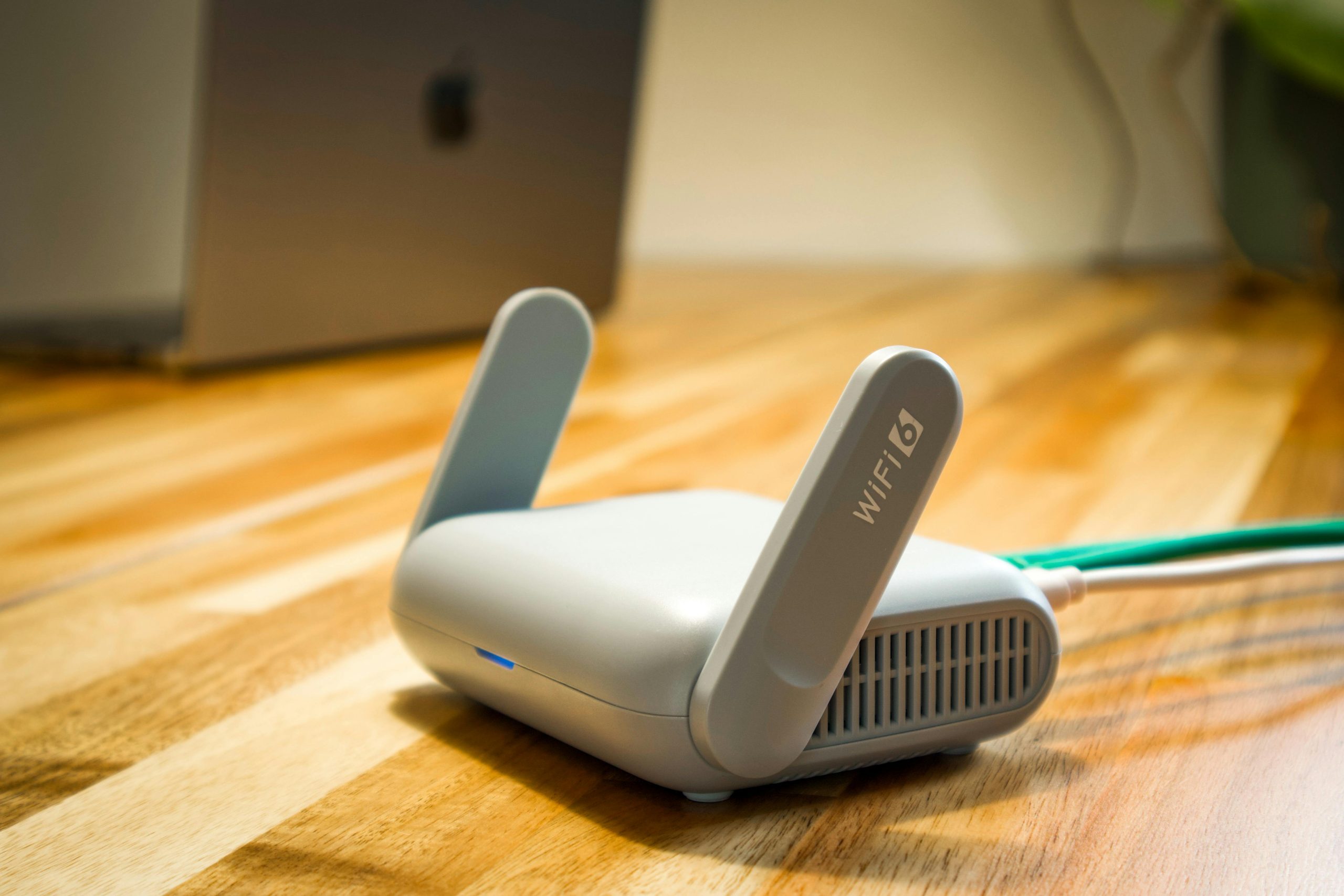
Many households want to place a Wi-Fi router for better signal because internet problems often feel worse in one room than another. A living room may stream smoothly while a bedroom, kitchen, or upstairs office struggles with weak coverage, buffering, or dropped calls. In many cases, the internet plan is not the only issue. Router location plays a major role in how far and how evenly the signal travels through the home.
Network specialists explain that Wi-Fi does not spread perfectly in all directions without interference. Walls, floors, furniture, appliances, and even the router’s own position inside the room can affect how strong the signal feels later. Home internet support teams also note that small placement changes often improve coverage more than users expect, especially when the router was originally placed only for convenience rather than for signal quality.
Why It Helps to Place a Wi-Fi Router for Better Signal First
Before buying extra hardware or assuming the internet service is failing, router placement is often one of the easiest things to review. A strong router in a poor location may still produce weak results across large parts of the house. The same router, moved to a better spot, can sometimes provide noticeably stronger and more balanced coverage.
Wireless support professionals explain that people often place routers wherever the service first enters the home or wherever cables are easiest to hide. That may be practical for setup, but not ideal for home Wi-Fi performance. A corner shelf, floor-level table, or closed cabinet can all weaken the way the signal spreads.
Experts recommend starting with placement because it changes how the existing equipment works before any larger spending or technical changes are considered.

Why Central Placement Usually Improves Home Wi-Fi Coverage
One of the most useful router placement tips is to place the router as close to the middle of the home as practical. Wi-Fi spreads outward from the router, so a central position gives the signal a better chance of reaching multiple rooms more evenly. A router pushed into one far corner often spends much of its signal strength serving the outside wall instead of the inside of the house.
Network engineers explain that central placement matters most in homes where internet is needed in several directions. A family using streaming, work calls, gaming, or learning tools in different rooms benefits more when the signal starts from a balanced location instead of traveling mostly one way.
Experts note that the ideal center is not always exact geometric middle. The better question is where the signal needs to serve the most important rooms with the fewest barriers in the way.
How Height Affects Router Signal Quality
Many users improve coverage simply by placing the router higher. A router sitting directly on the floor or hidden low behind furniture often sends a weaker or more blocked signal than one placed on a desk, shelf, or wall-mounted position. Height gives the signal a cleaner path and usually reduces the number of objects directly around it.
Wireless device specialists explain that many homes unintentionally place routers too low because shelves near floor level are convenient for cables and equipment. Unfortunately, this often puts the signal behind couches, entertainment units, boxes, or other obstacles before it even starts traveling through the room.
Experts recommend raising the router into an open position where it can send signal across the room rather than into furniture first. Even a moderate height change can help reduce Wi-Fi dead zones.
Why Cabinets and Tight Furniture Spaces Weaken Wi-Fi
Routers are often hidden inside cabinets or behind televisions because households want a cleaner visual setup. While that may improve appearance, it can make the signal weaker. Closed spaces, dense furniture, and nearby electronics can interfere with how the signal moves through the room.
Home networking analysts explain that a router works best when it has space around it. A cabinet door, thick shelf walls, or crowded media unit can absorb or interrupt part of the signal. The router may still work, but the strength reaching farther rooms may drop enough to create visible problems with streaming, browsing, or video calls.
Experts recommend choosing openness over invisibility where possible. A router that is slightly visible but better placed often serves the home far better than one hidden neatly inside furniture.

How Walls and Building Materials Change the Best Router Spot
The best place to place a Wi-Fi router for better signal also depends on what the home is made of. Standard interior walls may reduce signal somewhat, but brick, concrete, stone, metal framing, mirrors, and heavy appliances often create a bigger barrier. A router may be in the right general area but still struggle if the path to important rooms is blocked by dense materials.
Signal behavior researchers explain that not all rooms are equally easy to reach. A nearby room with one open doorway may get stronger coverage than a slightly closer room behind thick walls and a large metal appliance. This is why router placement should be judged by real room performance, not only by simple distance.
Experts recommend paying extra attention to the direction of the rooms that matter most. Good placement depends on where the signal needs to travel cleanly, not only on where the router physically fits.
Why Nearby Electronics Can Affect Router Performance
Routers can also perform worse when placed too close to other electronics. Televisions, speakers, baby monitors, microwaves, cordless devices, and dense clusters of powered equipment may affect signal stability in some setups. This does not always create constant failure, but it can add enough interference to make the connection feel less consistent.
Technology support teams explain that many routers end up near entertainment centers because that is where power and cables are convenient. Unfortunately, those same areas often include several large devices sitting very close together. When the router is crowded into that space, performance can suffer more than users realize.
Experts recommend giving the router a little separation from major electronics when possible. A small change in distance can sometimes improve everyday reliability.
How to Think About Router Placement in Multi-Floor Homes
Multi-floor homes create extra placement challenges because the signal must travel not only across rooms but also through ceilings and floors. A router placed on the far edge of the lower floor may leave upstairs rooms weaker than expected, while a more central position may improve both levels more evenly.
Home network specialists explain that the best spot in a multi-floor home is often somewhere central on the floor that serves the most important activity, or in a place where signal can rise and spread without too many dense barriers. A router placed too low, too far to one side, or too hidden may struggle to support upstairs bedrooms and offices reliably.
Experts recommend testing the rooms where internet matters most rather than assuming a strong downstairs signal means the whole house is covered equally.
What to Test After Moving the Router
Once users place a router for better signal, the next step is checking how the important rooms actually perform. Test browsing, streaming, calls, or speed in the places where problems used to happen most. This matters because router placement is successful only if daily use improves where the household needs it.
Connectivity educators explain that the clearest results come from practical testing, not only from looking at a signal icon. A bedroom that now holds a steady call, a kitchen that loads video more smoothly, or an upstairs office that drops less often shows more than a single speed number alone.
Experts say router placement works best as a simple experiment: move the router, test the weak rooms, and keep the position that creates the best everyday balance across the home.
Frequently Asked Questions
Q: Where should users place a Wi-Fi router for better signal?
A: Experts usually recommend a central, open, raised location that helps the signal reach the most important rooms with fewer barriers.
Q: Does putting a router on the floor hurt performance?
A: It can. Routers often work better when raised off the floor and given clearer space around them.
Q: Is it bad to keep a router inside a cabinet?
A: Often yes. Cabinets and tight furniture spaces can weaken or block the signal and reduce home Wi-Fi coverage.
Q: Can walls affect the best router location?
A: Yes. Brick, concrete, metal, and other dense materials can weaken signal more than standard interior walls.
Q: How can users tell if a new router location is better?
A: The best check is testing internet performance in the rooms that previously had weak coverage or dead zones.
Key Takeaway
Learning how to place a Wi-Fi router for better signal can improve coverage, reduce dead zones, and make the existing home network feel much more reliable without changing the internet plan itself. Experts recommend central placement, more height, open space, and careful attention to walls and electronics before assuming bigger solutions are needed. A router often works best when it is positioned for signal quality first and room appearance second.