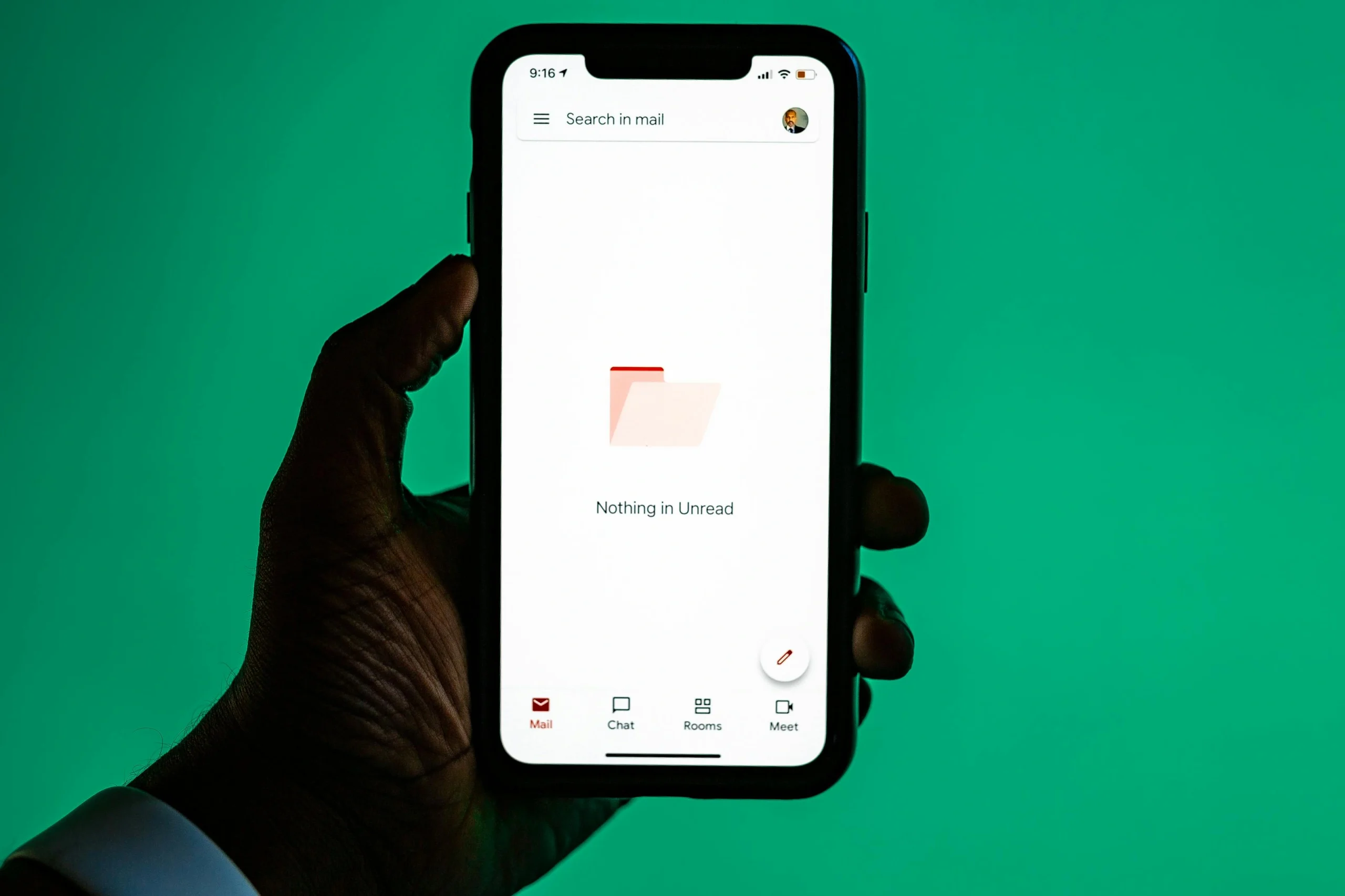
Many people now use AI email tools without always noticing how many inbox tasks have become automated. Modern email services may sort messages by importance, suggest short replies, summarize long threads, flag possible spam, or help draft a polished response in seconds. These features are spreading because they save time in one of the most repeated digital tasks of daily life.
Technology researchers explain that email remains central to work, shopping, scheduling, school, and personal communication, which makes it a natural place for AI support to appear. Digital communication specialists also note that inbox tools are often most useful when they reduce routine effort rather than trying to replace human judgment entirely. That balance helps explain why these features are becoming more visible across everyday devices and services.
How AI Email Tools Work in Simple Terms
The easiest way to explain AI email tools is that they analyze patterns in messages and then help users sort, understand, or respond to those messages faster. A tool may identify the likely purpose of an email, detect whether it looks urgent, summarize the main points, or suggest a reply based on common language patterns.
Language technology specialists explain that these systems do not understand email the way a person understands a conversation. Instead, they compare wording, structure, timing, and likely intent across large numbers of examples. That lets the tool estimate what kind of message has arrived and what action may be useful next.
Experts note that this pattern-based approach is why inbox tools can feel smooth for routine tasks. A short scheduling email, delivery update, or reminder often follows a recognizable structure, which makes it easier for software to assist quickly.
Credit: Matheus Bertelli / Pexels
Why Smart Inbox Features Are Becoming More Common
Email can become repetitive very quickly. Users often sort newsletters, delivery notices, appointment reminders, updates, and routine workplace messages every day. Smart inbox features are becoming more common because they reduce the time spent on repeated small decisions.
Email platform analysts explain that one of the biggest benefits is prioritization. A service may separate promotional mail from direct communication, surface urgent messages higher, or group similar updates together. This does not remove the need for user review, but it can help the inbox feel less crowded.
Experts say these features matter because email is not difficult only when one message is complicated. It is difficult when many messages demand attention in a short period. Better sorting helps lower that pressure.
How AI Email Tools Help With Reading and Summarizing Threads
One of the clearest answers to how AI email tools change inbox work is their ability to summarize longer threads. A long exchange may include repeated comments, scheduling updates, and changing decisions that take time to review manually. Summary tools attempt to reduce that burden by surfacing the main points more quickly.
Digital workflow researchers explain that summary features are especially helpful when users return to an older thread after several days or when many people were involved in the same conversation. Instead of rereading the full exchange, a summary can provide a faster starting point.
Experts also note that summaries should still be checked against the original email when the details matter closely. A short summary may miss tone, conditions, or small changes that remain important in the full thread.
Why AI Writing Assistance Feels Useful in Routine Replies
Another common feature is AI writing assistance. Email tools may suggest short responses, improve grammar, rewrite wording, or help users produce a more formal or clearer message. This can be useful when the task is routine and the user wants to move quickly without sounding careless.
Communication specialists explain that these tools work best with predictable writing needs. Confirming a meeting, acknowledging a request, sending a quick thanks, or rewriting a sentence for clarity are all examples where assistance can save time. The message still reflects the user’s intent, but less effort is needed to shape the final wording.
Experts recommend reviewing the tone carefully before sending. A polished sentence may still sound too formal, too vague, or not quite right for the relationship involved.
How AI Email Tools Help With Spam and Risk Detection
Spam filtering is one of the oldest and most familiar examples of AI email tools in daily life. Many email systems use pattern detection to identify likely spam, suspicious attachments, repeated scam language, or unusual sender behavior before the user even opens the message.
Cybersecurity researchers explain that this kind of filtering works because many fraudulent messages share recognizable traits, even when the exact wording changes. The system can compare sender patterns, suspicious structures, misleading links, and repeated scam styles across large numbers of messages.
Experts note that automatic filtering is helpful, but it is not perfect. Some legitimate messages still land in spam folders, and some risky messages still reach the inbox. This is why human review remains important alongside automated protection.
Why AI Email Tools Can Still Make Mistakes
Even useful inbox tools have limits. A message may be marked as low priority when it matters a great deal. A summary may oversimplify a complex conversation. A suggested reply may sound polite but miss the real point of the message. These errors happen because the system is predicting patterns, not understanding context in a human way.
Digital communication researchers explain that AI email tools are strongest in repeated, familiar situations. They are less reliable when tone is sensitive, relationships are complicated, or details are highly specific. What looks like an ordinary message to software may carry much more meaning to the people involved.
Experts recommend treating automated help as support rather than authority. The user still understands the relationship, purpose, and timing of the message more clearly than the system does.
How These Tools Affect Everyday Email Habits
As smart inbox features spread, people may begin to expect email to feel less manual than it did in the past. Users may skim more summaries, rely more on suggested replies, and spend less time sorting routine mail by hand. This can improve efficiency, but it also changes how attention is distributed.
Workflow analysts explain that users may become more dependent on what the inbox chooses to surface first. That can be helpful when the sorting is accurate, but it also means people may notice some messages less if they trust the automation too completely. Better habits often involve using the tools while still scanning the inbox with care.
Experts say the strongest long-term value comes from balance. Automation helps with repetition, while the user remains responsible for judgment, tone, and final decisions.
Why AI Email Tools Will Keep Expanding
Email remains one of the most common digital tasks across work and personal life, which is why AI email tools are likely to keep growing. There are many small jobs inside email that feel repetitive, including sorting, summarizing, rewriting, and identifying what deserves attention first. These are exactly the kinds of tasks pattern-based systems often handle well.
Researchers who study everyday AI tools explain that users are also becoming more comfortable with assistance in other areas of digital life. Once people get used to smart search, captions, voice tools, or automatic photo edits, inbox help feels like a natural extension of the same trend.
That is why understanding AI email tools matters now. They are reshaping not only how messages are managed, but also what people expect email services to do for them before they even start reading.
Frequently Asked Questions
Q: What are AI email tools?
A: AI email tools are inbox features that help sort, summarize, draft, and review messages using pattern-based software support.
Q: What do AI email tools usually do best?
A: They often work best with spam filtering, message sorting, reply suggestions, grammar help, and short thread summaries.
Q: Can AI email tools make mistakes?
A: Yes. A message can be summarized poorly, sorted incorrectly, or answered with a suggestion that does not fit the real context.
Q: Are smart inbox features useful for personal email too?
A: Yes. Delivery notices, reminders, confirmations, and routine messages can all become easier to manage with inbox assistance.
Q: Do AI email tools replace human judgment?
A: No. Experts recommend reviewing important messages carefully because software support does not fully understand tone, urgency, or relationships.
Key Takeaway
AI email tools are changing inbox work by making sorting, summarizing, spam filtering, and everyday replies faster and easier to manage. Experts describe them as helpful for repeated tasks, but they still work best when users review important messages with care and keep final control over tone and decisions. Their growing role shows how everyday AI tools are moving into the parts of digital life people use most often.