Lots of people who own their homes are curious about how smart doorbells actually function before they get one for their front door. Essentially, these combine the doorbell you push, a camera, a way to tell if something is moving, and sending notices to your phone all into one system that works together. The idea is that you can see who’s at the door, keep an eye on what’s going on around the entrance to your house, and then speak to them using your smartphone or a screen at home that is connected to the doorbell.
Those who really know about home technology say smart doorbells are among the most popular ways to improve home security, and that’s because they’re straightforward and easily integrate with how you live. However, as security experts point out, how well they work depends on how well you install it, a good Wi-Fi signal, your privacy settings, and having a sensible understanding of both its capabilities and its limitations.
How Smart Doorbells Work With Cameras, Sensors, and Alerts
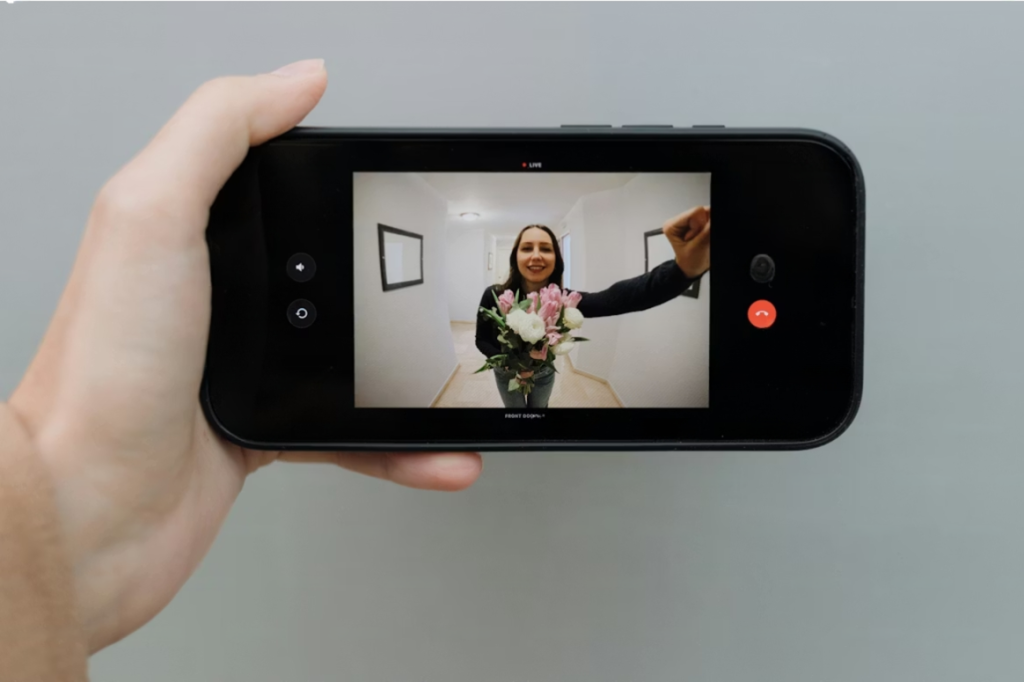
Smart doorbells are easiest to understand as something that finds what’s happening at your door and tells you about it on your phone app. Nearly all of them have a camera, a way to hear (a microphone), a way to be heard (a speaker) and something to pick up on movement. If a visitor uses the bell or just walks nearby, the doorbell starts to record and sends you an alert.
Those who know lots about linked devices say the camera gets the video, and the microphone and speaker let you have a conversation with the person at the door, even if you’re inside the house or out of it. Plus, some of these systems save the video so you can go back and look at what happened.
However, security specialists point out smart doorbells are intended to make you know what’s going on and to be helpful, rather than providing a total security solution. To get the most from one, you need to know where the camera can see, how far the motion detection reaches and what your wifi needs are.
Credit: Alex Tyson / unsplash
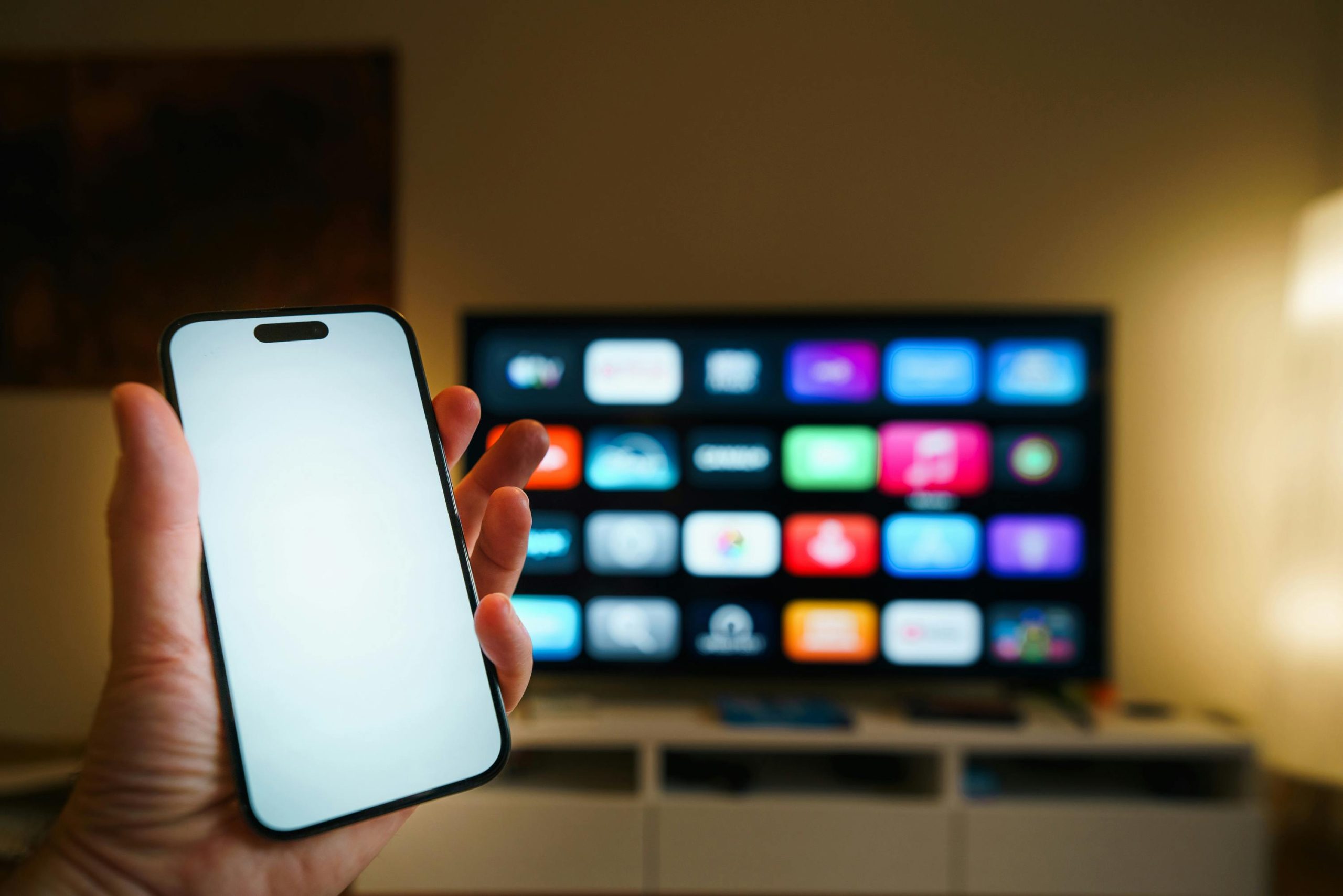
Why Wi-Fi and Mobile Apps Matter in Video Doorbell Setup
Nearly all smart doorbells use Wi-Fi for sending you notifications, showing you a live video of what’s happening, and linking up with your phone. If your Wi-Fi isn’t consistent, you might get notifications with a delay, the video could get stuck, or your videos won’t save correctly. So the strength of your home network is really important when installing a video doorbell.
People who really know about home networks advise you to test how strong the Wi-Fi signal is by your front door before you even start installing. Often, the router is simply too distant from the door for things to work dependably. Solid walls, what your outside walls are made of, and metal in the walls are all things that can weaken the signal.
And, as the experts say, the app on your phone is a big part of using the doorbell day to day. Using the app you change the settings, define the areas that will trigger a motion alert, how often you get those alerts, get into your account, and look back at your videos. A smart doorbell isn’t just the bit on the wall, it’s the app and system that’s connected to it.
What Smart Doorbell Features Matter Most for Daily Use
When you’re using a smart doorbell in your daily life, not all of its abilities are equally important. Most people find a good, clear video picture, warnings when something is moving, being able to speak to people at the door, and a mobile connection that actually works are the most helpful. They let you quickly see who is there and keep an eye on your door but aren’t overly complicated.
Security professionals say how much of the area the camera can “see” and how well it does at night also make a difference. A camera that shows a broad view of the porch and surrounding area will get more of what’s happening, and if it works in the dark, it will continue to be useful at nighttime. Another important thing is motion zones; these stop you from being alerted about activity on the road, the pavement, or in other places you aren’t worried about.
The people who know about home security suggest you should prioritize how well it works for what you do every day.
Credit: Yuliya Matuzava / unsplash
Why Privacy Is Part of How Smart Doorbells Work
Smart doorbells and how much privacy you have go hand-in-hand. They watch over the area around your home, which could mean they’re filming sidewalks, areas everyone uses, delivery people, your neighbours, and visitors. These folks might not realize they are being so closely recorded. So it’s important to think carefully about your privacy options and where the camera is pointing.
Privacy experts say you should angle the camera so it looks at your front door, and not at a wider, more public area or your neighbour’s property. Digital safety professionals also suggest using a complicated password for your account, plus anything else the doorbell offers to make sure nobody gets in without your permission.
Homeowners should also look at how the recording works and when you get alerts, experts point out. Usually, you get better privacy by being thorough when you first set the doorbell up, rather than just leaving everything as it is.
How Power and Installation Affect Smart Doorbell Performance
You can get smart doorbells that run on your current doorbell wires, or ones that use batteries you charge. There are pluses and minuses to both. If it’s wired, you’ll likely have a more reliable power supply. But a battery doorbell is simpler to put in locations where you don’t have wiring.
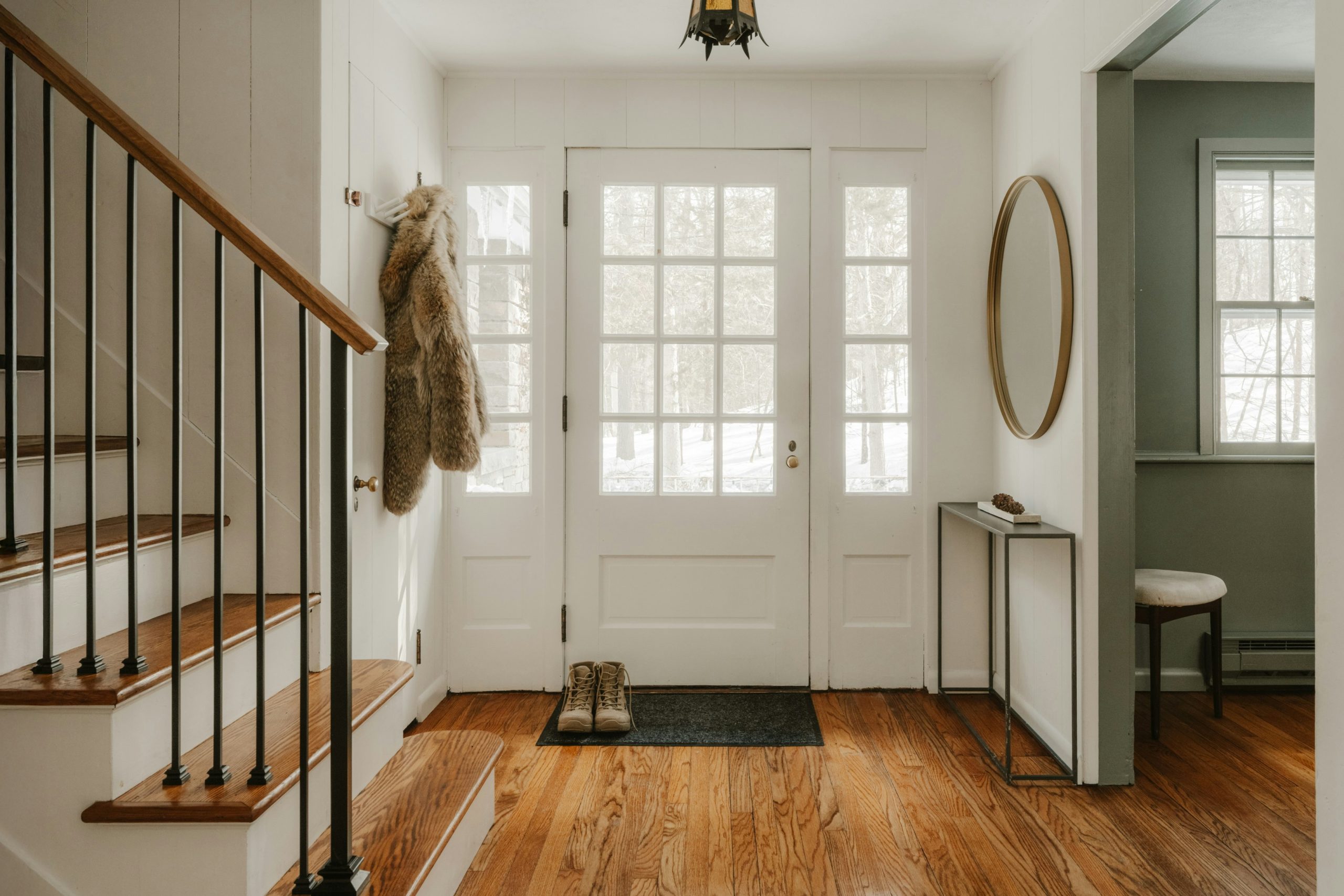
Those who put these devices in say your power decision impacts how easy they are to use and how much upkeep they’ll need. Battery versions will need to be charged every now and then, whereas wired ones often need you to have the right things in your walls already. Where you mount the doorbell is important, too; it changes how much you can see, how well the motion sensor works, and how visible your guest will be to the camera.
The people who know best suggest you do what the doorbell’s instructions say about mounting, and make sure you can see the area by your door.
What Smart Doorbells Can and Cannot Do for Home Security Devices
A smart doorbell certainly helps you keep an eye on who’s at your front door, but it won’t replace a whole house security system. Its best feature is letting you see what’s happening at the door and react fast. It isn’t so good for watching the entire property or anything going on outside what the camera shows.
According to security professionals, a smart doorbell fits nicely into a generally “smarter” home. It’s good for making things easy, managing who visits and checking on who comes to the door, but you still need strong locks, good outdoor lights, to be careful about your online account details, and to continue with all your usual safety routines.
In other words, if you’re clear about what a smart doorbell actually does, you’ll be much happier with it. It’s most useful as something that specifically covers your doorway, not as a complete answer to all your security concerns.
Frequently Asked Questions
Q: How do smart doorbells send alerts?
A: Most smart doorbells use Wi-Fi to send notifications, live video, or recorded activity to a connected mobile app.
Q: Do smart doorbells need Wi-Fi?
A: Yes. Most models depend on Wi-Fi for alerts, remote viewing, and app-based controls.
Q: Can smart doorbells record video all the time?
A: Some models support continuous or extended recording, but many focus mainly on motion-triggered clips and event-based storage.
Q: Are smart doorbells useful at night?
A: Yes. Many include night viewing features that help capture entry activity in lower light.
Q: Do smart doorbells raise privacy concerns?
A: Privacy specialists say they can, especially if camera placement is too broad or account settings are not managed carefully.
Key Takeaway
If you know how smart doorbells actually function, you’ll be in a better position to decide how to install one, use it each day, and protect your privacy. Security professionals explain that these are primarily for keeping an eye on your entrance, and they do this by having a camera, sending you notifications when movement is detected, letting you hear and speak to people, and being controlled by an app, all working together. They’re most reliable with a good Wi-Fi signal, if you go through the settings thoroughly, and if you remember they’re for watching who is at the door, not guarding your whole yard.