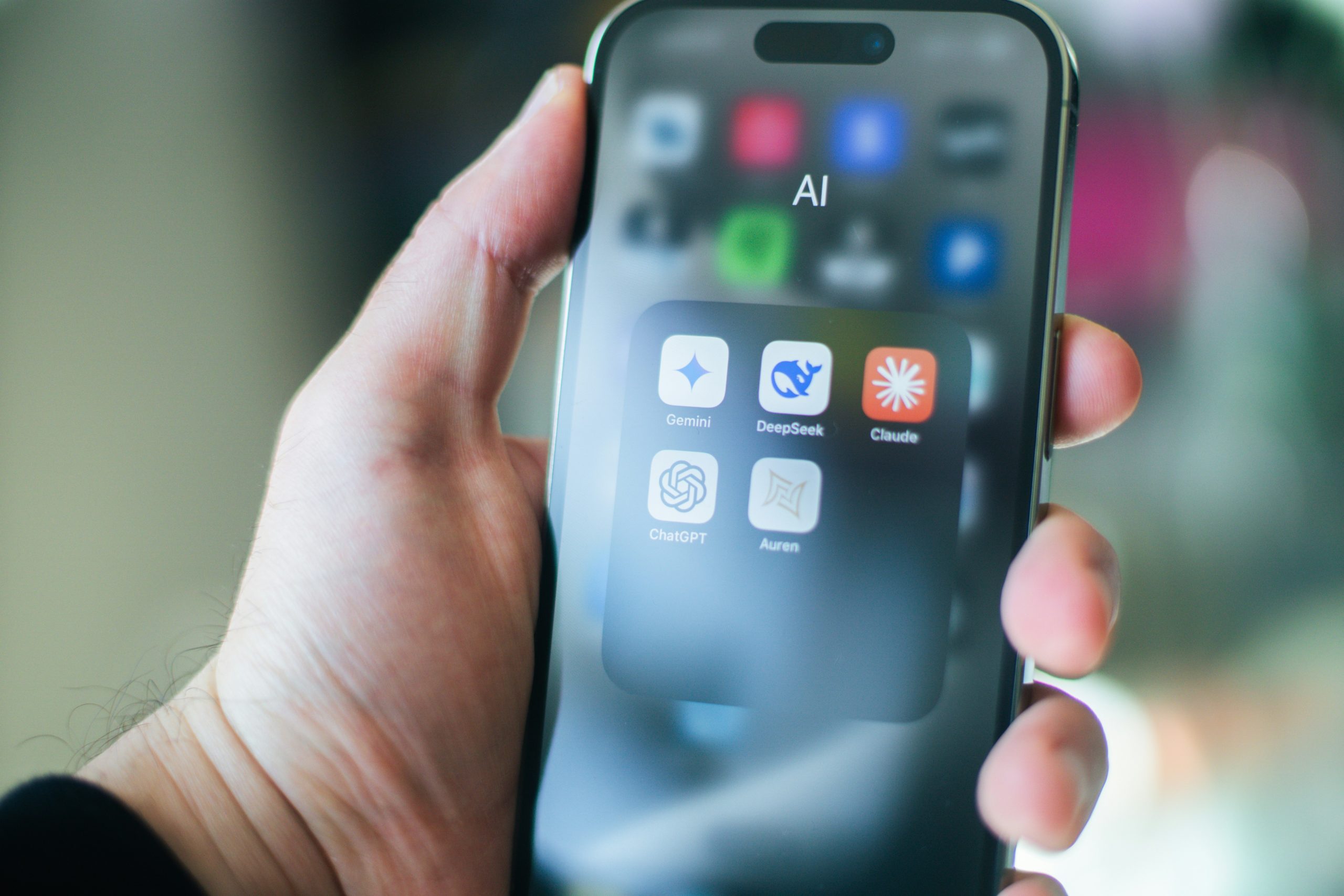

More users now want to understand what on-device AI means as new phones, tablets, and laptops increasingly promote AI features that run directly on the device. Photo cleanup, voice typing, translation, search support, and writing suggestions can now happen locally instead of relying only on a distant cloud service. That shift matters because it can affect speed, privacy, and how dependable a feature feels when the internet connection is weak or unavailable.
Technology researchers explain that on-device AI is getting more attention because people want smarter tools without always waiting for remote processing. Consumer hardware specialists also point out that local AI features have become more practical as the chips inside everyday devices have become more powerful. That is why the idea now appears much more often in product launches, software updates, and device marketing.
What On-Device AI Means in Simple Terms
The simplest way to explain what on-device AI means is that an AI task runs directly on the phone, tablet, or computer instead of sending everything to a cloud server first. The device still uses software models and pattern recognition, but more of the work happens locally through its own processor or specialized AI hardware.
Computer engineering specialists explain that this changes the route information takes. In a cloud-first system, a request often travels from the device to a remote data center and then comes back with a result. In an on-device system, that same task may stay much closer to the user because the device handles more of the processing itself.
Experts note that not every AI feature works completely this way. Some tools still combine local and cloud processing depending on the task. The main idea is that more of the intelligence is moving onto the device instead of staying only online.
Why On-Device AI Explained Through Everyday Features Feels More Relevant
On-device AI explained through everyday use often makes the concept easier to understand. A phone may organize photos by subject, remove background noise from a video, turn speech into text, or suggest better typing corrections without needing to send every step online. A laptop may summarize notes, improve webcam framing, or make voices clearer during calls using local AI processing.
Device analysts explain that these features matter because they fit into ordinary tasks people already do many times a day. The user may not think of the feature as “AI” at first. They simply notice that the device feels faster, more helpful, or more responsive in the moment. That practical effect is one of the biggest reasons local AI is becoming easier to recognize.
Experts say the technology feels more relevant when it improves familiar actions instead of presenting itself only as a futuristic idea.
How Local AI Processing Changes Speed and Responsiveness
One reason what on-device AI means matters now is that local processing can make some features feel faster. If the task stays on the device, the system may not have to wait for the same level of network travel before responding. This can reduce delays for smaller AI actions that happen often, such as speech recognition, keyboard suggestions, image sorting, or smart editing.
Performance researchers explain that speed gains depend on the type of task and the strength of the device hardware. Some AI jobs are light enough to work well locally, while others still need far more computing power than a small device can handle efficiently. Even so, many everyday tasks benefit because they are short, repeatable, and easier to process closer to the user.
Experts note that users often experience this as a smoother interaction rather than a major technical change. The feature simply feels more immediate.
Why Privacy Is Part of What On-Device AI Means
Privacy is one of the main reasons people pay attention to on-device AI. If more processing happens locally, less information may need to leave the device for certain tasks. That can matter when a feature uses voice clips, image details, typing patterns, or other personal inputs that users may not want sent outward unnecessarily.
Privacy specialists explain that local processing does not automatically solve every privacy concern, but it can reduce exposure in some situations. A feature that handles speech or image analysis directly on the device may keep more of that information closer to the user. This can create a stronger sense of control, especially for tasks people use often.
Experts recommend remembering that privacy still depends on app design, permissions, and account settings as well. Local AI can help, but the wider data handling rules still matter.

How On-Device AI Works Without Constant Internet Dependence
Another reason AI on phones and laptops is shifting toward local use is reliability. A cloud-only feature may become weaker or stop working when the signal is poor. On-device AI can help certain features keep working in places where internet quality is limited, such as during travel, on crowded networks, or in areas with weak coverage.
Mobile computing experts explain that this is especially useful for tasks like offline voice typing, translation help, photo search, accessibility tools, and camera enhancements. If the model and supporting software already live on the device, the user may still get useful results without depending fully on live internet access.
Experts say this does not mean every AI task works offline. It means more routine actions can remain available when the device is built to handle them locally.
Why Hardware Design Now Matters More for AI on Phones and Laptops
As more AI moves onto devices, hardware design becomes more important. A phone or laptop now needs more than a strong general processor. It also needs efficient components that can handle pattern recognition tasks without draining too much power. This is one reason chip design has become a bigger part of the AI conversation in consumer devices.
Hardware researchers explain that special AI-focused components can help devices process certain tasks more efficiently than older general-purpose designs alone. This matters because users expect AI features to feel fast without the battery dropping too quickly or the device heating up constantly.
Experts note that on-device AI is not only a software story. It is also a hardware story because the quality of the feature depends on how well the device can manage the workload locally.
What Limits Still Affect On-Device AI
Even with growing attention, on-device AI still has clear limits. Small devices do not have the same computing scale as large cloud systems, which means some tasks remain too heavy, too large, or too complex to run fully on the device well. This is especially true for more advanced generation tasks or large-scale analysis that needs broader data or bigger models.
AI systems researchers explain that local models often need to be smaller and more efficient, which can create tradeoffs in depth, flexibility, or output range. A device may handle shorter summaries or faster corrections locally, while bigger requests still move partly to the cloud. Users may not always see this split clearly, but it often shapes how the feature behaves.
Experts recommend viewing on-device AI as a growing layer of capability rather than a complete replacement for every cloud-based system. The strongest setup is often a balance between the two.
Why More Devices Will Keep Using On-Device AI
Researchers who study emerging computing trends explain that more devices will likely keep adopting on-device AI because it supports three goals at the same time: faster responses, stronger privacy options for some tasks, and better performance without constant internet dependence. These benefits match what many users already want from personal technology.
As chips improve and software becomes more efficient, more everyday features may shift toward local handling by default. Users may not always notice the phrase “on-device AI,” but they will likely notice when phones and laptops feel quicker, smarter, and more useful in offline or low-signal moments.
That is why understanding what on-device AI means is useful now. It helps explain a major change in how devices are being designed to bring more intelligence closer to the user instead of sending every task farther away.
Frequently Asked Questions
Q: What is on-device AI?
A: On-device AI means an AI task runs directly on the phone, laptop, or tablet instead of depending only on a cloud server.
Q: Why is on-device AI useful?
A: It can improve speed, support some offline features, and reduce how much information must leave the device for certain tasks.
Q: Does on-device AI always work without internet?
A: Not always. Some features work fully locally, while others still combine local processing with cloud support.
Q: What kinds of tasks often use local AI processing?
A: Common examples include photo enhancement, voice typing, translation help, smart typing, note organization, and call improvement features.
Q: Does on-device AI automatically solve privacy concerns?
A: No. It can reduce some data exposure for certain tasks, but app permissions, account settings, and service design still matter.