
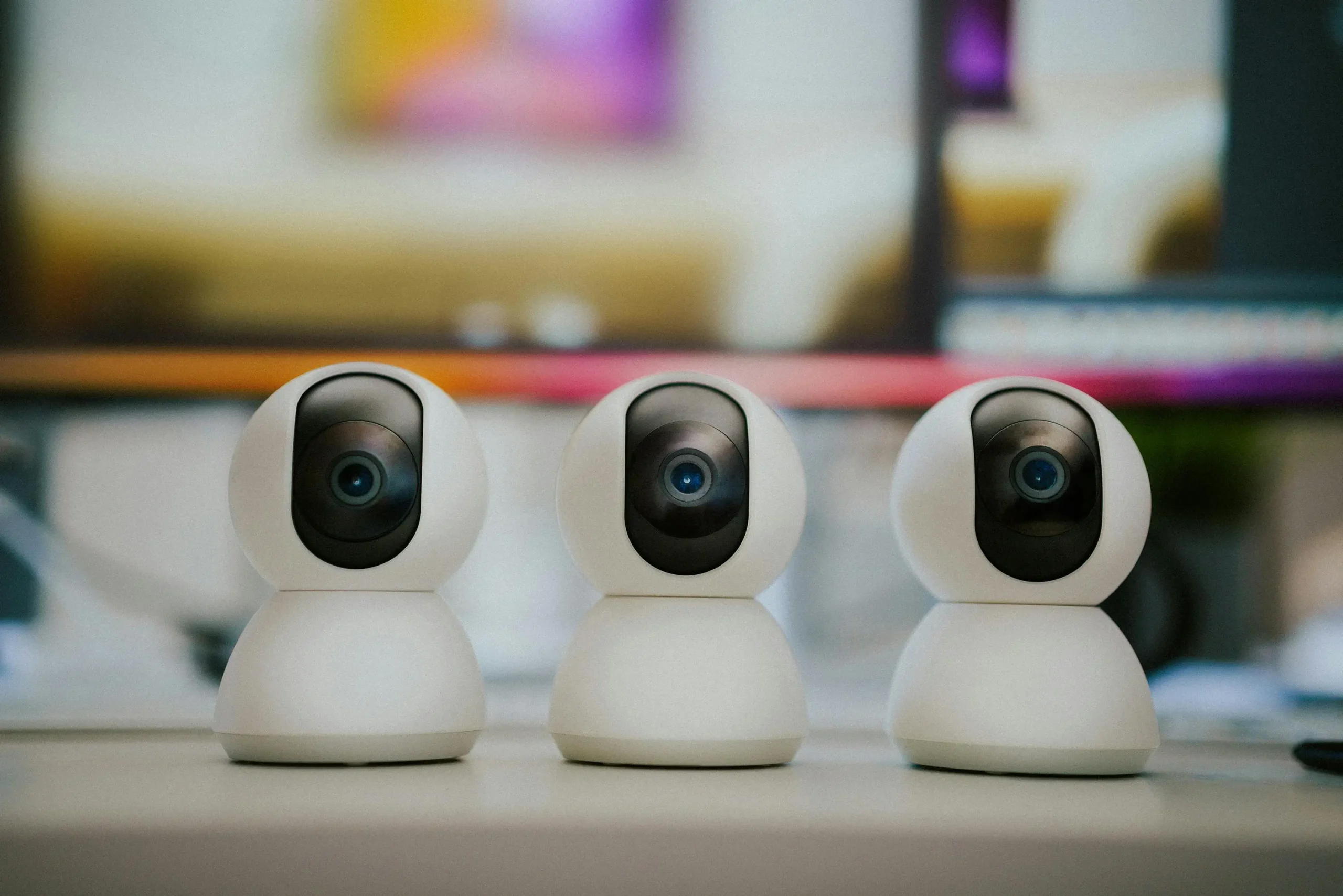
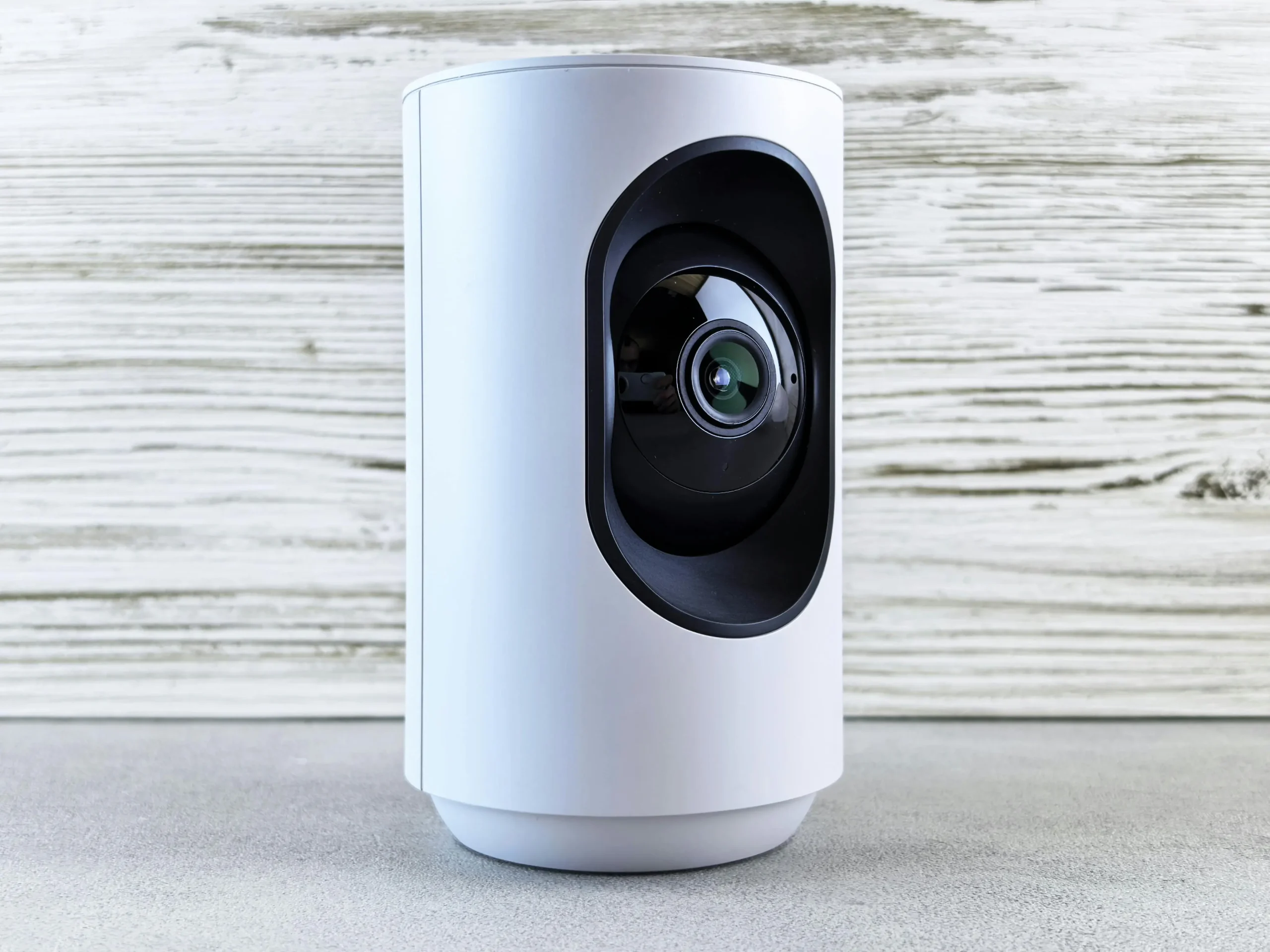
Indoor Smart Cameras Work

How Indoor Smart Cameras Work and What Households Should Review First

Many households want to understand how indoor smart cameras work before placing one in a shared room, hallway, or entry area. These devices are built to capture video, detect motion, and send alerts to a connected app. They can improve home awareness, but they also raise practical questions about privacy, placement, and everyday use inside personal spaces.

Home technology specialists explain that indoor cameras have become common in connected homes because they provide quick visibility through a phone or tablet. At the same time, privacy researchers point out that their usefulness depends less on the hardware alone and more on how they are set up—especially account security, recording controls, and where the device is placed.

How indoor smart cameras work with motion, video, and app alerts

At a basic level, indoor smart cameras record video and link that footage to a mobile app. Most models include a camera lens, motion detection, a Wi-Fi connection, and an app that sends alerts when activity is detected. Some also include microphones, speakers, night vision, or customizable activity zones.

Connected device experts explain that when motion is detected, the system may send a notification, save a short video clip, or open a live feed. From the app, users can usually watch what happened, listen to audio, or speak through the camera if two-way audio is available.

A key point is that the camera is only one part of the system. The app controls much of the experience—alerts, video history, user access, and privacy settings—so understanding and adjusting those controls is just as important as choosing the device itself.

motion alert example showing how indoor smart cameras work through a phone app

Credit:  Jakub Zerdzicki / Pexels

Why Wi-Fi and App Quality Matter in Smart Camera Setup

Indoor cameras depend heavily on a stable Wi-Fi connection. If the signal is weak, notifications may be delayed, video may freeze, or recordings may not upload properly. That means smart camera setup is not only about where the camera sits. It is also about how well that location connects to the home network.

Network support teams explain that users should test signal strength where the camera will be placed before depending on it daily. A camera near a back hallway or upstairs room may perform less reliably if the router is too far away or blocked by thick walls.

Experts also recommend reviewing the app before long-term use. A good camera experience often depends on how easy it is to adjust motion settings, review clips, manage privacy, and understand alerts clearly.

What Features Matter Most for Daily Home Monitoring Basics

Not every feature matters equally in everyday use. For many households, the most useful tools are clear video quality, reliable motion alerts, night viewing, and easy app controls. These features support fast checks without making the system feel too complicated.

Home monitoring specialists note that activity zones are also important because they help reduce alerts from areas that do not matter. A camera pointed toward a busy room entrance may need a narrower focus so it does not trigger on every small movement in the background.

Experts recommend focusing on reliability over long feature lists. A camera that sends useful alerts consistently is often more valuable than one with many options that are rarely used well.

Why Indoor Camera Privacy Deserves Extra Attention

Indoor camera privacy is often the biggest concern because these devices are placed inside spaces where daily life happens. Living rooms, kitchens, offices, and hallways often include family routines, guests, personal belongings, and ordinary conversation. That makes privacy settings and placement much more important than many users first assume.

Privacy specialists explain that users should think carefully about what the camera can see and hear. A wide field of view may be useful for monitoring, but it can also capture far more private activity than necessary. Bedrooms, bathrooms, and spaces used for sensitive work or family time usually require much more caution.

Experts recommend placing cameras only where the monitoring purpose is clear and proportionate. Better indoor camera privacy often begins with limiting
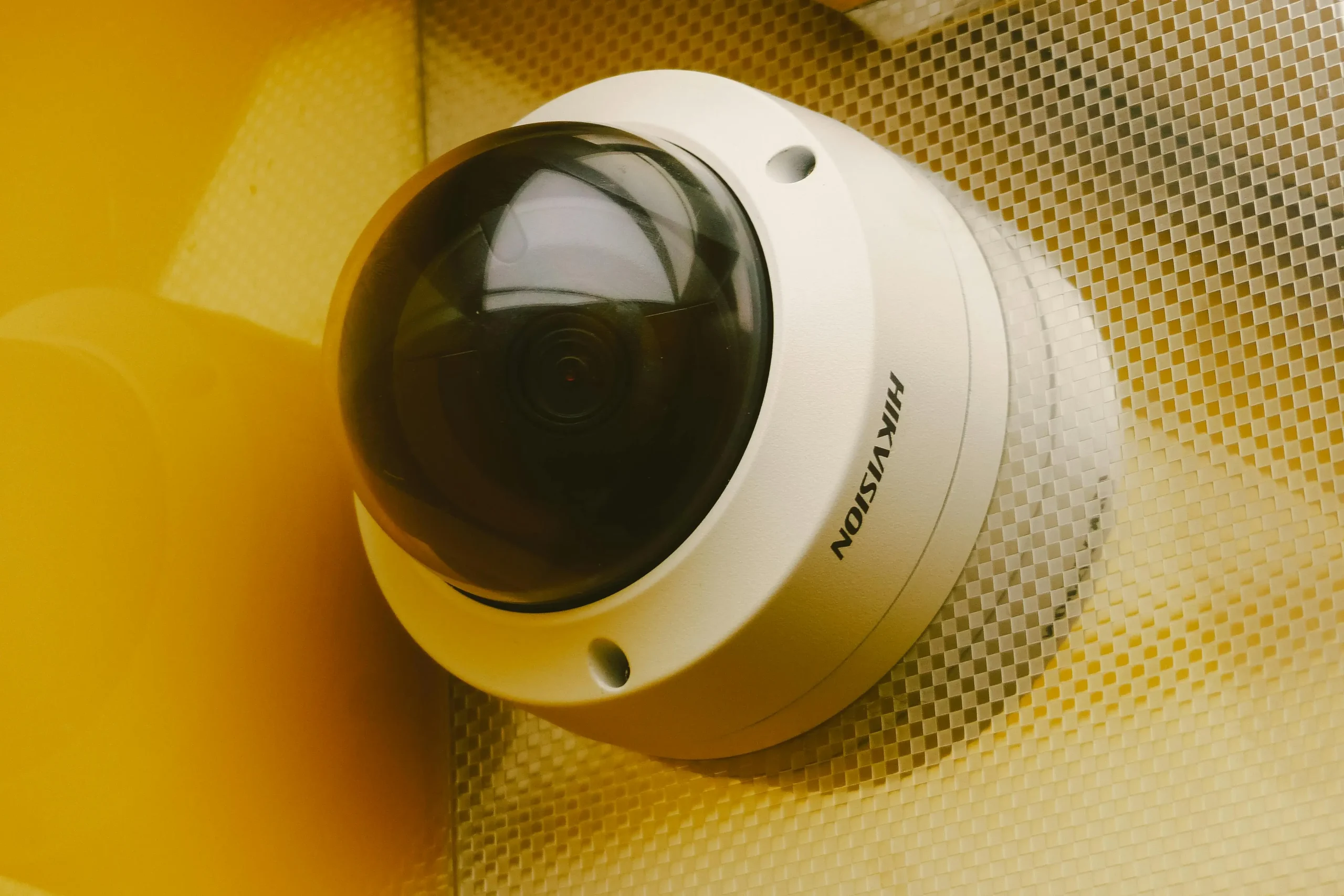
better indoor camera privacy through careful entryway placement
Credit: Andrey Matveev / Pexels

How recording settings affect daily use and data retention

Indoor cameras don’t all record the same way. Some capture only short motion events, while others allow longer clips or even continuous recording. These choices affect both convenience and privacy, because more recording usually means more footage being stored over time—often in a cloud account or within the app.

Digital safety professionals recommend checking how long recordings are kept and who can access them. If the goal is simply to confirm that motion occurred, short clips with limited storage may be enough. Longer storage can be useful in some cases, but it also increases how much everyday household activity is being saved.

A practical approach is to choose the narrowest setting that still meets your needs. More recording is not always better if it adds unnecessary data exposure.

Why account security is part of how indoor smart cameras work

Because indoor cameras rely on apps and connected services, account security becomes a central part of how they function in real life. A weak password or an outdated device list can create more risk than the camera itself.

Cybersecurity professionals recommend using a strong, unique password and enabling extra login protection where available. It also helps to review which devices still have access—especially after changing phones, sharing access with family members, or leaving an app signed in on an old device.

A reliable camera setup depends on trusted access. Without that, even a well-placed device can become a privacy concern.

How placement and routine review keep indoor cameras useful

Even a well-placed camera may need adjustment over time. Furniture moves, daily routines change, and the original setup may no longer match how the space is used. A camera might start sending too many alerts, covering areas that feel too private, or missing the spot it was meant to monitor.

Home technology educators often suggest doing a quick review every few weeks. Checking the camera angle, alert accuracy, user access, and recording settings can help keep the system useful without becoming intrusive.

The most effective setups are not fixed once and forgotten. They stay useful because they are adjusted as the home environment changes.

Frequently Asked Questions

Q: What do indoor smart cameras do?
A: Indoor smart cameras record video, detect motion, and send alerts through a connected app so users can review activity inside the home.

Q: Do indoor smart cameras need Wi-Fi?
A: Most do. They usually rely on Wi-Fi for live viewing, alerts, app controls, and clip access.

Q: Where should indoor cameras be placed?
A: Experts suggest placing them where the monitoring purpose is clear, such as entry areas or common spaces, while avoiding more private locations unless there is a strong reason.

Q: Why does indoor camera privacy matter so much?
A: These devices operate inside personal spaces, so camera angle, audio settings, recording retention, and account access all affect household privacy.

Q: What should users review first after setting up an indoor camera?
A: Motion settings, video alerts, account security, recording duration, and camera placement are often the first areas experts recommend reviewing.

Key Takeaway

Understanding how indoor smart cameras work helps households decide whether home monitoring fits their needs without creating unnecessary privacy concerns. Experts recommend focusing on clear purpose, strong account settings, stable Wi-Fi, careful placement, and sensible recording controls. Indoor cameras work best when they support awareness in common areas while respecting the private nature of the home.


[INTERNAL LINKING SUGGESTIONS]

– How Smart Doorbells Work and What Homeowners Should Know First
– How to Improve Smart Speaker Privacy With Simple Settings and Habits
– How to Secure Home Wi-Fi With Better Router Settings and Simple Habits

Leave a Reply

Your email address will not be published. Required fields are marked *