Many households want to improve smart speaker privacy because voice assistants are designed to stay ready for commands throughout the day. That convenience can be helpful for music, reminders, weather, and smart home control, but it also raises understandable questions about microphones, recordings, and account access. A few simple settings changes can make these devices feel easier to trust without giving up the features people use most.
Privacy specialists explain that smart speakers are usually safest when households understand how they listen, what data they may store, and which settings control that behavior. Connected device analysts also note that privacy concerns often come less from the speaker itself and more from weak account settings, unclear placement, or users never reviewing the app after setup.
Why It Helps to Improve Smart Speaker Privacy Early
Smart speakers often enter the home as convenience devices, which means privacy review is easy to postpone. A user may set up the device quickly, connect a music service, and begin using voice commands without looking closely at history controls, microphone options, or account permissions. That makes the speaker useful right away, but it can also leave important settings at their defaults.
Digital privacy researchers explain that default settings are often designed to make the assistant feel smooth and responsive. That does not always mean they reflect every household’s comfort level. Some families may want stronger control over stored voice activity, contact access, or linked shopping features.
Experts recommend reviewing privacy settings early because it is easier to build good habits at the start than to untangle months of account activity later.
Credit: Towfiqu Barbhuiya / Pexels
How to Improve Smart Speaker Privacy Through App Settings
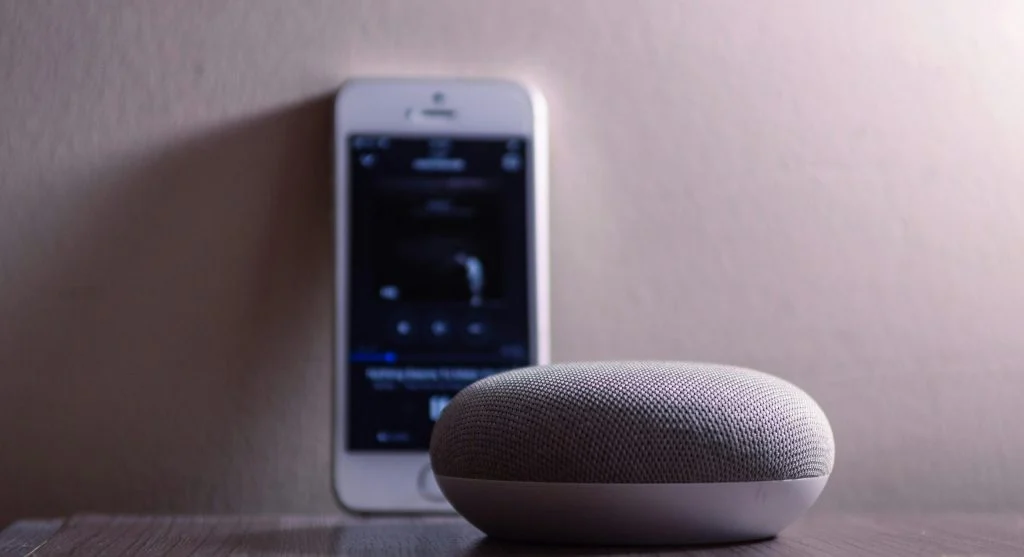
One of the best ways to improve smart speaker privacy is to start in the speaker’s companion app. Most smart speaker systems include privacy menus for voice history, microphone behavior, linked services, activity review, and account permissions. These settings often shape more of the privacy experience than the speaker hardware itself.
Mobile support professionals explain that the app is usually where users can review what recordings were stored, whether voice activity is saved automatically, and which account-based services are linked to the device. This is also often where users can manage household members, remove outdated devices, or disconnect services they no longer use.
Experts recommend checking the privacy section first after setup and then returning to it every few weeks. Short reviews often reveal settings that users forgot were enabled.
Why Voice History and Recording Controls Matter
Many smart speaker systems keep some record of voice interactions so they can improve responses, support history review, or make voice features feel more personalized. For some households, that history feels useful. For others, it feels like more stored information than necessary.
Privacy analysts explain that voice history deserves special attention because it turns spoken activity into a stored account record. Depending on the platform, users may be able to review, delete, or limit that history directly. Some systems also allow automatic deletion after a set period.
Experts recommend deciding how much saved voice history actually feels necessary. Keeping less stored activity often makes connected home safety easier to manage over time.
How Placement Affects Voice Assistant Privacy
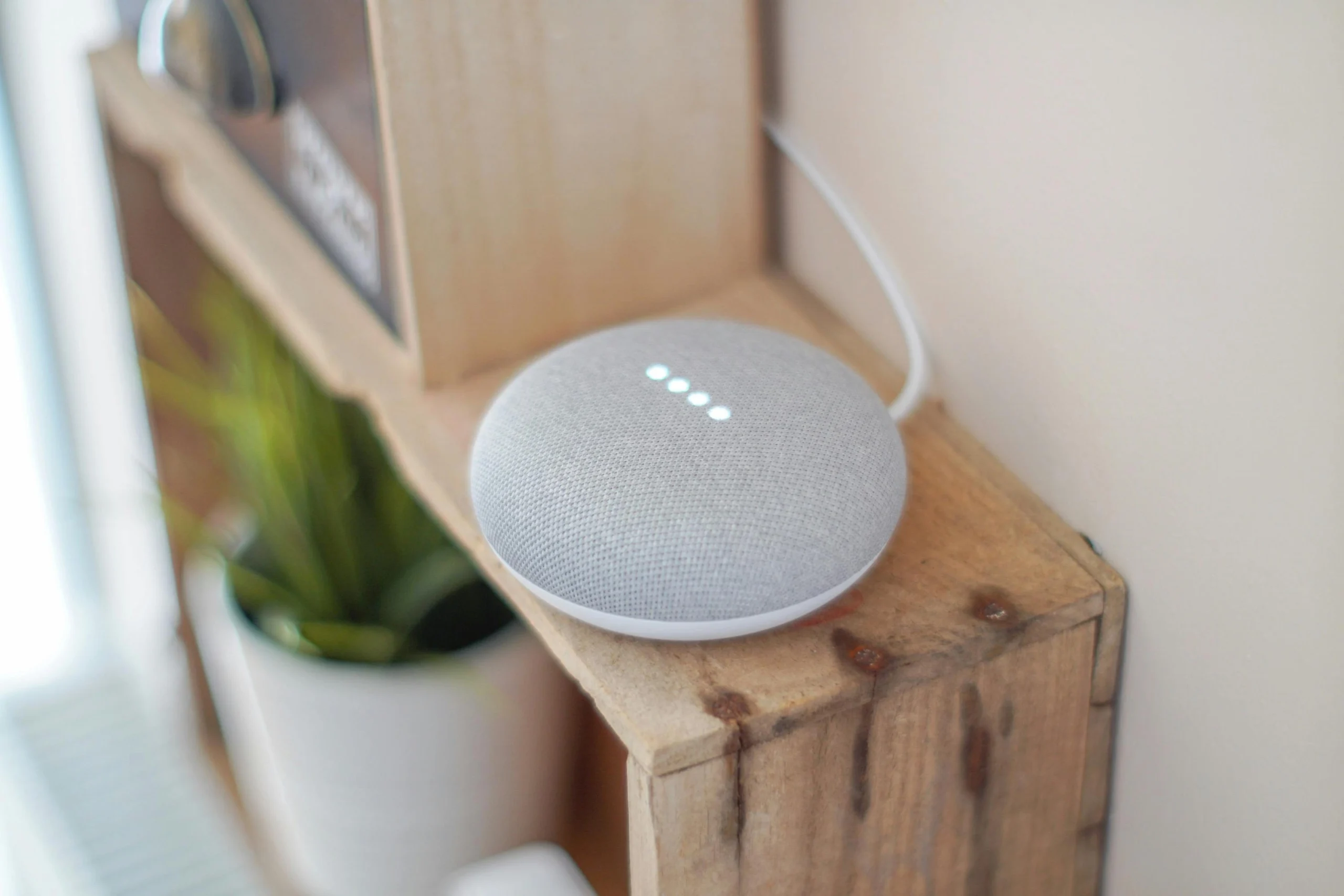
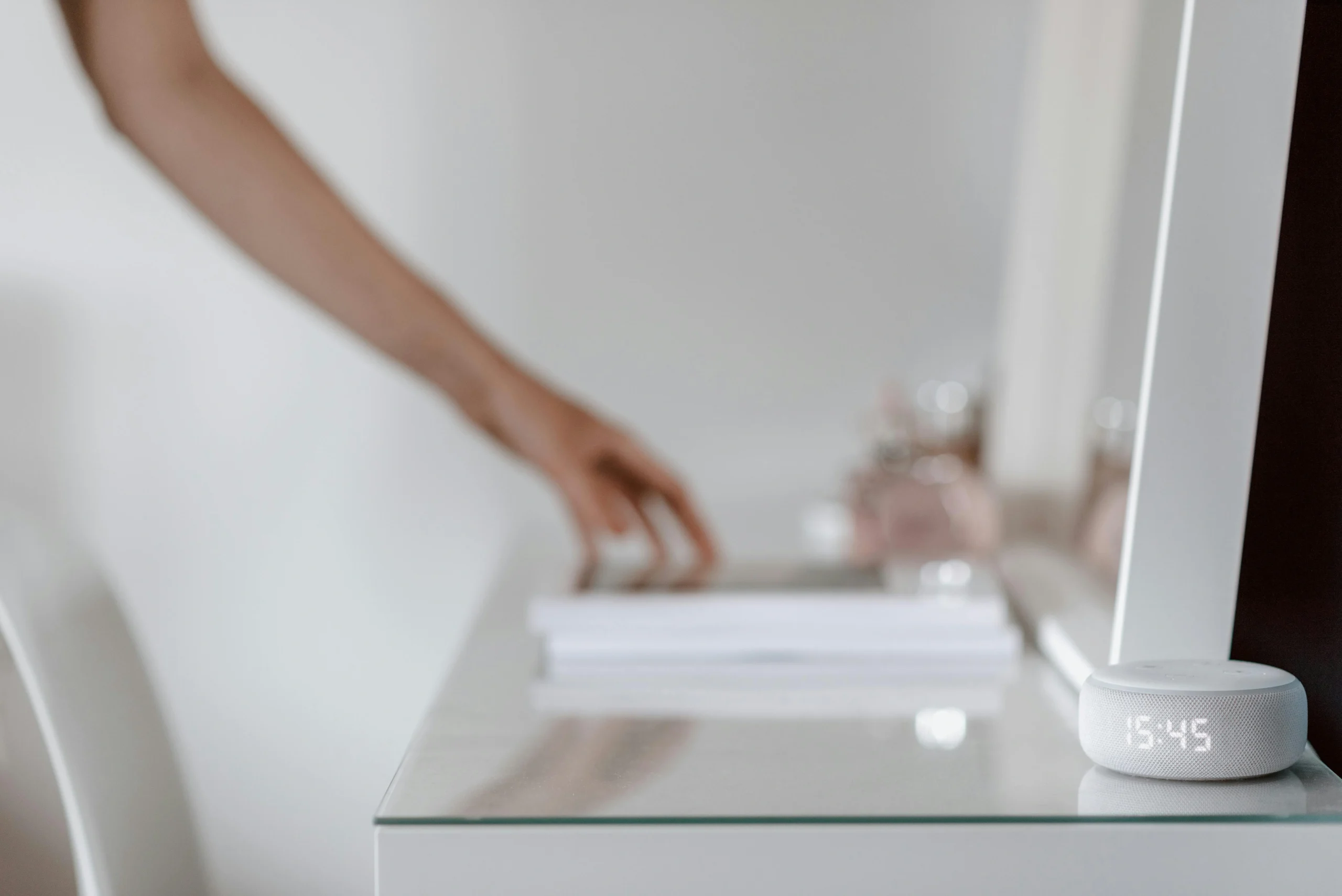
Location inside the home has a direct effect on voice assistant privacy. A smart speaker placed in a kitchen or living room may support daily use well, but a speaker near private work areas, bedrooms, or sensitive family conversations may raise more concern. Placement controls what the device is most likely to hear during normal life.
Home technology specialists explain that the best location often balances usefulness with caution. A smart speaker should be close enough to hear intentional commands but not so close to highly private activity that it becomes uncomfortable. Open shared spaces usually make more sense than rooms used for confidential calls or quiet personal routines.
Experts recommend thinking carefully about where the device spends the most time listening, even if it only activates fully after a wake phrase. Better placement is one of the easiest ways to improve smart speaker privacy without changing any settings at all.
Credit: Anete Lusina / Pexels
Why Microphone Controls Should Not Be Ignored
Many smart speakers include a microphone mute button or switch that physically disables listening until the user turns it back on. This feature is easy to overlook, but it can be very useful when privacy matters more than convenience for a period of time.
Connected device researchers explain that microphone controls are especially useful during private meetings, family discussions, or times when the speaker is not needed. A speaker does not have to stay ready every hour of the day just because it can. Using the mute control gives households a simple physical option instead of relying only on software settings.
Experts recommend treating the microphone switch as a normal part of ownership. It is not a sign of distrust. It is a practical way to match device behavior to the moment.
How Linked Services Can Increase Privacy Exposure
Smart speakers often become more useful when they are linked to music accounts, calendars, shopping tools, home devices, messaging features, or contact lists. These connections make voice control more powerful, but they also increase how much personal information sits behind the device.
Cybersecurity specialists explain that each linked service adds another layer of account exposure if permissions are too broad or if the main account is not secured well. A speaker connected to shopping, calendars, contacts, and smart locks deserves stronger review than a speaker used only for music and weather.
Experts recommend linking only the services that add real value. Fewer linked accounts usually make privacy management simpler and clearer.
Why Strong Account Security Supports Connected Home Safety
Even strong privacy settings lose value if the main account behind the speaker is poorly protected. A smart speaker is often tied to a central account that controls voice history, linked services, household members, and other connected devices. That makes account security part of privacy, not something separate from it.
Security professionals recommend a strong unique password and extra sign-in protection where the service offers it. They also suggest reviewing old signed-in devices and household members with access to the account. If an old tablet or borrowed phone still has speaker app access, that may create privacy risk beyond the speaker itself.
Experts note that smart speakers fit into a larger connected system. Better account protection helps keep the whole system safer.
How Small Habits Help Improve Smart Speaker Privacy Over Time
Privacy does not depend only on settings during the first day of setup. It also depends on small habits that continue afterward. Reviewing voice history, muting the microphone when needed, checking linked services, and watching where the speaker is placed all help keep the device aligned with household comfort.
Digital safety educators recommend a short monthly review of the smart speaker app, especially after software updates or major changes in how the device is used. A speaker that once played music in the kitchen may later become connected to household routines, shopping, or calendar access without a full privacy check.
Experts say the best way to improve smart speaker privacy is not to stop using the device completely. It is to use it with clearer settings, better account protection, and more deliberate household habits.
Frequently Asked Questions
Q: How can users improve smart speaker privacy quickly?
A: Experts often recommend starting with the app’s privacy menu, reviewing voice history settings, and checking which services are linked to the speaker.
Q: Do smart speakers always record everything?
A: Not in the way many people assume. They are generally designed to listen for a wake phrase, but users should still review stored voice activity settings in the app.
Q: Is the microphone mute button useful?
A: Yes. It gives households a simple way to stop active listening when the speaker is not needed or when privacy matters more in that moment.
Q: Why does smart speaker placement matter?
A: Placement affects what the device is most likely to hear, so common spaces often make more sense than highly private rooms.
Q: Should users connect every available service to a smart speaker?
A: Not usually. Linking only the services that provide real value often makes connected home safety easier to manage.
Key Takeaway
Learning how to improve smart speaker privacy helps households keep voice assistants useful without leaving settings and data habits unchecked. Experts recommend reviewing app controls, limiting stored voice history, using microphone mute when needed, and protecting the main account behind the device. Smart speaker privacy works best when settings, placement, and daily habits all support the same goal of clearer control.