 Credit: Szabó Viktor / Pexels
How to turn off personalized ads on your phone in system settings
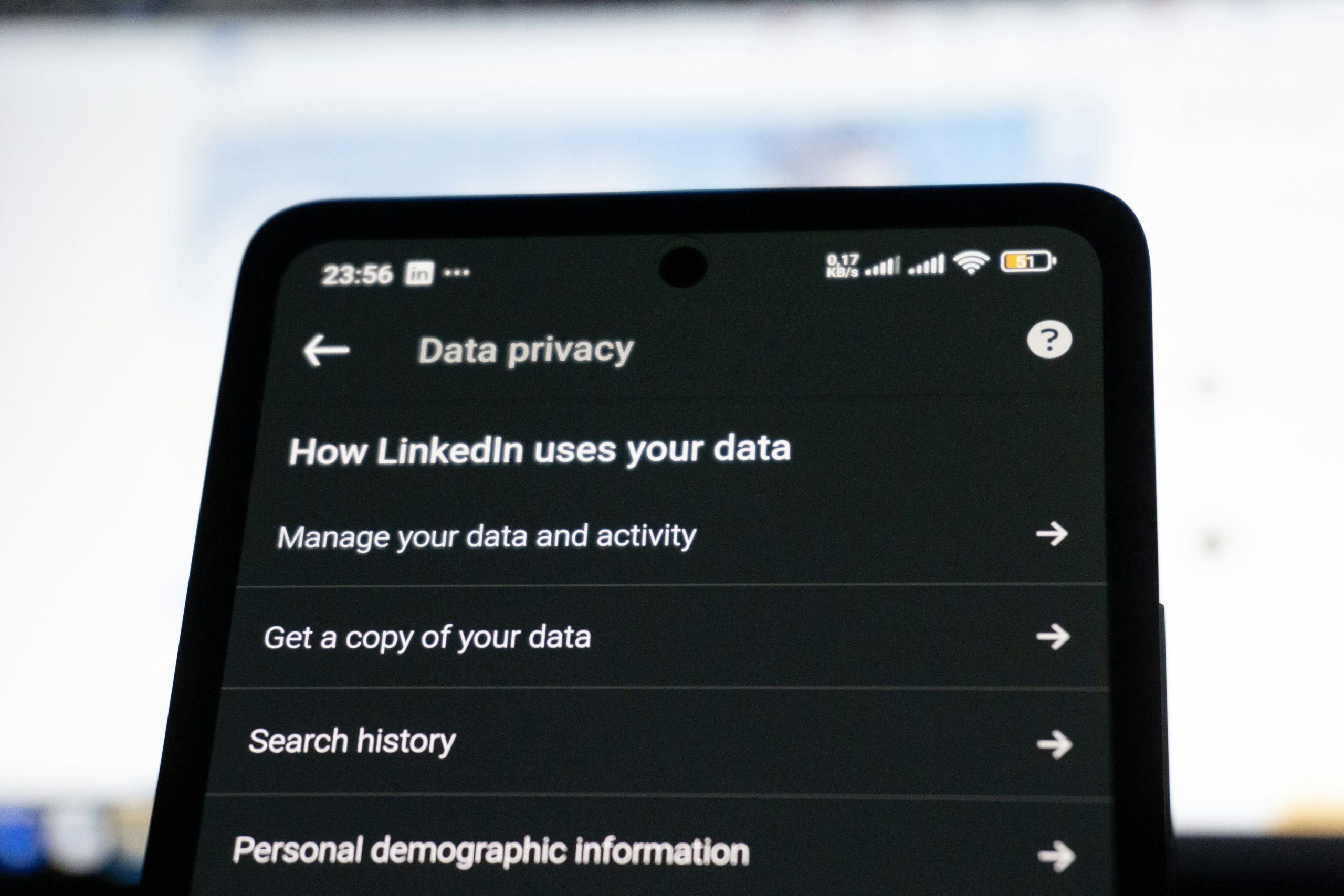
One of the most effective first steps is checking the phone’s built-in privacy and advertising controls. Most devices include a section where you can limit ad personalization, reset your advertising ID, or reduce tracking across apps. These settings are usually found under privacy, security, or advertising menus.
Mobile device specialists recommend starting here because system-level controls affect many apps at once. Depending on the phone, you may be able to limit how your device identifier is used or request less cross-app tracking. This won’t remove ads entirely, but it can reduce how closely they reflect your broader activity.
A practical approach is to begin with these device-level settings before adjusting anything inside individual apps. They provide the clearest baseline for reducing tracking.
Why advertising identifiers matter for mobile privacy controls
Most mobile ad systems rely on a unique device identifier that helps connect behavior over time. It may not show your name directly, but it can still build a detailed profile when combined with app usage and account data.
Privacy professionals explain that resetting or limiting this identifier can weaken how long your activity is tied to a single profile. Some phones also allow you to reduce how the identifier is used for personalized ads, which can make targeting less precise.
It’s worth being clear about the limits: this step doesn’t stop all data collection, but it does reduce one of the main tools used to track behavior across apps.
How app-level settings help reduce app tracking
Even after adjusting system settings, many apps maintain their own ad preferences. These are often found under account settings, privacy menus, or ad controls within the app itself. Some allow you to turn off personalized promotions or limit how your activity is used.
Digital privacy specialists point out that this layer matters because not all tracking is controlled by the phone alone. Social media, shopping, streaming, and news apps often manage their own data use.
If you want noticeable results, focus on the apps you use most, especially those tied to browsing, shopping, or media. That’s usually where changes have the biggest visible effect on the ads you see.
 Credit: Ejov Igor / Pexels
Why Location and Activity Permissions Affect Ad Personalization
Ad personalization is not always controlled only through one advertising switch. It can also depend on permissions such as location access, background activity, browsing behavior, and account history. An app that has broad access to location or long-term usage patterns may still collect signals that shape the advertising experience.
Cybersecurity analysts explain that this is why permission review matters. A weather app may need an approximate location for forecasts, but another app may not need precise location access to function well. Reducing unnecessary permissions can help limit the amount of behavioral data that feeds advertising systems.
Experts recommend reviewing location settings, app permissions, and background activity together. Better privacy often comes from reducing multiple small data flows rather than changing one ad setting alone.
How Browser and Search Habits Influence Mobile Ad Tracking
Browsers and search tools also affect how advertising becomes personalized. Website cookies, saved sessions, search history, and account logins can all shape the kind of ads that appear later. Even when phone settings reduce some tracking, browser behavior may still influence what users see online.
Privacy educators explain that search patterns and site visits often create strong advertising signals. A few repeated product searches or visits to the same category of websites may quickly change the ads shown across platforms. This is especially noticeable when users stay signed in across multiple services.
Experts recommend reviewing browser privacy settings, limiting unnecessary cookies where practical, and clearing browsing data periodically if ad targeting feels too persistent. These habits support the goal to turn off personalized ads on your phone more effectively.
Why Personalized Ads May Not Disappear Completely
Users should know that reducing personalization does not always mean eliminating advertising altogether. Many services still show ads based on general context, location region, app category, or broad content type, even when individualized targeting is reduced. The main difference is that the ads may become less closely tied to long-term personal behavior.
Digital policy researchers explain that users may still see relevant-looking promotions because some ads are chosen by page topic or popular trends rather than deep personal profiles. A sports article may still show sports-related ads even when cross-app personalization is reduced.
Experts recommend focusing on the realistic goal of less tracking and less personalized targeting, not complete disappearance of all advertising content.
How Regular Reviews Help Keep Ad Tracking Lower Over Time
Phone privacy settings are not fixed forever. Apps update, new controls appear, and permissions may expand after new features are added. That is why users who want stronger privacy benefit from reviewing their ad and tracking settings every few weeks or after major app changes.
Mobile support specialists recommend checking system advertising controls, reviewing app permissions, and removing unused apps that still hold broad access. Smaller app lists often make privacy management much easier because there are fewer places where old tracking settings can remain active.
Experts explain that users do not need to check every setting every day to turn off personalized ads on their phone more effectively. A short, regular review often keeps mobile privacy controls much clearer over time.
Frequently Asked Questions
Q: Can users turn off personalized ads on their phones completely?
A: Users can often reduce personalized advertising significantly, but general ads may still appear based on context or app content.
Q: What is an advertising identifier on a phone?
A: It is a device-related identifier often used by apps and ad platforms to help personalize advertising over time.
Q: Do app permissions affect ad personalization?
A: Yes. Permissions such as location access, background activity, and account-linked behavior can all influence targeted advertising.
Q: Should users change both phone settings and app settings?
A: Yes. Experts recommend reviewing device-level advertising controls and app-level privacy settings together.
Q: Why do ads still look relevant after tracking is reduced?
A: Some ads are based on page topic, region, or general app context rather than deep personal data tracking.
Key Takeaway
Learning how to turn off personalized ads on your phone can reduce tracking signals and give users more control over how their data shapes mobile advertising. Experts recommend reviewing system advertising controls, app-level privacy settings, permissions, and browser habits together rather than relying on one switch alone. Stronger mobile privacy controls usually come from several small changes that work together over time.
[INTERNAL LINKING SUGGESTIONS]
– Why App Privacy Labels Matter and What They Can Tell Users
– How to Check Which Apps Track Your Activity and Reduce It
– How to Review Browser Privacy Settings for Safer Everyday Web Use