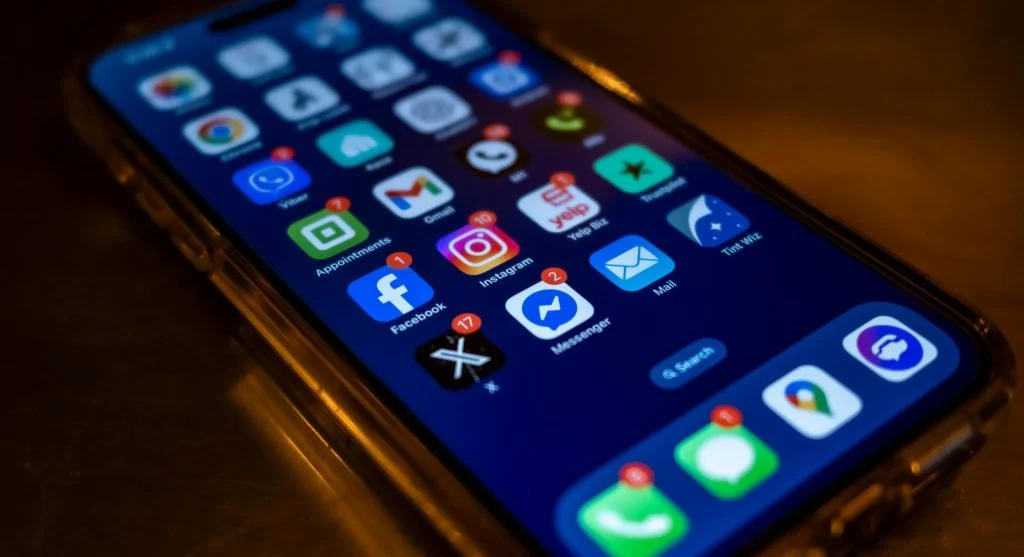
Many users want to reduce phone notifications because constant alerts can make a phone feel more stressful than helpful. Messages, shopping updates, breaking news, social activity, delivery notices, app reminders, and system prompts can all compete for attention throughout the day. Even when each alert seems small on its own, the combined effect can make the screen feel crowded and harder to manage.
Mobile device specialists explain that notification overload often builds slowly. A few useful alerts are added at first, then more apps request permission, and eventually the phone begins interrupting routine tasks far more than the user intended. Digital wellness researchers also note that quieter phones often feel easier to use because attention is directed by the user instead of by every app that wants visibility.
Why It Helps to Reduce Phone Notifications Early
Notifications are designed to pull attention back to the screen. That can be useful for urgent messages, calendar reminders, or safety alerts, but it becomes less helpful when every app uses the same level of urgency. When too many alerts look equally important, users have a harder time spotting the ones that truly matter.
Behavior researchers explain that repeated interruptions can create both mental clutter and practical delay. A person may unlock the phone for one necessary task and then get pulled into several unrelated apps because new alerts appear first. Over time, this makes the device feel less like a tool and more like a source of constant noise.
Experts recommend reviewing notifications before they become overwhelming enough to ignore completely. A phone works better when the most important alerts are still easy to notice.
How to Reduce Phone Notifications Through App Settings First
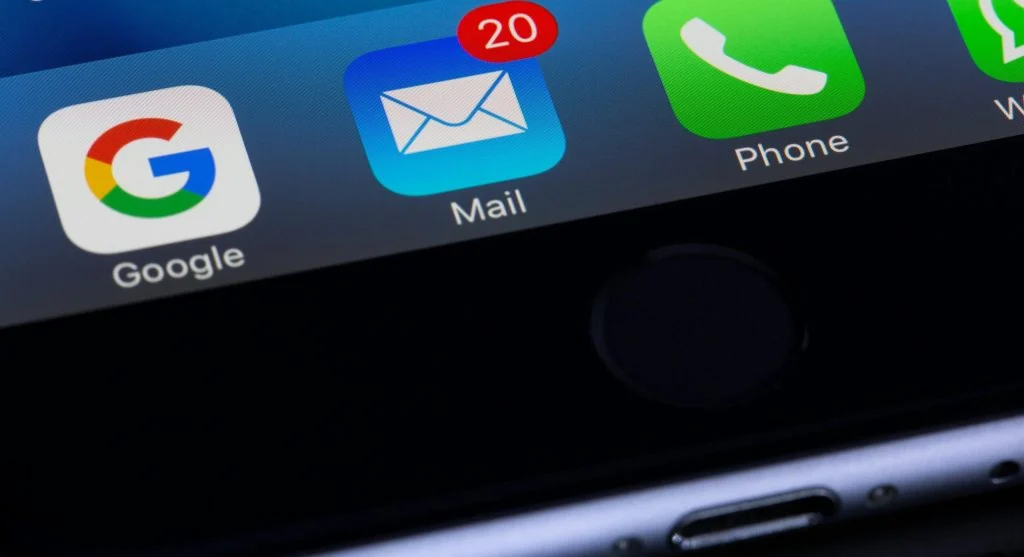
One of the best ways to reduce phone notifications is to begin with the phone’s notification settings and review alerts app by app. Most modern phones allow users to see which apps send notifications and how those alerts appear. This usually includes sounds, banners, lock screen previews, and badge icons.
Phone support professionals recommend starting with the apps that send the most alerts rather than trying to review every app at once. Shopping apps, news apps, games, social platforms, and promotional services often produce the highest volume. These are usually the quickest places to make a visible improvement.
Experts suggest asking a simple question for each app: does this app truly need to interrupt the day, or would it still be fine if checked manually later? That question often makes the decision much easier.
Why Messaging and Calendar Alerts Should Be Handled Carefully
Not every notification category should be treated the same way. Messages from close family, work contacts, school platforms, and calendar reminders may still need immediate visibility. Turning off too much too quickly can create a different problem by hiding information that actually matters in daily life.
Mobile productivity specialists explain that the goal is not silence at all costs. It is better prioritization. Communication and scheduling tools often deserve stronger notification access than entertainment or promotional apps. A useful setup keeps urgent and time-based alerts visible while reducing the ones that mainly create distraction.
Experts recommend reviewing high-value apps separately from low-priority ones. This keeps the phone helpful while still making it calmer overall.
How Lock Screen Alerts Make a Phone Feel More Crowded
Lock screen notifications shape the first impression of the phone every time it is picked up. A screen full of stacked alerts can feel stressful before the user even opens an app. In some cases, the visual clutter becomes more overwhelming than the alert content itself.
Digital organization experts explain that reducing lock screen visibility can improve the phone experience even if some notifications still remain active. An app may still be allowed to alert quietly without displaying a large preview every time the screen wakes. This keeps the information available without making the phone feel busy at a glance.
Experts recommend limiting lock screen alerts for lower-priority apps first. This is often one of the fastest ways to make the device feel simpler.
Why Promotional and Shopping Alerts Deserve Close Review
Retail apps, coupon apps, food delivery platforms, and travel services often send alerts that are designed to drive quick attention rather than provide truly urgent information. Discounts, flash sales, limited-time offers, and abandoned cart reminders may arrive often enough to feel normal, but they can still crowd out more useful alerts.
Consumer technology analysts explain that these notifications are effective because they create urgency. That does not mean they deserve equal space beside real communication or schedule reminders. In many cases, users can still enjoy the app fully without allowing it to interrupt the day repeatedly.
Experts recommend turning off promotional alerts first when trying to build quieter phone habits. This usually reduces noise quickly without affecting essential phone functions.
How Notification Categories Help Create Better Smartphone Distraction Control
Many apps offer separate notification categories inside their own settings. A messaging app may allow direct messages while muting marketing notices. A news app may allow major alerts while turning off routine updates. A shopping app may separate shipping notices from general promotions. These category controls are often more useful than turning the whole app on or off.
App behavior researchers explain that category-based control supports better smartphone distraction control because it preserves the valuable parts of an app while reducing the noisy ones. This is especially useful for apps that serve both practical and promotional roles at the same time.
Experts recommend exploring category settings for the apps used most often. A more selective setup usually lasts longer than a complete shutoff that users later reverse out of frustration.
Why Sound and Vibration Matter as Much as the Alert Itself
Some users keep too many alerts active because they assume the problem is only the number of notifications. In practice, sound and vibration patterns often create just as much pressure. A quiet banner may feel manageable, while a loud tone or repeated vibration makes the same alert feel far more disruptive.
Mobile usability specialists explain that users can often improve the experience by changing how notifications arrive rather than removing them entirely. Lower-priority alerts may stay silent, while urgent ones keep sound or vibration. This creates a more balanced system where the most important items still stand out.
Experts recommend matching alert style to actual importance. Not every app deserves to arrive with the same level of interruption.
How Regular Reviews Support Quieter Phone Habits Over Time
Notification settings do not stay useful forever unless they are reviewed. New apps request permission, old apps change behavior, and updates may add new alert categories that were not active before. A phone that felt calm last month may gradually become noisy again without the user noticing why.
Digital wellness educators recommend doing a short review every few weeks or after installing several new apps. Users do not need to rebuild the whole phone each time. A quick look at the noisiest apps is often enough to keep the device manageable and aligned with current habits.
Experts say the best way to reduce phone notifications is simple: keep the alerts that support real life, remove the ones that only create noise, and adjust the phone gradually until the screen feels useful instead of demanding.
Frequently Asked Questions
Q: What is the fastest way to reduce phone notifications?
A: Experts often recommend starting with shopping apps, social apps, games, and news alerts because those categories usually create the most extra noise.
Q: Should users turn off all notifications?
A: No. Messages, calendar alerts, and other important reminders often still deserve visibility, so the goal is better prioritization rather than total silence.
Q: Do lock screen notifications make phones feel busier?
A: Yes. A crowded lock screen can make the phone feel overwhelming before the user even opens it.
Q: Can one app keep only some notifications active?
A: Yes. Many apps allow category-based settings so users can keep useful alerts while muting promotions or lower-priority updates.
Q: How often should notification settings be reviewed?
A: A short review every few weeks, or after installing new apps, is often enough to keep alerts under better control.
Key Takeaway
Learning how to reduce phone notifications helps turn a smartphone back into a tool that supports daily life instead of interrupting it constantly. Experts recommend reviewing the noisiest apps first, limiting lock screen clutter, using category-based controls, and matching alert sounds to real urgency. Better notification settings usually come from small practical changes that make the phone quieter without hiding what truly matters.