
Many users want to turn off location history on your phone after realizing how often phones record movement patterns in the background. Location services can be useful for maps, weather, delivery apps, and finding a lost device, but ongoing history can also create a detailed record of where a person has been over time. That record may feel more personal than many users expect when they first set up a phone.
Privacy specialists explain that location history is not always stored in one obvious place. It may be connected to account settings, app permissions, device services, and background activity rules working together. Mobile security researchers also note that many people review photos, messages, and passwords more often than they review location records, even though movement patterns can reveal daily routines very clearly.
Why It Helps to Turn Off Location History on Your Phone
A phone often travels everywhere with its owner, which makes location data especially detailed. Over days and weeks, location history may show where a person lives, works, shops, travels, and spends free time. Even if each one of those points feels ordinary on its own, the full pattern can become much more revealing when collected over a longer period.
Privacy researchers explain that movement history matters because it can expose habits, timing, and personal routines without needing any written notes from the user. A device that stores those patterns may create a stronger profile than many people realize. This is one reason mobile privacy controls often deserve as much attention as messages or browser activity.
Experts recommend thinking about location data in practical terms. The question is not whether maps and directions are useful. The question is whether long-term history needs to remain active when the user no longer wants that level of record keeping.
How Location History Differs From Basic Location Access
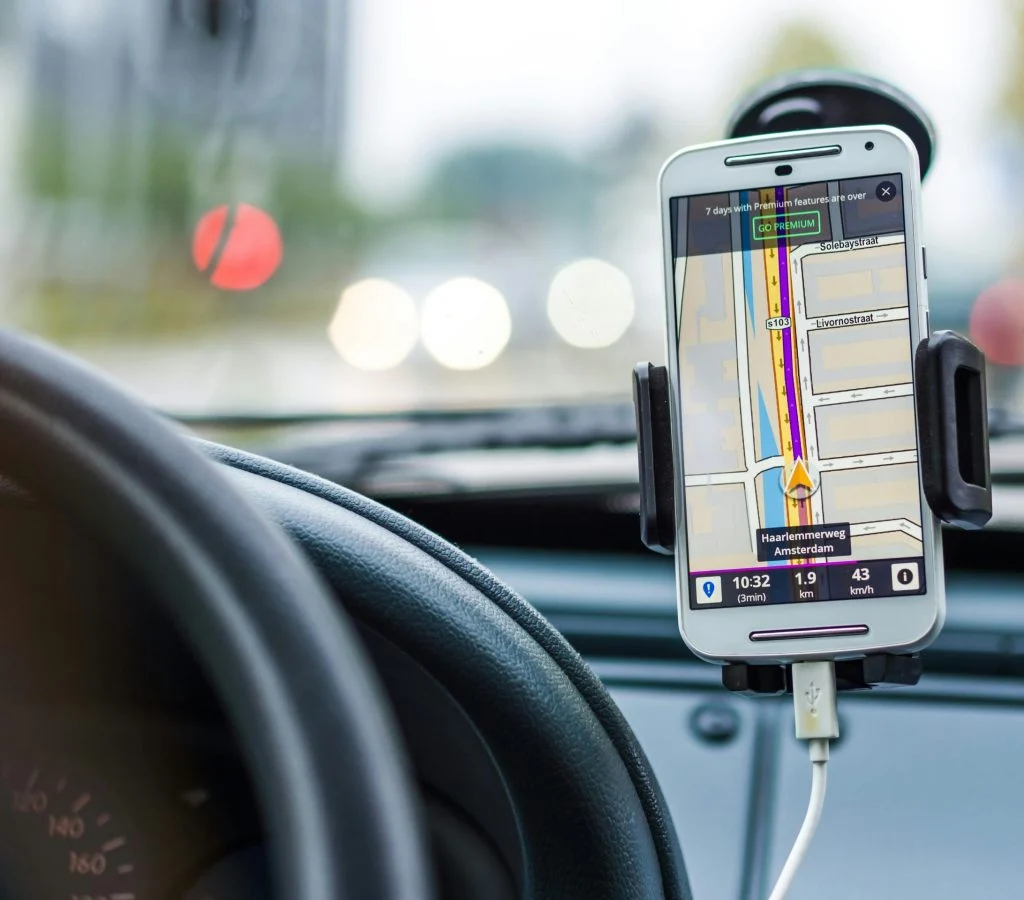
One reason users get confused is that location history and basic location access are not exactly the same thing. Basic location access allows an app or service to use the phone’s current location for a task, such as directions or nearby weather. Location history goes further by saving movement or place data over time.
Mobile device specialists explain that a phone may still need short-term location access for useful features even when a user does not want long-term history stored. This is why the goal is often better balance, not total shutdown of every location-related function. A map app may need location while in use, but that does not always mean a full history should remain active in the background.
Experts recommend reviewing both settings together. Stronger privacy usually comes from understanding the difference between current access and saved records.
How to Turn Off Location History on Your Phone in Account Settings
One of the most effective ways to turn off location history on your phone is to review the account connected to the device. Many phones link location history to a broader account that stores activity across maps, search tools, and device services. This means turning off one app setting may not be enough if the main account still keeps movement records.
Phone support professionals recommend starting with the privacy or activity section of the main account used on the device. Users may find controls for location history, web and app activity, or timeline-style records there. This is often the clearest place to disable history at the account level rather than only inside one individual app.
Experts suggest checking whether older location history can also be reviewed or deleted after the setting is changed. Turning it off is useful, but past records may still remain unless they are removed separately.
Why App Permissions Still Matter After History Is Turned Off
Even after users turn off location history on your phone, apps may still request live or background location access. That is why permission review remains important. A ride app may need location while a trip is active. A weather app may work well with approximate location. A shopping app may not need ongoing location at all.
Privacy analysts explain that many users assume the history switch solves everything, but app permissions still shape how much new location data continues to flow through the phone. If several apps keep broad background access, the device may still share more than the user expects.
Experts recommend reviewing the location category inside the phone settings and checking which apps have access all the time, only while in use, or never. Narrower app permissions often improve privacy more than users expect.
How Background Activity Can Keep Location Tracking More Active
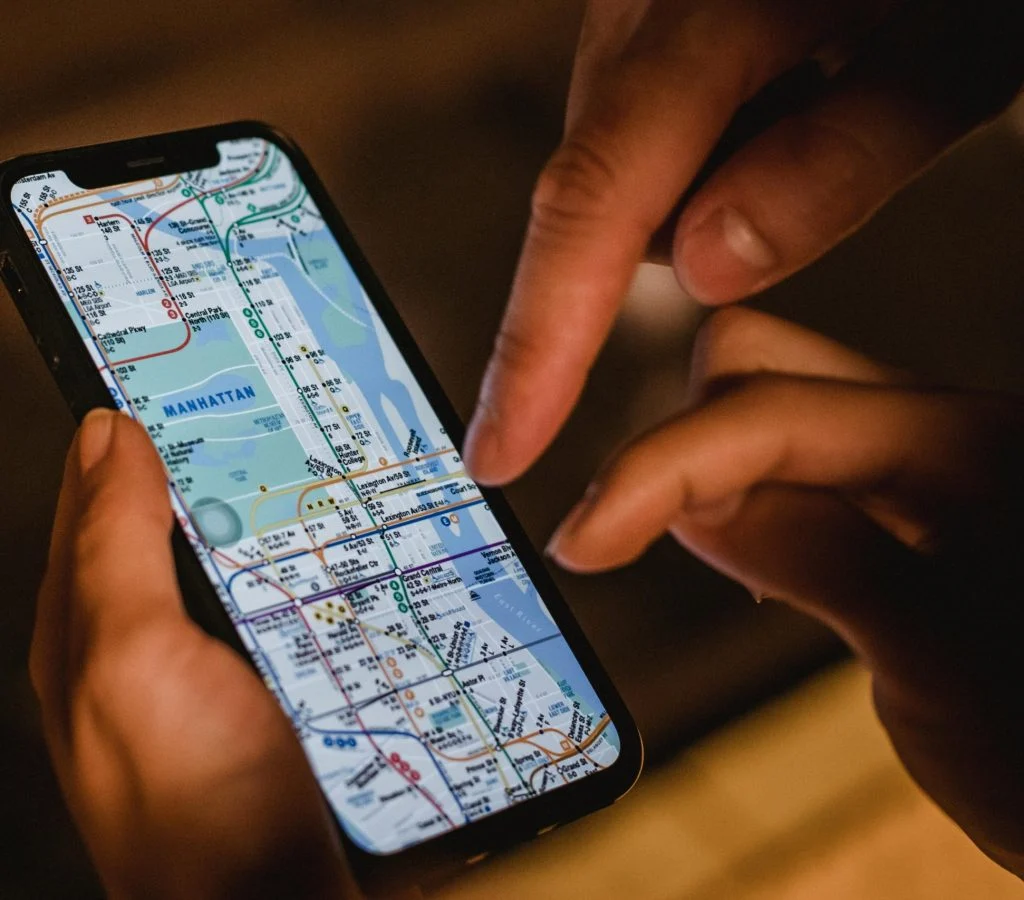
Some apps use location in the background for updates, delivery status, traffic estimates, reminders, or device connections. These features may be helpful, but they can also keep location tracking more active than the user realizes. If the app is rarely used, background access may no longer feel worth it.
Mobile security educators explain that background activity often matters as much as the location setting itself. A phone may look idle while an app checks movement or nearby context quietly. This is why reviewing battery usage and background permissions can help reveal whether an app stays more active than expected.
Experts recommend looking at apps that combine broad location access with strong background activity. Those apps often deserve the closest privacy review.
Why Precise and Approximate Location Settings Change the Privacy Picture
Many phones now allow users to choose between precise location and approximate location for some apps. This can make a significant difference. Approximate location may still help an app show local weather or regional results without revealing an exact address or highly detailed movement pattern.
Location privacy specialists explain that precise location should usually be reserved for features that clearly need it, such as turn-by-turn navigation or some delivery functions. Many other services can still work well with less exact information. Choosing the narrowest useful option is often one of the strongest mobile privacy controls available.
Experts recommend treating precise location as something to justify, not as the automatic default for every app that asks.
How Turning Off Location History Affects Daily Phone Use
Most users can turn off location history on your phone without disrupting ordinary tasks such as texting, browsing, and taking photos. The main changes usually affect long-term timeline records, location-based memories, and services that depend on saved movement patterns rather than live location alone.
Support professionals explain that some users may notice fewer personalized suggestions in maps or fewer automatic place-based prompts in certain apps. For many people, that tradeoff feels reasonable compared with keeping a long-term movement record. The effect depends on which services are used most heavily.
Experts suggest watching how the phone behaves for a few days after the change. If one useful feature is affected, users can decide whether that specific tradeoff is worth adjusting rather than turning broad tracking back on everywhere.
Why Regular Location Tracking Reviews Help Over Time
Location settings do not always stay unchanged. New apps request access, software updates add features, and account options may shift over time. That is why one privacy check is useful, but regular review is better. A phone that felt tightly controlled a few months ago may now have broader location use again without the user noticing.
Digital privacy researchers recommend checking account history settings, app permissions, and background location access every few weeks or after installing several new apps. A short review often keeps the phone aligned with current comfort levels instead of older choices made during setup.
Experts say the best privacy habit is simple: review what is stored, review what still has access, and keep only the location features that still serve a clear purpose.
Frequently Asked Questions
Q: What is location history on a phone?
A: Location history is a saved record of places the phone has been or movement patterns connected to the device or account over time.
Q: Can users turn off location history on your phone and still use maps?
A: Yes. In many cases, maps can still use live location while long-term history is turned off separately.
Q: Does turning off location history stop all location use?
A: No. Apps may still use current location if permission is granted, which is why permission review still matters afterward.
Q: Why is approximate location better for privacy?
A: Approximate location gives a broader area instead of exact precise positioning, which often reduces unnecessary detail.
Q: How often should users review location settings?
A: A short review every few weeks, or after installing new apps, is often enough to keep tracking under better control.
Key Takeaway
Learning how to turn off location history on your phone can reduce long-term movement tracking while still allowing useful location features where they are truly needed. Experts recommend reviewing account activity settings, narrowing app permissions, and choosing approximate or while-in-use access whenever possible. Better location privacy usually comes from a few connected changes rather than from one single switch alone.