
Many people want to organize computer files because digital clutter can make routine work feel slower than it should. Important documents often disappear into downloads, random folders, desktop piles, and vague file names that no longer make sense a few weeks later. The result is wasted time, repeated searching, and unnecessary frustration during everyday tasks.
Computer support specialists explain that file problems usually build gradually rather than all at once. A few rushed saves, quick downloads, and temporary folders can turn into a confusing storage system over time. Productivity researchers also note that better digital file organization often improves focus because users spend less energy hunting for things they already know they saved somewhere.
Why It Helps to Organize Computer Files Before the Clutter Gets Worse
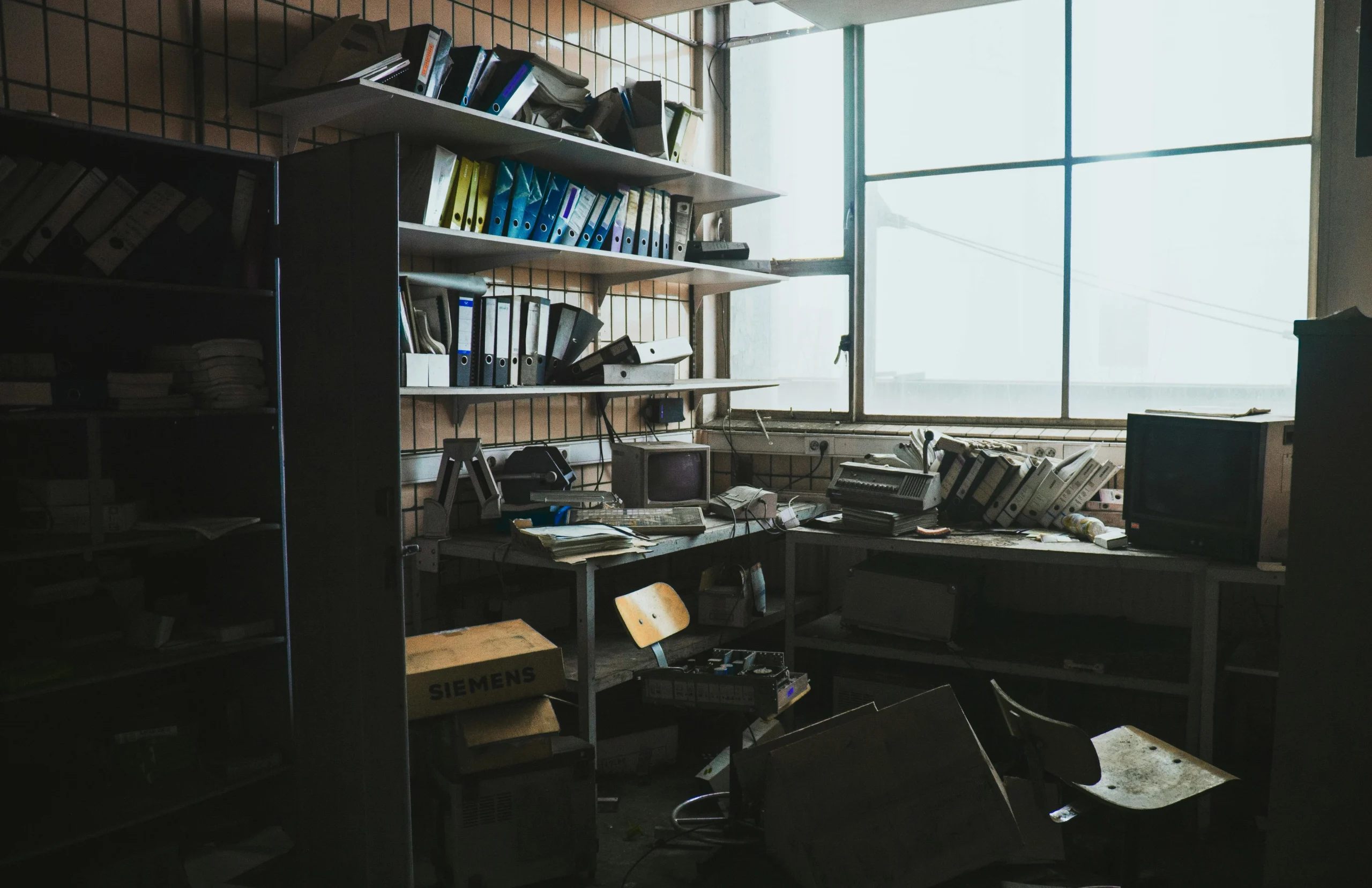
Files become harder to manage when they spread across too many locations without a clear plan. A tax document may end up in downloads, a work draft may stay on the desktop, and a scanned record may sit in a random picture folder. When the logic behind saving is inconsistent, finding anything later becomes more difficult.
Digital organization specialists explain that clutter is not only a storage problem. It is also a decision problem. Each time a user saves a new file without a clear structure, the next search becomes slightly harder. Over time, that extra friction adds up and makes even simple tasks feel disorganized.
Experts recommend building a structure that is easy to follow every day, not one that looks perfect only for a short time. Practical consistency is more useful than an overcomplicated filing system that no one wants to maintain.
Credit: Sander / Pexels
How to Organize Computer Files With a Simple Folder Structure First
One of the best ways to organize computer files is to begin with a few clear top-level folders based on real life needs. Common categories may include Work, Personal, Finance, School, Photos, Records, and Current Projects. The exact labels can vary, but the structure should reflect how the user actually thinks and works.
Computer technicians recommend starting broad rather than making dozens of folders immediately. A small number of meaningful groups is easier to maintain and much easier to remember. If the first structure is too detailed, users often stop following it after a few days.
Experts suggest choosing folder names that feel obvious without explanation. If a user has to stop and think about where something belongs every time, the structure may already be too complex.
Why a Good File Folder System Depends on Clear Naming
A folder structure helps, but file names matter just as much. A document called “final,” “new version,” or “scan 3” may seem clear in the moment but becomes confusing later. Better names make it easier to identify a file without opening it first.
Productivity advisors explain that strong file names usually include the subject, type, and sometimes the date. For example, a file name that mentions a bill, contract, project, or month is usually easier to understand than a vague title. This is especially helpful when multiple versions of similar documents exist.
Experts recommend keeping names simple but descriptive. A file should be understandable at a glance, even if the user has not opened it in months.
How Date-Based Naming Helps Find Important Documents Faster
Dates are often useful in digital file organization because they add clear order to similar records. Bills, meeting notes, school assignments, scanned forms, and project drafts become easier to sort when the date is part of the file name or folder structure. This is especially helpful when many files are related to the same subject.
Support professionals explain that dates work best when used consistently. A year-month-day style often keeps files in natural order when sorted by name. This makes older and newer versions easier to compare without opening every file one by one.
Experts suggest adding dates when time matters, but not forcing them into every file name. A useful naming system should support clarity, not create longer names without purpose.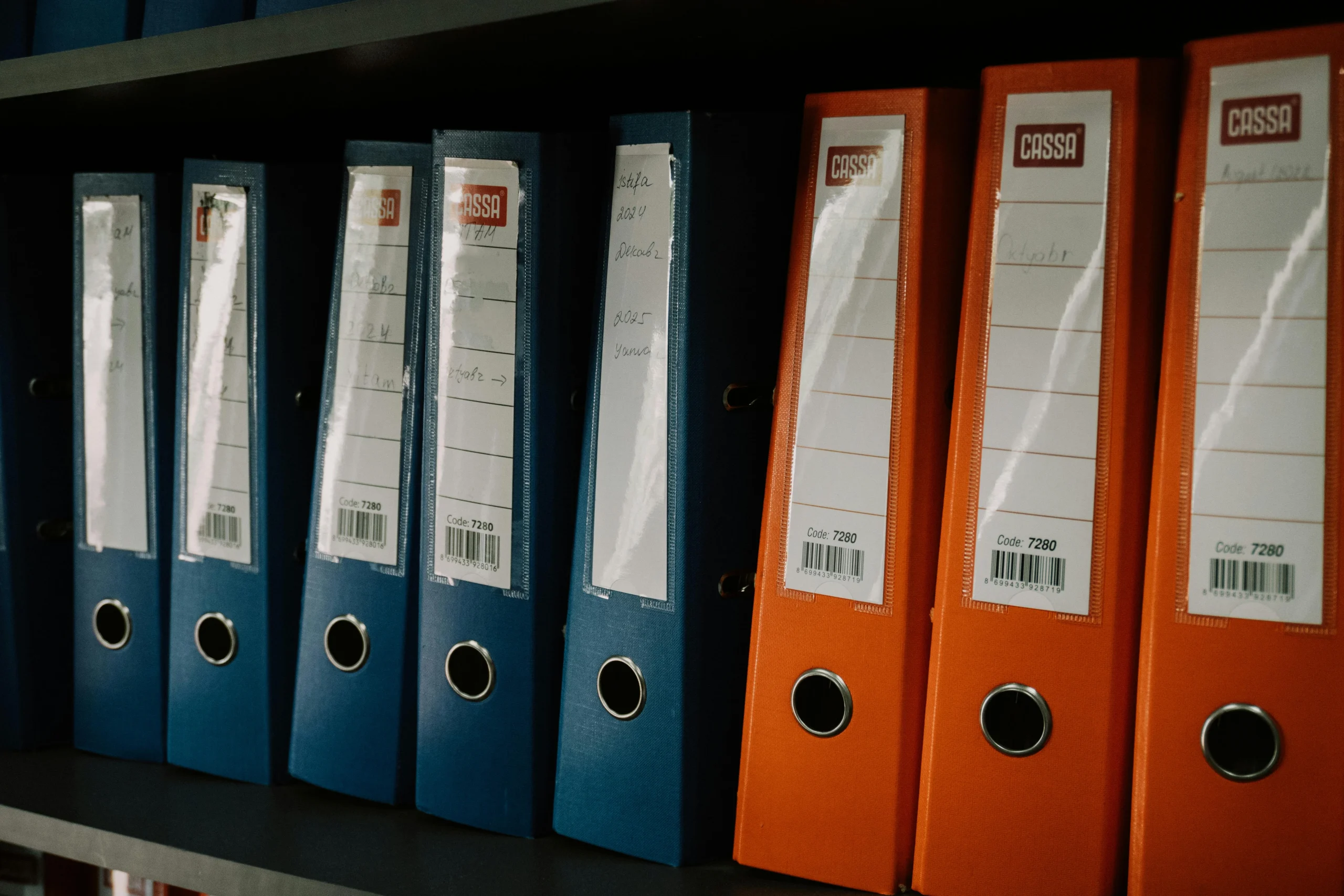
Credit: Zulfugar Karimov / Pexels
Why Downloads and Desktop Files Need Special Attention
Downloads and desktops are two of the most common places where important files get buried. These areas feel convenient, so users often save there quickly and plan to sort later. The problem is that later rarely happens until the clutter becomes large enough to cause stress.
Computer maintenance specialists explain that downloads often collect PDFs, images, installers, forms, and attachments that no longer need to stay there. The desktop creates a similar problem by becoming a temporary holding zone that slowly turns permanent. Both locations should usually be treated as short-term spaces, not long-term storage.
Experts recommend reviewing downloads and desktop files regularly and moving important items into the main file folder system as soon as practical. This habit prevents key documents from being lost in visual clutter.
How to Handle Current Projects Without Mixing Them With Archives
Many users struggle because active work and older records sit in the same place. A current report, last year’s draft, and related notes may all stay together even after the main project is finished. This makes live tasks harder to spot and clutters the folders that users open most often.
Workflow researchers explain that active projects often work best in a clearly labeled Current Projects folder or similar space. Once the work is finished, it can be moved to an archive area that keeps old material available without crowding everyday folders. This separates what needs attention now from what only needs to be stored safely.
Experts recommend making archiving part of the normal file process. A project that is no longer active should not keep taking up prime space in the daily workspace.
Why Search Tools Work Better After Better File Organization
Modern computers include powerful search tools, but search works best when files already have clear names and sensible folder locations. A search bar can help locate a document quickly, but not if the file is named vaguely or if ten nearly identical versions exist across several folders.
Computer support teams explain that a good system does not replace search. It improves search. Stronger naming and better folder logic give search tools clearer clues, which makes results more useful. This is especially important for finding important documents quickly under time pressure.
Experts recommend thinking of search as a partner to organization, not as an excuse to skip it. Better structure makes every future search easier.
How Small Weekly Reviews Keep File Systems Useful
File organization works best when it becomes a light maintenance habit rather than a rare major project. A short weekly review can move recent downloads, rename vague files, remove duplicates, and sort current work before the clutter grows again. This takes less effort than trying to clean everything at once after months of buildup.
Productivity educators explain that simple maintenance is what keeps a system trustworthy. If folders stay mostly current, users are more likely to save new files correctly because the structure still feels useful. Once the system becomes messy again, people often stop trusting it and return to random saving habits.
Experts say the goal is not perfect order at all times. The goal is a system that stays clear enough to help users organize computer files and find important documents without extra stress.
Frequently Asked Questions
Q: What is the best way to organize computer files?
A: Experts often recommend using a small number of clear main folders, strong file names, and a simple routine for moving files out of downloads and the desktop.
Q: Should every file have a date in the name?
A: Not always. Dates help most when time matters, such as with bills, reports, drafts, and scanned records.
Q: Why are downloads and desktop folders so messy?
A: They are easy to save into quickly, which makes them convenient in the moment but cluttered over time.
Q: Is search enough to manage files?
A: Search is helpful, but it works much better when files already have clear names and logical folder locations.
Q: How often should users review file organization?
A: A short weekly or biweekly review is often enough to keep a file system practical and easy to maintain.
Key Takeaway
Learning how to organize computer files can save time, reduce clutter, and make important documents much easier to find during daily work. Experts recommend starting with broad folders, improving file names, separating active work from archives, and reviewing downloads and desktops regularly. A simple file folder system works best when it is easy to follow, easy to search, and easy to maintain over time.
[INTERNAL LINKING SUGGESTIONS]
– How to Reduce Desktop Clutter So a Computer Feels Easier to Use
– How to Free Up Disk Space on a Computer Without Removing Important Files
– How to Clean Up Startup Apps So Your Computer Opens Faster