Laptops get hot even when you’re doing everyday things, not just when you’re gaming or doing a lot of photo or video editing. This piece will tell you the reasons for this heating up during your usual daily tasks, what situations make a laptop warmer, and what easy adjustments will typically both keep things running well and improve the flow of air inside.
Tech support for the insides of computers frequently say that some heat is always part of how computers work. However, a lot of heat will decrease how steadily and quickly they run. Many laptops will automatically slow down when the inside gets too hot in order to protect the parts inside. It’s for this reason that you’ll frequently notice your computer slowing down at the same time it’s overheating.
Why laptop overheating can happen during basic tasks
Lots of folks think only really complex programs cause a computer to get hot. But actually, just doing typical things like using your browser, being on video calls, letting it charge, files uploading and downloading to the cloud, or installing improvements for your programs can steadily push your computer. It might appear to be doing nothing, but your laptop is likely handling a bunch of processes in the background all at the same time.
Tech help people often say that current browsers take up a lot of memory and do a lot of calculations. Many browser windows open at once, websites full of pictures and videos, and browser add-ons that are running all build up heat while you’re doing what feels like normal things.
How laptop airflow affects temperature control
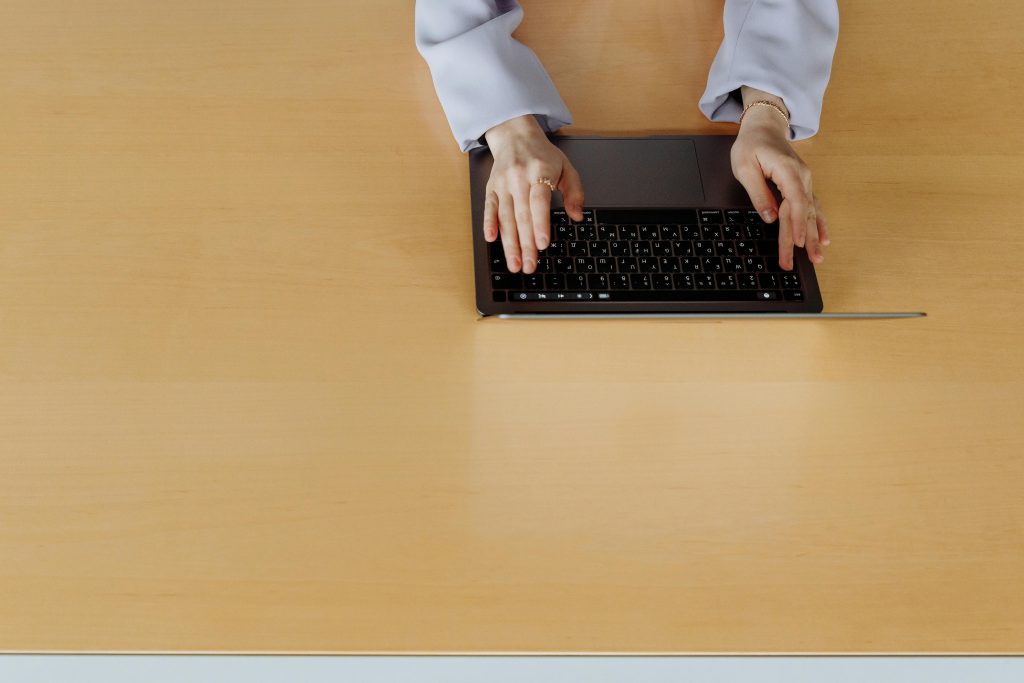
How a laptop gets rid of heat is largely down to the flow of air within it. Most laptops suck air in and push it out through openings at the bottom, along the edges or around where the screen connects. But if you use one on something soft for a long time, like a duvet, a sofa, a pillow or even on your knees, those openings get covered. Warm air then gets trapped inside and the laptop heats up fast.
Laptop repair people will nearly always advise using your laptop on a firm, even surface. This makes sure the vents aren’t obstructed, and allows the cooling system to do its job of moving air around with much more success.
 Credit: Thirdman / Pexels
Why charging and room temperature can raise device heat
When you plug in your laptop, it often gets warmer because both the battery and the internal workings (the processor) are using energy at once. This warmth is much easier to detect in a hot room, particularly during the summer or if the room doesn’t have a lot of circulating air. So, a laptop that doesn’t get too hot in a cool office will likely feel a lot warmer if you use it in a hotter house.
Tech support people at companies usually say to consider where you are before thinking something is seriously wrong with the device. Your laptop will heat up more quickly if it’s charging, getting an update installed, and in a warm room all at the same time.
How dust buildup affects computer performance issues
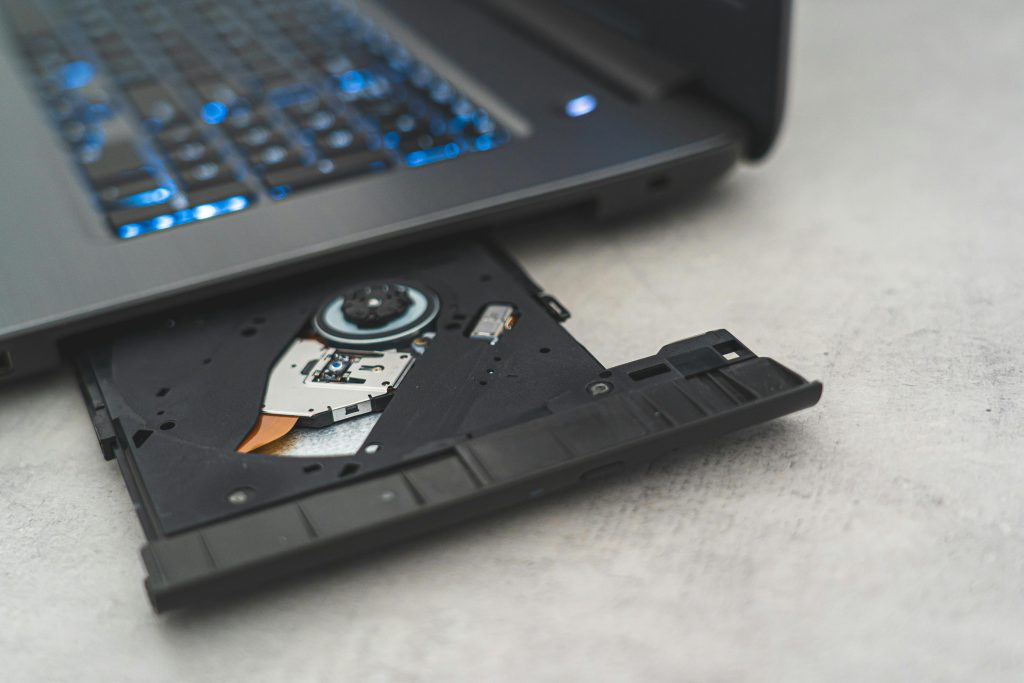
Over time, dust settles around the openings and inside the fans of your laptop, which restricts the air flow and makes the cooling system not work as well. As a result, the fan will probably turn on more often, make more noise and yet your laptop will still get hot. Often, people don’t realize this dust has accumulated until their computer starts to have problems fairly often.
When you’re having heat issues, experts who fix computer hardware generally recommend cleaning the outside yourself and having someone professionally clean the inside. Just making sure the vents aren’t blocked is a really easy way to look after your laptop and can often help it perform better for much longer.
What signs suggest overheating is affecting performance
You’ll often notice problems with a very loud fan, apps being sluggish, delays in your voice or audio during calls, video suddenly getting choppy, or the part of your keyboard you rest your palms on getting quite hot. If things get really bad, your computer might lock up entirely, reboot on its own, or programs might just shut down for no apparent reason; it does this to take the strain off the bits inside.
Engineers who build these machines say the system’s protection against heat is to avoid actual damage, but if it gets too hot over and over, it’s still going to be unpleasant to use and will diminish how good it feels. So keeping the heat in check is a good idea, even if your laptop isn’t broken yet.
Credit: Castorly Stock / pexels
Which simple habits usually help most
You can frequently get a pretty good drop in temperature with just a few little adjustments. For instance, using your laptop on something solid, shutting browser pages you aren’t actually on, regularly rebooting the computer, making sure the cooling holes aren’t blocked, and not doing very demanding things while the battery is filling up when it’s already hot are all useful. They won’t magically fix every problem, but a lot of the time they make things more comfortable and make your laptop run more smoothly.
Tech support people will tell you managing heat is best done as something you do all the time. Your laptop won’t need loads of complicated repair work every seven days, but it will do better with regular things you do to help the air circulate and the temperature fall, over the long run.
Frequently Asked Questions
Q: Is laptop overheating normal during video calls?
A: It can be, especially if the laptop is charging or many tabs are open. Video calls often use both processing power and network activity for extended periods.
Q: Does using a laptop on a bed make overheating worse?
A: Yes. Soft surfaces can block vents and reduce laptop airflow, which makes heat build up more quickly.
Q: Can dust really cause computer performance issues?
A: Yes. Dust can reduce cooling efficiency, which may lead to more fan noise, more heat, and lower performance.
Q: Should users worry if a laptop feels warm while charging?
A: Some warmth is normal, but strong heat combined with noise, lag, or instability may suggest the system needs better airflow or maintenance.
Key Takeaway
Laptops usually get too hot because of a lot of little things adding up, not one big problem. How much you’re using your browser, if it’s plugged in, how well air can get to the laptop, the temperature of the room, and dust all make the laptop warmer and can slow things down. If you make a habit of letting air circulate and do some simple cleaning, you’ll likely find your laptop runs cooler and works more smoothly.
[INTERNAL LINKING SUGGESTIONS]
– How to Speed Up a Slow Laptop Without Replacing It
– Why Too Many Browser Tabs Affect Laptop Performance
– Simple Desk Setup Habits That Help Laptop Airflow