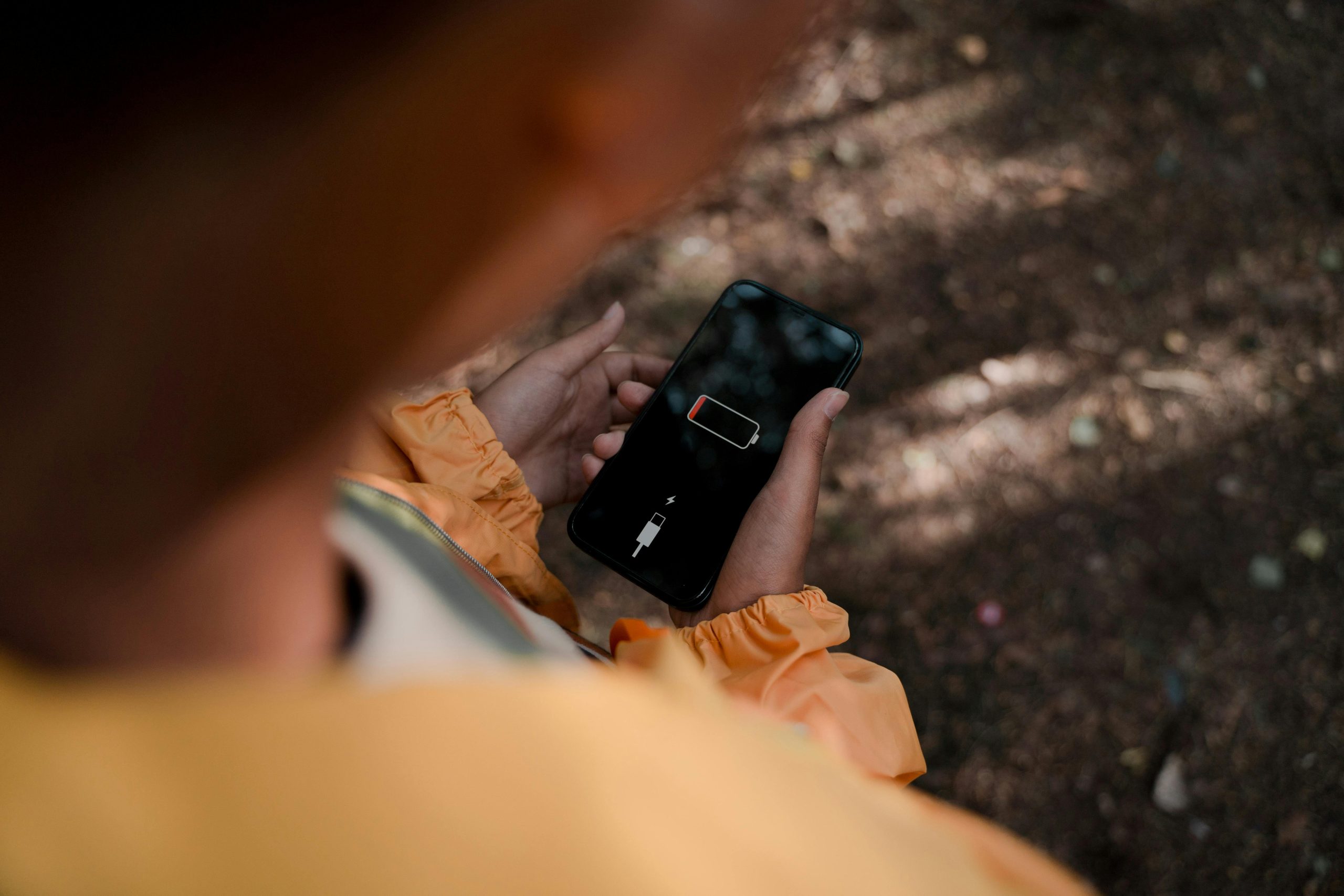
How long your phone holds a charge impacts your work, trips, and keeping in touch with people. This guide will show you which settings and habits typically use up your smartphone battery, and how to get rid of battery drain that isn’t important to you, all without changing the way you actually use the phone.
What your battery does is something tech analysts generally say is due to both the phone itself and what you do with it. And phone software experts add that how apps are used, your screen’s brightness, using wifi or mobile data, and how you charge the phone are all things that influence how much time you get from a single charge.
Why smartphone battery life drops faster than expected
People often think a battery that doesn’t hold a charge is because the phone is old, but actually, how you use the phone each day is usually more important. Things like a very bright screen, having location services on all the time, lots of apps refreshing in the background, and a stream of notifications will run the battery down quicker than you might think.
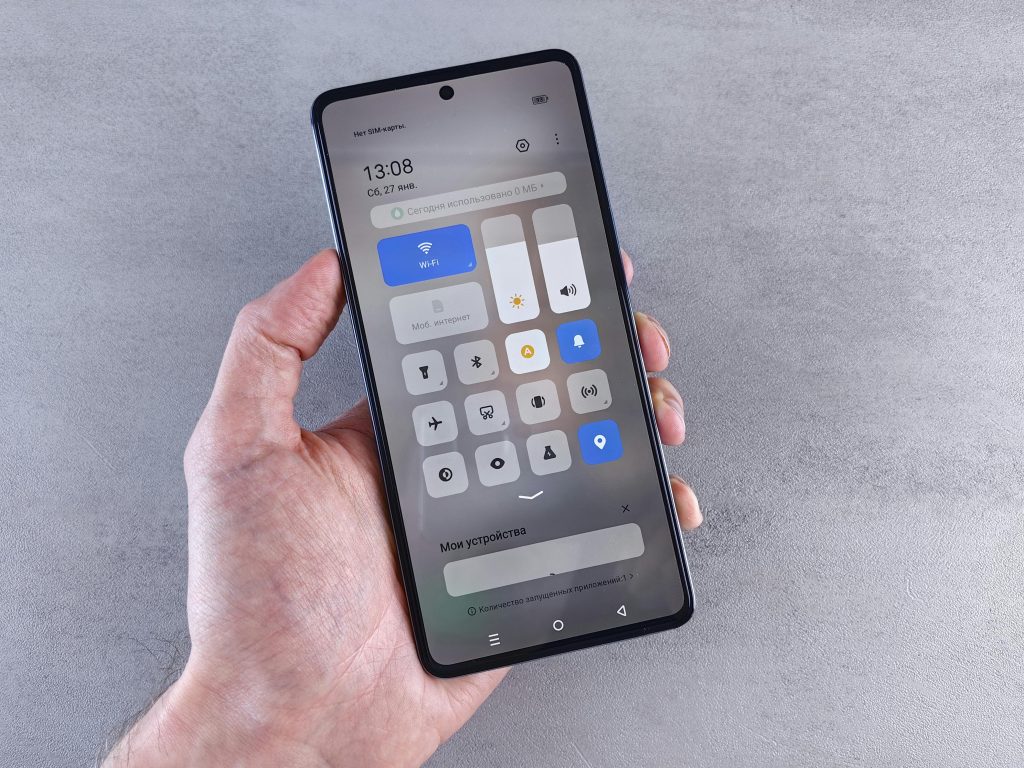
Wireless capabilities are also a factor. Bluetooth, using 5G, a hotspot, and your phone continuously searching for WiFi all contribute to power being used even when you aren’t actively doing anything. Phone designers typically say to look at what’s connected and only have what you need turned on, instead of having everything going all day long.
Credit: Andrey Matveev/ pexels
How screen settings can improve smartphone battery life
Your phone’s screen uses a lot of battery. You can get more life from your phone’s battery quickly by dimming the screen, letting the screen automatically adjust its brightness, and shortening how long the screen stays on before turning off. And on phones with OLED screens, dark mode could help too, as black parts of the screen need less energy.
Those who study how people use technology (accessibility experts) frequently say to find a good point between being able to see the screen and saving battery. You really don’t need the screen at full brightness inside, and even just a little adjustment throughout the day will reduce how much battery is used.
Which background app settings matter most
Apps doing things in the background are a big reason your battery dies quickly. They’ll update information, find out where you are, tell you things, or send your data to the internet all while you aren’t actually using the app. Your phone’s settings and the way they show battery usage will tell you which apps are taking the most energy.
Security experts on phones suggest restricting what apps can do while in the background if they don’t need to. Social media, shopping, and weather apps, for example, will go on working at it unless you deliberately change their settings.
Also, email popping up as it arrives and phones that automatically update very often both use a lot of battery. If you don’t need to be updated immediately, you’ll probably find your battery lasts longer if you have your phone update less frequently.
How charging habits affect phone battery health
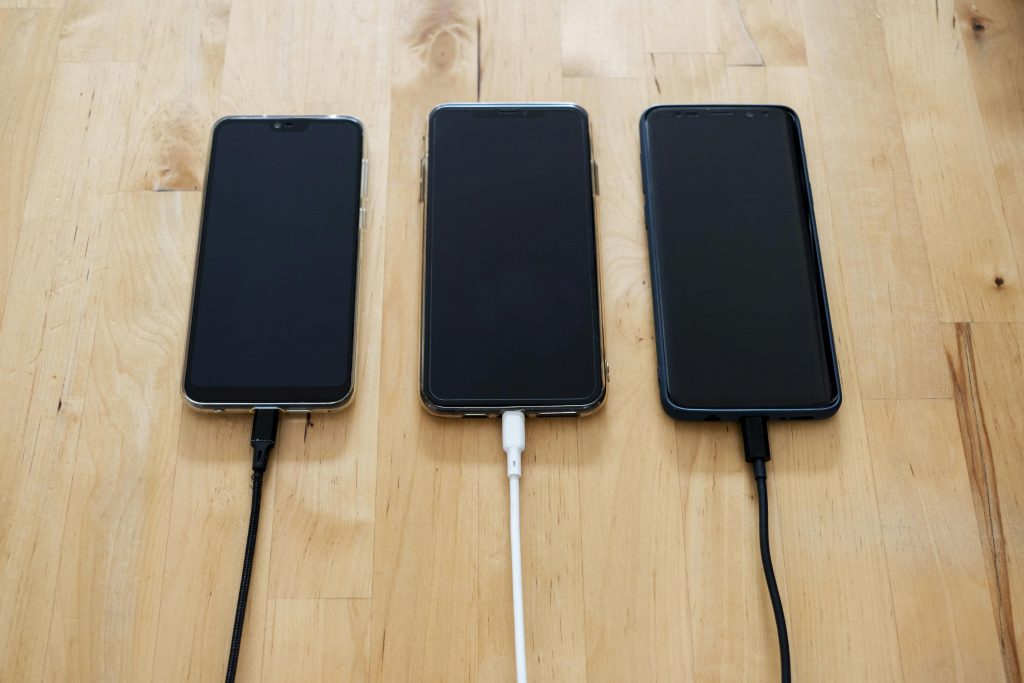
Looking after how you charge your phone will help its battery stay in good condition for longer. Phone battery experts generally say you shouldn’t let it get very hot, you should take off bulky cases if the phone warms up during charging, and you should only use chargers you can rely on that are designed to give your phone the amount of power it needs.
Constantly having your battery at 100% or letting it drain to empty a lot are both hard on it. Luckily, a lot of phone companies these days have clever charging programs which are slower overnight and help your battery last. Switching these on can improve how you use your phone every day and also how well it works in the future.
Credit: Stanley Ng/ pexels
When battery saver mode is worth using
Battery saver mode will make your phone a little less fast, but it’s generally a good thing. It does this by restricting what’s happening on your phone in the background, slowing down how often the screen updates, checking your location less frequently, and making animations quicker to finish. All of this helps your battery last longer when you can’t plug it in.
Phone support people frequently suggest switching battery saver on at the beginning of a trip or a long day at work, rather than waiting for the battery to be nearly empty. Doing it sooner will slow the battery losing power before you’re actually in trouble.
Other small steps that help each day
When your phone’s software is current, it’s better at managing how it uses electricity, and updates frequently have solutions for battery problems. You don’t necessarily have to close every app, but if you reboot your phone now and then, it gets rid of little glitches.
Things like widgets, wallpapers that are actually moving, and continuously letting apps know where you are all use more power. So, switching off things you don’t use daily is a really simple way to get more time out of your phone’s battery, and you don’t have to spend any money on it.
Frequently Asked Questions
Q: Does dark mode really improve smartphone battery life?
A: On phones with OLED displays, dark mode can help reduce power use because darker pixels may consume less energy. The effect is usually moderate, but it can still help across a full day.
Q: Is fast charging bad for phone battery health?
A: Fast charging itself is not always harmful when supported by the device. Heat is the bigger concern, so keeping the phone cool during charging matters more.
Q: Which apps usually drain battery the most?
A: Social media, navigation, video streaming, and apps with constant background app activity often use the most battery. Battery settings can usually show exact app usage.
Q: Should users charge a phone to 100 percent every time?
A: Occasional full charging is normal, but many battery experts suggest avoiding constant high-heat full charging when possible. Optimized charging settings can help manage that automatically.
Key Takeaway
You’ll generally get more from your phone’s battery by making lots of little changes each day, not by doing one big thing to solve the problem. How bright your screen is, what apps are doing stuff in the background, the way you charge your phone, and using any battery saving features are all involved. If you check these things fairly often, you’ll probably find your battery lasts longer and stays in good condition for a longer period of time.
[INTERNAL LINKING SUGGESTIONS]
– How to Free Up Storage Space on a Smartphone
– Why Some Apps Drain More Battery Than Others
– How to Manage Background App Permissions on Android and iPhone