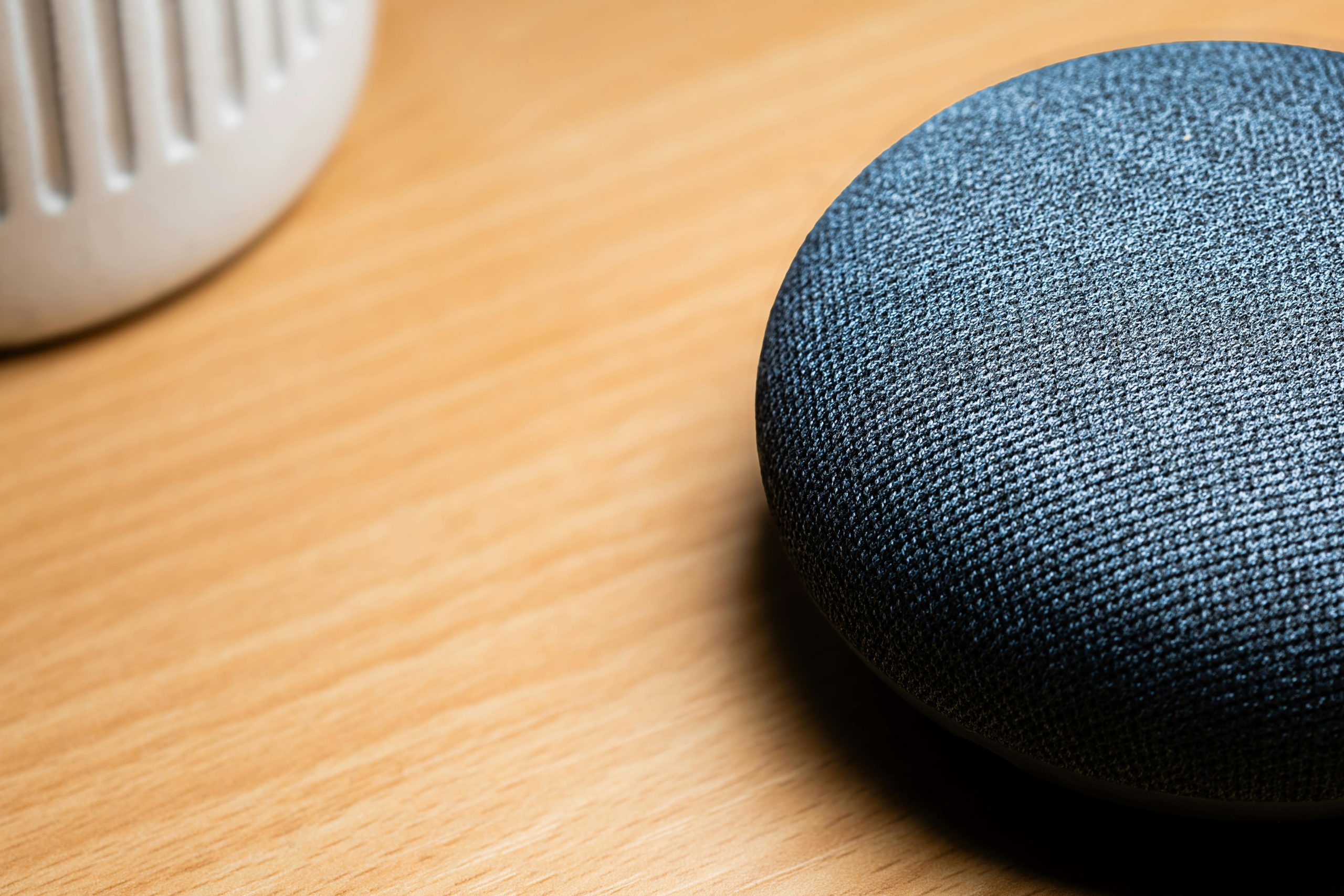
We use voice assistants all the time, but rarely stop to consider what actually happens when we talk to them. What seems like a simple thing to say to get music going, a timer started, a question answered, or a light turned on is actually lots of things happening at once. They are likely the AI we meet with most often, fitting easily into life at home, in the car, and on our phones.
According to people who study this technology, voice assistants use speech recognition, understanding of language, and links to services online. Those who are experts in the devices themselves say they’re so popular because they are easy to use. For quick things, talking is often quicker than typing, particularly if your hands are full or you don’t have a screen in front of you. Knowing how the whole thing operates gives you a better sense of what a voice assistant is good at and what it is still not so good at.
How Voice Assistants Work in Basic Everyday Terms
The simplest way to explain how voice assistants work is that they listen for a trigger, convert speech into text, interpret the request, and then choose an action or reply. A user says a wake phrase or presses a button, the device captures the spoken request, and software tries to determine what the words mean.
Speech technology specialists explain that this process happens very quickly. The assistant identifies the sounds, matches them to likely words, and then searches for the intent behind the request. If someone says, “Set a timer for ten minutes,” the system does not only hear words. It also identifies that the user wants a timing action rather than a general information answer.
Experts note that voice assistants are strongest when the request is short, direct, and linked to a known task. Clear commands usually produce better results than vague or layered instructions.
Credit: Jonathan Borba / Pexels
Why Wake Words Matter in Voice Assistant Technology
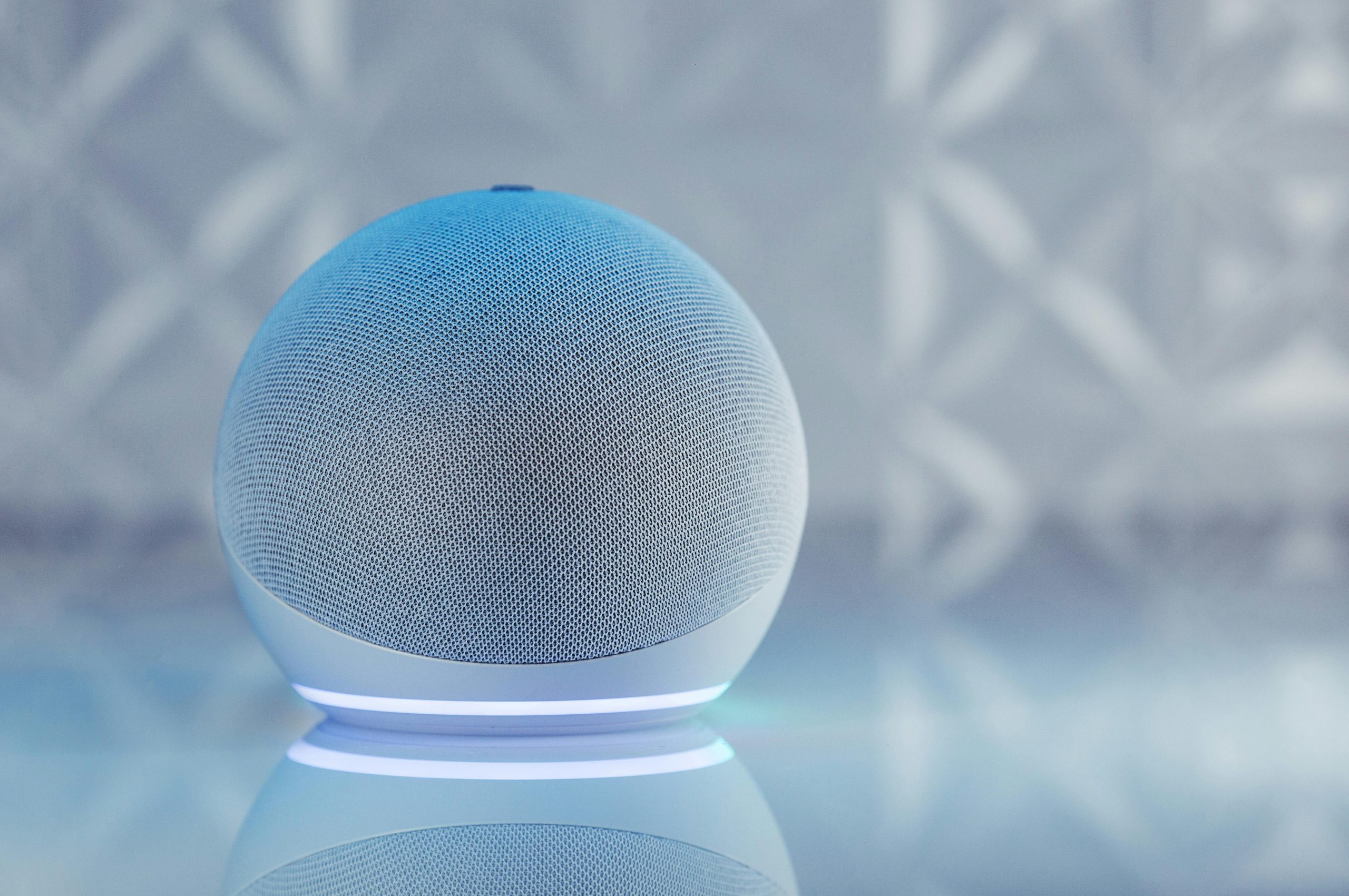
Most of the time, assistants don’t react to everything they hear. They’re generally set up to be on standby, waiting for a specific word or phrase (a ‘wake word’) before really starting to deal with what you’ve said. This means the device is prepared for you, but won’t answer to every single thing going on around it.
Essentially, the wake word is a flag. Once the assistant hears it, it begins to listen in earnest for your next directions. That’s why you normally say the wake word and then tell it what to do.
And, importantly, these wake word systems aren’t foolproof. Sounds that resemble the wake word, sounds from the TV, or people chatting in the background can occasionally mistakenly activate the device. Placement of the device and your privacy choices are important because of this.
How Speech Recognition and Language Understanding Work Together
For a voice assistant to give you the correct answer, it has to first hear what you say. This initial step is what people usually mean by ‘speech recognition’. Then, the system needs to figure out what you mean by it. This second step is usually about language understanding.
AI people who study this tell us that although these two things go together, they aren’t the same. It’s possible for the system to get the words right, yet totally miss what you are trying to do. So, asking for restaurants close to you, getting something on your calendar, or finding out the forecast could all rely on things like where you are, what you’ve done before, or other services you’ve connected to it.
This is, according to the experts, why some commands work beautifully and others feel restricted. The assistant can perfectly understand the sounds of your words but be baffled by what you want, or by not having enough information.
Why Voice Assistants Work Best for Repeated Tasks
Voice tools are so common in AI now, in our everyday lives, because they’re good at doing the same thing over and over. Setting timers, alarms, asking about the weather, getting quick facts, playing music, getting reminders, and operating things around the house with your voice, all work in a way that’s always pretty much the same. It’s simpler for the AI to understand and do these reliably.
Tech analysts who look at what people buy say that voice assistants are useful because they shave off little bits of time lots of times during the day. You might not even notice that asking for the forecast for tomorrow or switching off a lamp with your voice is helping, but these little benefits build up and are a big part of why we continue to use voice systems.
And specialists also point out that assistants aren’t as good at things needing a lot of understanding, lengthy answers, or complicated thinking with multiple steps. They’re generally much better at you telling them to do something clearly, than at having a long, in-depth conversation.

Credit: Fabian Hurnaus / Pexels
How Voice Assistants Connect With Other Devices and Services
Assistants are generally much better when they’re tied in with other things you use on your devices. So, a phone assistant might work with your texts, maps and calendar. A smart speaker could be linked to your music, your lights at home, or lists for shopping. Because of these connections, they don’t just respond to questions; they do things.
People who really know about connected devices say the assistant often manages your use of lots of different services. Instead of having to open each app by yourself, you just tell it what to do. This makes everyday things you do online easier, particularly if you have a lot of a lot of appliances and apps working together in your house.
And the experts advise you to know exactly which services your assistant is connected to and to check those connections every so often. As you link up more and more things, keeping your account safe and your settings right becomes increasingly vital.
Why Voice Assistants Sometimes Get Things Wrong
Even if you know how voice assistants are supposed to function, they will still make mistakes. Things like sounds in the room, how someone speaks with their accent, speaking quickly, not being very specific with what you say, or a bad WiFi signal can all cause problems with how well they work. Sometimes the assistant will get the words right, but do something you didn’t intend.
People studying speech systems point out that voices assistants are based on guessing and finding similar patterns. They don’t grasp language as we do. We can understand when someone is being sarcastic, or a statement has multiple meanings, or what’s meant from how they say it and where they are. A voice assistant is far less capable of this.
If it doesn’t work the first time, experts suggest saying it in a simpler way or phrasing the request differently. In many cases, being more precise with your words will get you a better response, more so than shouting.
How Privacy Fits Into Daily Voice Assistant Use
Since you talk to voice assistants, what happens with your privacy is a big thing to think about. These devices could keep recordings of what you say, be tied into your personal accounts, or send your requests to the cloud to be dealt with. Even if you find them really helpful, you should know what information they are holding onto.
Privacy advisors suggest looking at how you control your voice history, what accounts they’re connected to, and your microphone options. On some, you can actually oversee and manage the recordings that are saved, get rid of stuff from the past, or turn off the part that’s always listening when you don’t want it on.
What experts say is that you’ll usually get more privacy by carefully adjusting settings and doing things the same way each time, rather than by never using the assistant at all. Good controls give you the ability to have both the ease of use and the carefulness you want.
Why Voice Assistants Remain a Major Part of AI in Daily Life
Voice assistants remain important because they bring AI into ordinary moments without requiring much training. Users do not need to learn complex commands for many routine tasks. The interaction feels natural enough for reminders, music, weather, navigation, and home control, which is why voice tools continue to fit into everyday habits.
Researchers who study consumer technology explain that voice interfaces are especially valuable when screens are inconvenient. Driving, cooking, cleaning, or moving around a room are all situations where spoken interaction may feel easier than typing or tapping.
Experts say the long-term value of voice assistants will depend on reliability, privacy management, and how well they continue to support real household routines rather than novelty alone. That practical role is what keeps them central to AI in daily life.
Frequently Asked Questions
Q: What is a voice assistant?
A: A voice assistant is a digital tool that listens for spoken commands, interprets them, and performs actions or provides answers.
Q: How do voice assistants understand speech?
A: They use speech recognition to identify words and language-processing systems to determine the meaning of the request.
Q: Why do voice assistants need wake words?
A: Wake words tell the device when to begin listening more actively for a user command.
Q: What are voice assistants best used for?
A: Experts say they work best for repeated tasks such as timers, reminders, weather, music, navigation, and smart home controls.
Q: Do voice assistants raise privacy concerns?
A: Yes. Because they process spoken requests and may store interactions, privacy settings and account controls remain important.
Key Takeaway
Understanding how voice assistants work helps explain why they have become one of the clearest examples of AI in daily life. Experts describe them as systems that recognize speech, interpret intent, and connect users to actions or information through simple spoken requests. They work best for repeated tasks, but their usefulness still depends on clear commands, reliable connections, and thoughtful privacy settings.
[INTERNAL LINKING SUGGESTIONS]
– How AI Recommendations Work and Why They Shape What People See Online
– How to Use AI Writing Tools More Carefully for Everyday Tasks
– How to Improve Smart Speaker Privacy With Simple Settings and Habits
Leave a Reply