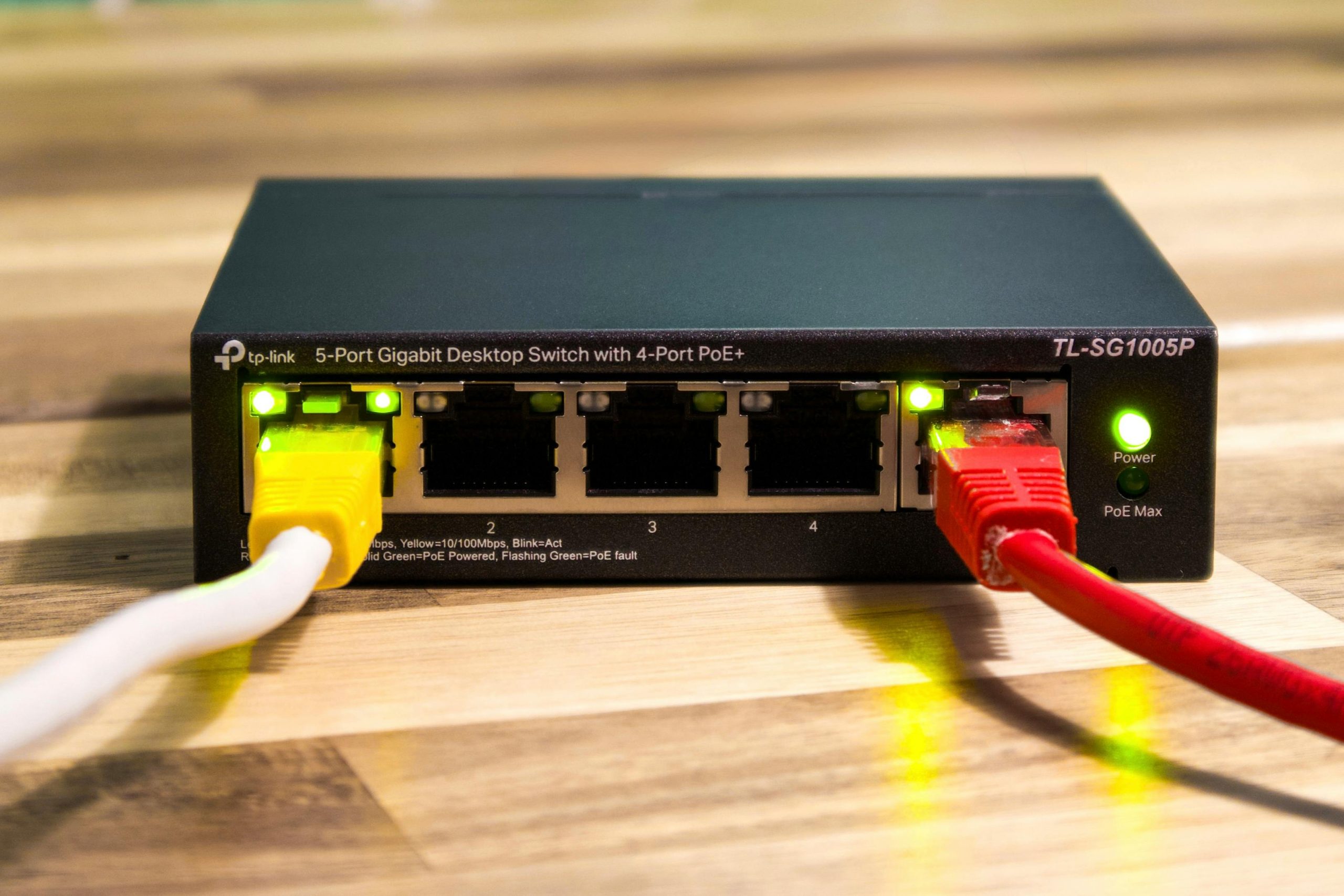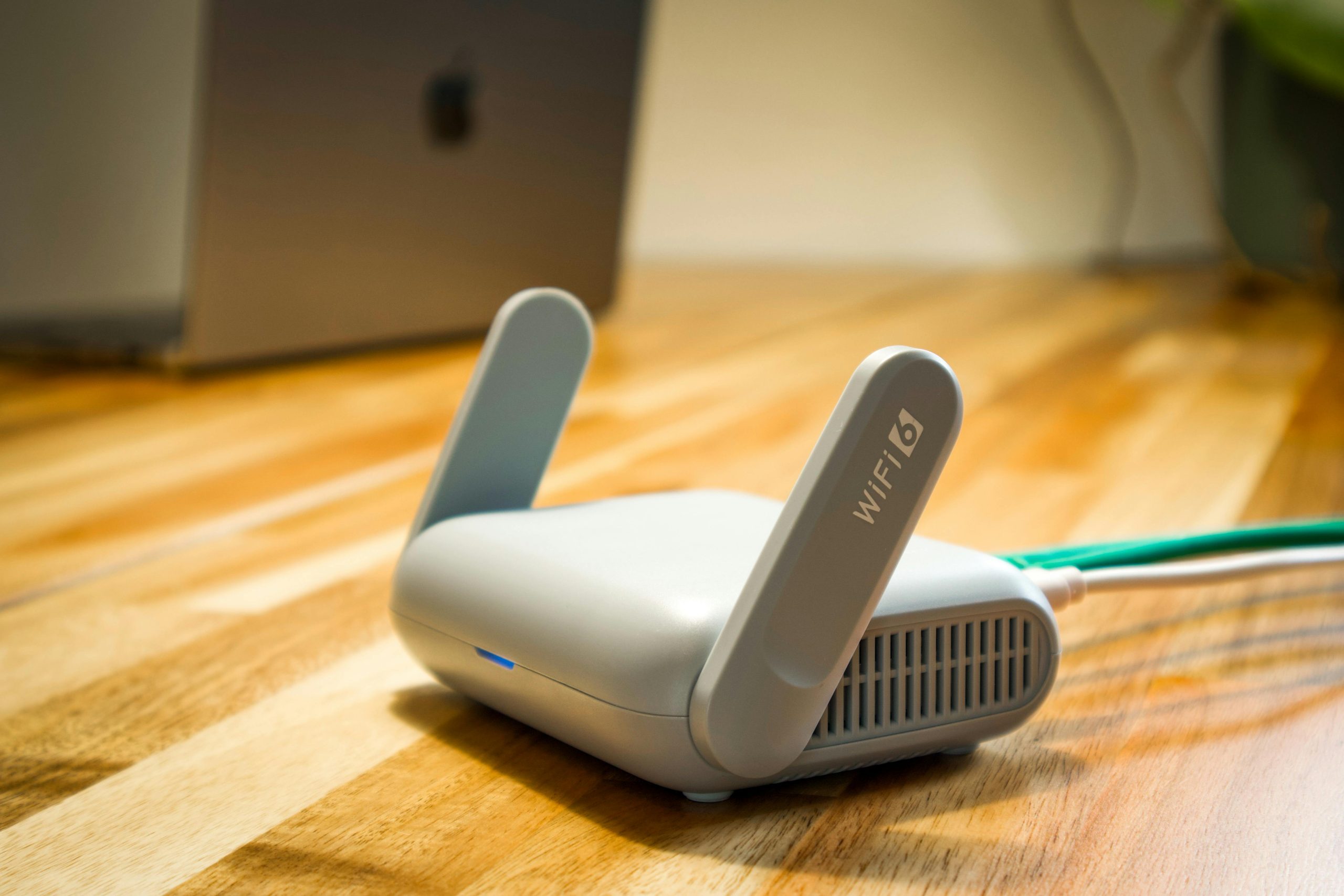
When your home Wi-Fi isn’t working well, video chats get choppy, websites are slow to appear, and things you’re watching online frequently stop and start. This piece will go over the reasons why your home Wi-Fi frequently becomes sluggish, what makes your Wi-Fi signal weak, and the fairly easy adjustments you can make to get it working better in most houses.
Experts who deal with networks a lot say that the problem with your internet speed at home isn’t necessarily your internet company. Where you put the router, too many devices using the Wi-Fi at once, what your house is built from, and settings on the router that are old and need updating can all make things slower, even before the signal gets to your phone, laptop or television.
Why home Wi-Fi slows down in busy households
Nowadays, most houses have a lot more things linked up to the internet than they used to. You might have your phone, laptop, something for streaming, a smart television, a gaming machine, a camera and a smart speaker all going at the same time. If a lot of these all try to use your internet allowance at once, your home Wi-Fi will feel as though it’s slowed down, even if your internet package is good enough.
Also, how well you connect can fluctuate depending on the time of day. Lots of things happening in the evening, like work meetings on the phone, files being saved to the cloud, downloading big files and watching things, can cause a brief overload. People who look at how home internet works often say you’re most aware of things slowing down when you’re doing several demanding things at once.
How router placement affects home Wi-Fi signal strength
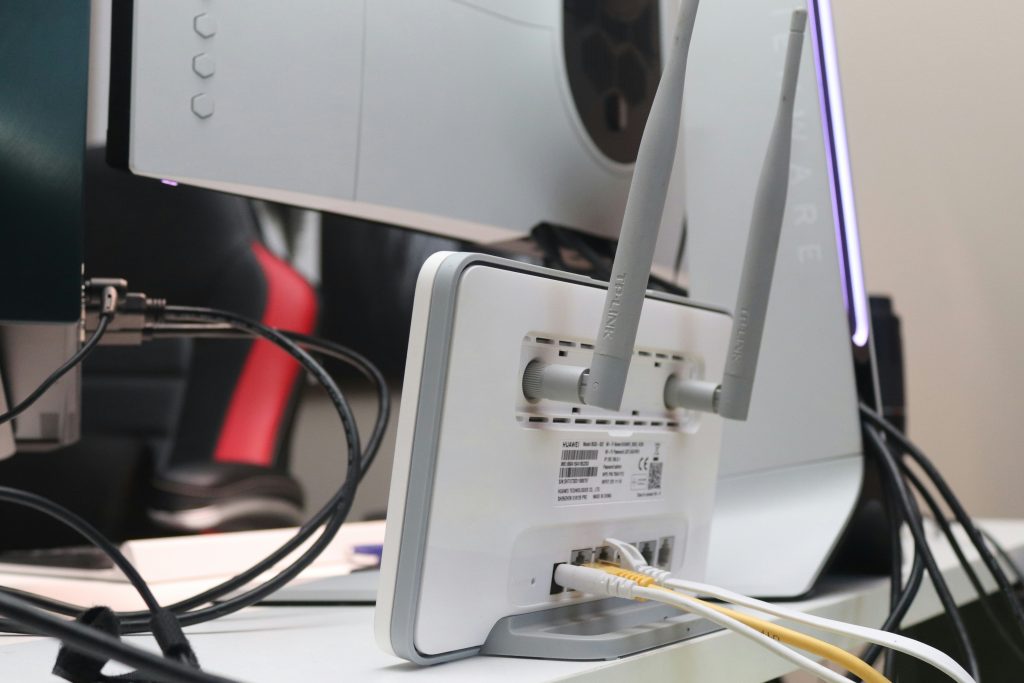
Where you put your router actually has a bigger effect than most of us realize. If it’s tucked away in a cupboard, behind the TV, or down on the floor it’s likely to struggle to get a good signal all over your house. Thick walls, metal things, and mirrors all make the connection between your router and phones, laptops and so on, less reliable.
Experts in getting things working at home will typically tell you to have the router in the middle of the house and out in the open if you can. Getting it up higher and away from big, solid obstacles will often solve the problem of a poor Wi-Fi signal in rooms close by.
Credit: Boitumelo / unsplash
What causes a weak Wi-Fi signal in some rooms
You usually get a poor Wi-Fi signal in back bedrooms, upstairs in an office, or in any room at the edges of the house that’s quite a distance from the router. How far away you are is important, but what your house is made of is equally so. Brick, concrete, tiled floors, and bulky appliances can all get in the way of the signal. What’s more, even the glass of a fish tank or big, heavy furniture can change how well Wi-Fi works in certain areas.
Wireless experts will tell you that other electrical things nearby can cause problems. Specifically, microwaves, cordless phones, baby monitors, and lots of Wi-Fi networks in a block of flats can all fight for the same channels as your home Wi-Fi, making it less reliable. Because of this, your connection won’t just be slow, it will seem to cut out at random.
Why older equipment can create internet speed issues
Your router from a while back might not be able to handle how we use the internet now. Something that was fine for just looking at websites in the past will likely have trouble with things like streaming videos, all the data from a smart home, video calls, and backing stuff up to the cloud. And importantly, the older the ‘instructions’ the router uses (its firmware) the less consistently and safely it will work.
Tech support people generally suggest first looking to see if your router’s software is the latest version and if the router itself can still do everything your household requires. You can have a very speedy internet service, but a really old router can slow things down and become the limiting factor for how fast things actually feel.
Which simple changes usually help most
Often the best solutions are really straightforward. Just turning your modem and router off and then back on will usually get rid of short-term connection problems. If you put the router somewhere with a better signal, you’ll get a stronger Wi-Fi range. And taking devices that aren’t being used off the network, particularly older phones, tablets, or streaming boxes that connect on their own, will lower the amount of data going on in the background.
If you can, it’s good to do things that use a lot of internet at different times; you might plan big downloads or backing up your videos for when you aren’t working. For desktops, TVs and gaming consoles, network experts advise using an Ethernet cable instead of Wi-Fi when you absolutely need a fast and reliable connection.

Credit: Giang Vu / unsplash
When the internet provider may not be the main problem
We often quickly blame the internet company when things go wrong, but the trouble isn’t necessarily with them. If you have a great signal right by the router but the connection is bad only in particular rooms, the problem is likely the WiFi’s reach within your home, not the service coming into it. And if the slow speeds happen just at specific times, or on only one computer, phone or tablet, the cause is probably something inside your walls.
Because of this, internet help desks will commonly ask you to try a lot of different devices, in a lot of different spots around your house, before you declare the slowdown’s source. This way you can figure out if the problem is with your provider, your router, or that one specific device.
Frequently Asked Questions
Q: Why does home Wi-Fi work well in one room but not another?
A: Distance, thick walls, furniture, and interference can all weaken a signal in certain parts of a home. Router placement often makes a major difference.
Q: Does restarting the router really help?
A: Yes, restarting can clear temporary network problems and improve stability. It is a simple step that often helps before deeper troubleshooting begins.
Q: Can too many devices slow down home Wi-Fi?
A: Yes, especially when several devices stream video, sync files, or download updates at the same time. Busy households often see more internet speed issues during peak hours.
Q: What is the easiest way to reduce a weak Wi-Fi signal?
A: Moving the router to a more open, central location is often the simplest first step. Keeping it away from large obstacles can improve coverage quickly.
Key Takeaway
Most of the time when your home Wi-Fi is acting up, it’s because of little things with how it’s set up, not some big breakdown. Where you’ve put the router, lots of devices being in the same spot, areas of the house where the signal is already pretty faint, and how old your equipment is are all things that impact how well it works every day. If you thoughtfully look at those simple things, you can normally get a better Wi-Fi connection, and solve the usual problems with your internet being slow, without doing anything really complicated.
[INTERNAL LINKING SUGGESTIONS]
– How Router Placement Changes Wi-Fi Coverage
– Common Reasons Video Calls Lag on Home Internet
– What Internet Speeds Different Households Usually Need