 Credit: Tima
Miroshnichenko / Pexels
Credit: RDNE Stock project / Pexels
Why Electronics Can Interfere With Home Wi-Fi
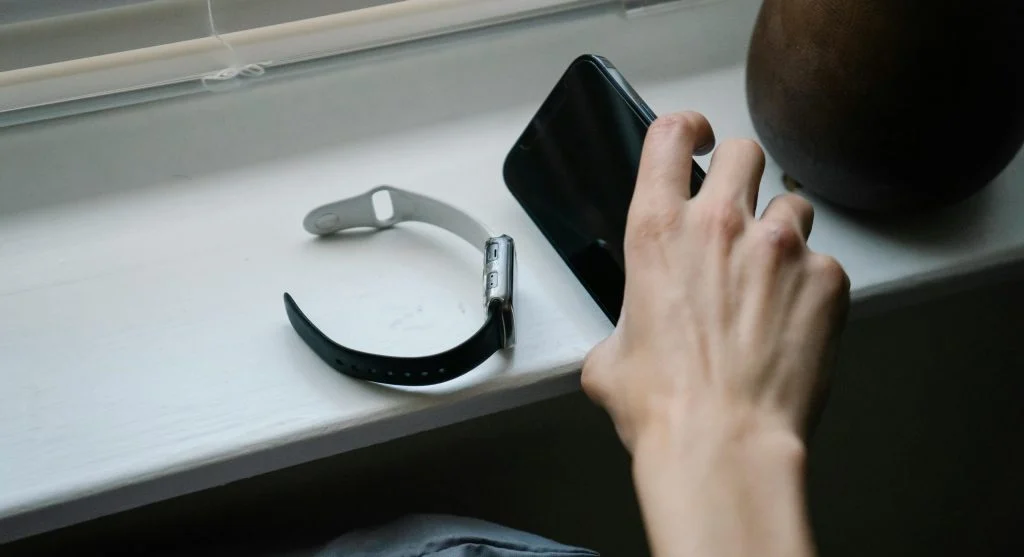
Some household electronics can interfere with wireless performance, especially when they sit close to the router. Microwaves, cordless phones, baby monitors, speakers, and large entertainment systems can affect signal quality in some environments.
Technology support specialists explain that the problem is not always constant. Interference may appear only when certain devices are active, which can make the issue harder to notice. A user may think the internet is randomly unstable when the router is actually competing with nearby electronics.
Experts recommend giving the router some space from other electronic equipment whenever possible. A small distance can make the connection more stable and easier to trust.
How Room Choice Affects Dead Zones
Some rooms are simply harder to reach with Wi-Fi than others. Bedrooms at the far end of a home, upstairs corners, or rooms behind dense walls often become dead zones if the router is too far away. This is especially common in larger homes or multi-floor layouts.
Home internet specialists explain that users should think first about where the internet matters most. A router should support the rooms used for work, streaming, learning, and regular browsing before trying to serve every distant corner equally. This helps create a more practical coverage plan.
Experts recommend walking through the home and identifying where signal problems appear most often. That information helps determine whether router movement alone may help or whether more equipment may eventually be needed.
Why Testing Matters After You Place a Wi-Fi Router
Good placement is easier to confirm when the connection is tested after setup. A router may look well placed but still leave weak zones in practice. Testing helps users see whether major rooms now receive a stronger signal and more stable speeds.
Network technicians recommend checking speed or signal strength in the rooms that matter most rather than only near the router itself. A connection that looks excellent next to the device does not guarantee good performance elsewhere in the home.
Experts suggest making one change at a time and comparing the results. Moving the router by only a short distance can sometimes make a meaningful difference.
How to Improve Home Wi-Fi Further if Placement Is Not Enough
Sometimes even the best effort to place a Wi-Fi router well is not enough to cover the entire home. Large spaces, thick walls, and multi-floor layouts may still leave weak areas. In those cases, better placement should be the first step, not the last one.
Home network experts explain that once the router is in the best reasonable location, users can more clearly judge whether extra help is needed. A stronger plan may involve extending coverage in specific areas, but placement should always be corrected first because it improves the base network before anything else is added.
Experts note that many dead zone problems become much smaller after the router is moved out of corners, raised higher, and placed farther from obstacles. Better positioning often solves more than users expect.
Frequently Asked Questions
Q: Where is the best place to put a Wi-Fi router?
A: Experts often recommend a central, open, elevated location that is closer to the rooms where internet is used most often.
Q: Should a router be placed on the floor?
A: Usually no. Raising the router on a shelf or table often helps the signal spread more effectively.
Q: Can walls and furniture weaken Wi-Fi?
A: Yes. Thick walls, metal surfaces, and large furniture can reduce signal strength and create dead zones.
Q: Should the router be near a TV or microwave?
A: Experts generally recommend keeping the router away from large electronics that may interfere with the signal.
Q: How can users tell if router placement has improved the signal?
A: Testing connection strength or speed in important rooms after moving the router is one of the best ways to measure improvement.
Key Takeaway
Learning how to place a Wi-Fi router correctly can improve coverage, reduce dead zones, and make everyday internet use more reliable across the home. Experts recommend central placement, higher positioning, fewer obstacles, and distance from interfering electronics. Better router placement tips often improve home Wi-Fi more effectively than users expect, especially before any new equipment is added.
[INTERNAL LINKING SUGGESTIONS]
– How to Fix Slow Wi-Fi Speed at Home With Simple Steps
– What Causes Weak Wi-Fi Signal at Home and How to Improve It
– How to Secure Home Wi-Fi With Better Router Settings and Simple Habits