One of the easiest things you can do to shield your accounts on the internet is to make sure you have good passwords. Attackers can guess at passwords that aren’t very strong, and this is particularly true of those that use usual words, short sequences of numbers, or things specific to you. A much more secure password will lower the likelihood of that happening, and do a better job of guarding your information for email, at the bank, when you’re buying things, and on social media.
Even though more and more services are adding other layers of security, security experts at cybersecurity companies say password security is still important for staying safe online. Digital security professionals also point out that lots of people don’t use much better password practices as they’re under the impression a very strong password will be impossible to recall. However, what experts suggest are ways to be more secure that don’t also make for a headache every time you log in.
Why Weak Passwords Put Online Accounts at Risk
People often pick passwords that are easy to guess, like brief words, strings of the same number, their birthday, their name, or just a row on the keyboard. They’re simple to remember, sure, but hackers will try these first.
Security folks say that programs can rapidly go through a massive amount of probable passwords. That’s why passwords that are short or things you’d think of quickly are particularly dangerous. And if someone finds your password for one thing, your accounts on other websites are also at risk if you use the same one.
So, security specialists suggest you think of each important account as being separately protected. A bad password for a single service can occasionally cause difficulties for lots of your other accounts.
How to Create Strong Passwords Using Longer Phrases
One of the best ways to create strong passwords is to use longer passphrases instead of short words. A passphrase can combine several unrelated words, symbols, or numbers in a pattern that is easier to remember than a random short code. Length often improves security more effectively than complexity alone.
Cybersecurity educators recommend choosing a phrase that is not based on public personal details. A random combination of words with added variation is often more secure than a short password full of predictable substitutions. The goal is to make the password difficult for others to guess but easier for the account owner to recall.
Experts also advise avoiding famous quotes, song lines, or widely used phrases. Even a longer password becomes weaker if it follows a pattern many others are likely to use.
Why Reusing Passwords Makes Security Problems Worse
Password reuse is one of the most common online safety mistakes. If the same password protects multiple accounts, one exposed login can put several services at risk. This is especially serious when the reused password appears on email accounts, which often serve as the recovery channel for other logins.
Digital security analysts note that attackers often test known leaked passwords on other websites. This process can lead to additional account breaches even if the second service was never directly attacked. Using separate passwords blocks that chain reaction.
Experts recommend giving the most sensitive accounts unique passwords first. Email, financial services, cloud storage, and work-related accounts should be high priorities.
Credit: Miguel Á. Padriñán / Pexels
What Experts Say About Personal Information in Passwords
Lots of people base their passwords on things they’ll remember – their birth year, a pet’s name, the team they support, or bits of their phone number. But even though these things seem like only you know them, they’re surprisingly easy to discover in what people have said publicly, in old stolen data, or just from a quick search on the internet.
Those who work in privacy say you shouldn’t use anything specifically related to who you are or your home. Even a little bit of your personal info makes a password easier for someone to figure out. People trying to get into your account will often put together lots of little hints to limit how many guesses they have to make.
So, security experts suggest using words or sequences of letters and numbers that aren’t obviously linked to your public life, your family, or how you normally do things online. This makes it much harder for someone to target your account by guessing at personal details.
How Password Managers and Memory Systems Support Strong Login Habits
Many users struggle to remember unique passwords across many services. That is why security specialists often recommend password managers or a carefully planned personal password system. These tools and methods reduce the temptation to reuse weak logins.
Technology support teams explain that password managers can store strong unique passwords securely and reduce the number of details users must memorize. For those who prefer manual methods, experts suggest using a consistent structure that changes meaningfully between sites without becoming predictable.
The goal is not to memorize dozens of unrelated codes. The goal is to make strong login habits realistic enough to follow over time.
Why Two-Step Protection Strengthens Password Security Tips
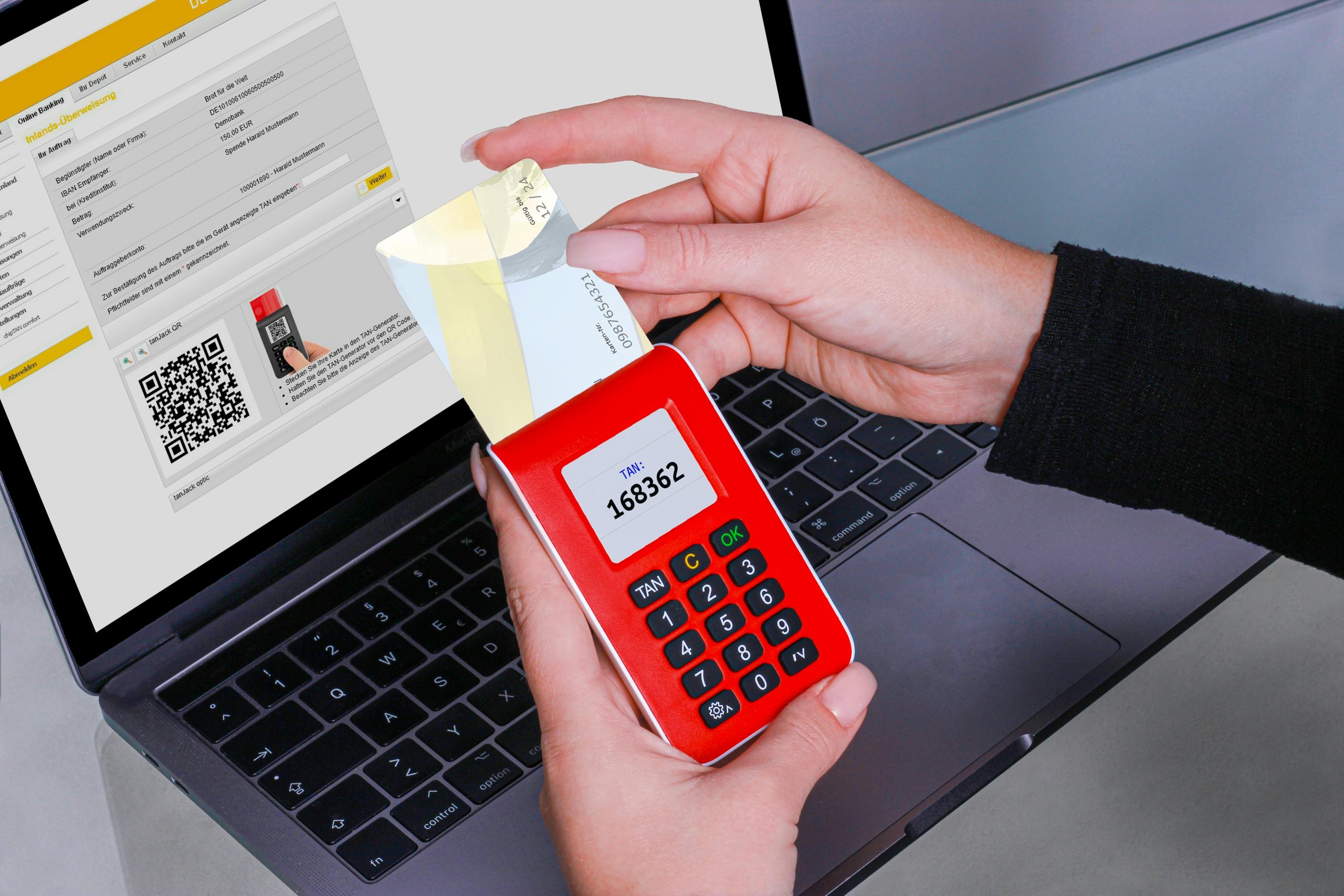
Good passwords aren’t fully safe by themselves, and you can get even more security with two-step verification (also known as two-factor authentication). This puts another step in the way after you type in your password. So, if someone gets hold of your password, they still won’t necessarily be able to get into your account.
Security experts suggest turning this on whenever you can, in particular for your email, your bank, and anything for work. It’s important to still have a complicated password, but two-step verification makes your account a lot more secure.
In fact, using a great password and that additional verification gives you much better protection than just having one or the other.
How Regular Password Reviews Improve Safer Online Accounts
Keeping your passwords safe isn’t something you do once and forget. Accounts evolve, services you don’t use anymore are still on the web, and you will inevitably forget details for signing in. Looking at things regularly lets you find passwords you’ve used in multiple places, those that are too easy to guess, and accounts you don’t even need anymore.
Security experts say you should go through your most important accounts periodically and change passwords that are old, are used on multiple sites, or are based on simple and obvious ideas. Get rid of accounts you’ve stopped using if you can; each one you aren’t actively using is another way someone could get in.
Doing these little checks as a habit really boosts how safe you are in the long run, and you don’t have to do a massive security overhaul all at once. This makes keeping your passwords protected much easier.
Frequently Asked Questions
Q: What makes a password strong?
A: Experts generally define a strong password as one that is long, hard to guess, and not reused across multiple accounts.
Q: Is a long passphrase better than a short complex password?
A: In many cases, yes. Security specialists often recommend longer passphrases because they are harder to guess and easier to remember.
Q: Why is password reuse dangerous?
A: If one reused password is exposed, attackers may try it on other services, which can put several accounts at risk.
Q: Should personal information be used in passwords?
A: Experts advise against it because names, birthdays, and similar details can be easier to guess or find online.
Q: Do strong passwords still matter if two-step verification is enabled?
A: Yes. Two-step verification adds protection, but strong passwords are still important for reducing overall account risk.
Key Takeaway
Knowing how to create strong passwords helps protect personal data, reduce account risk, and support safer online accounts over time. Experts recommend using longer phrases, avoiding password reuse, removing personal details, and combining password security tips with extra verification. Strong login habits are most effective when they are simple enough to maintain consistently.
[INTERNAL LINKING SUGGESTIONS]
– 7 Common Online Scams Experts Warn Users Should Recognize Early
– How to Manage App Permissions to Improve Privacy and Data Security
– How to Secure a Home Wi-Fi Network With Better Router Settings