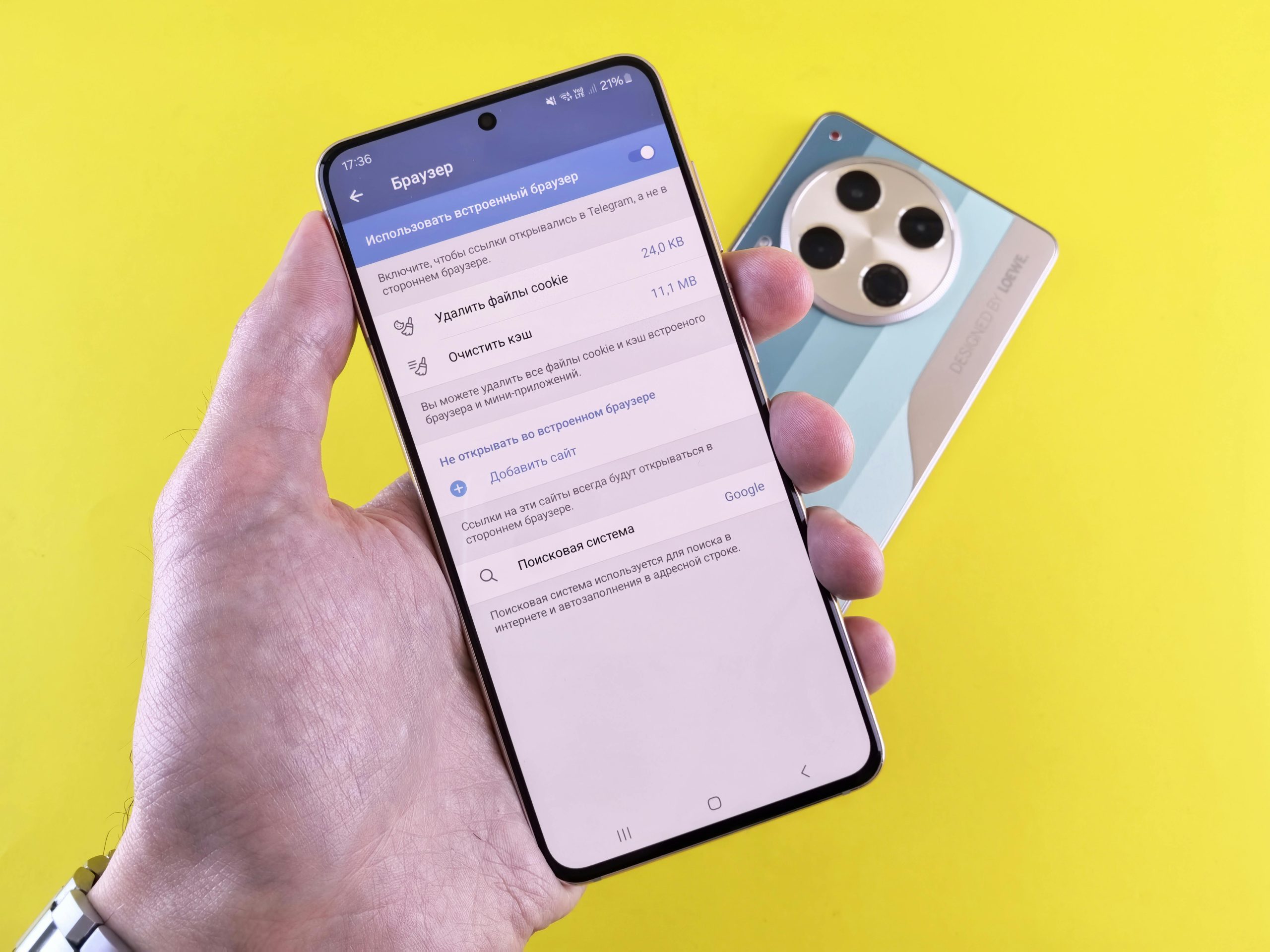
Lots of people are interested in controlling what apps are allowed to do, because apps on phones generally ask for access to things like where you are, your friends’ information, and your camera. If you don’t keep an eye on this, your info can be shared with more people than you’d like.
Security specialists say that going through your app permissions from time to time lowers the chances of something going wrong with your privacy. You can make both your security and your phone run better by only letting apps get to the details they really need.
Why App Permissions Matter for Privacy and Security
What an app is allowed to do with your phone (its permissions) controls what details it can get to. Quite a lot of apps ask for permissions that aren’t really needed for what they’re supposed to do.
People who are concerned with privacy say these extra permissions can let your personal information be seen. So, a basic game, for instance, shouldn’t require to know where you are, or who you’re calling, but you might be asked to give it access to both of those when you download and set it up.
Those in the know suggest looking at the permissions an app wants before you install it, and changing them later if you feel you need to.

Credit: dumitru B / Pexels
How to Manage App Permissions on Smartphones Step by Step
Nearly all phones have a place in their settings just for controlling what apps are allowed to do. You can see which apps can use things like your camera, microphone, or photos and other files kept on the phone.
Phone security people say to go into settings, then choose ‘privacy’ or ‘permissions’ and go through each type of permission. Then you can say yes, no, or restrict access for each app depending on if it really needs it.
Looking at these things fairly often is a good idea, to be sure apps aren’t keeping permission for things they don’t need anymore.
What Permissions Should Be Reviewed First
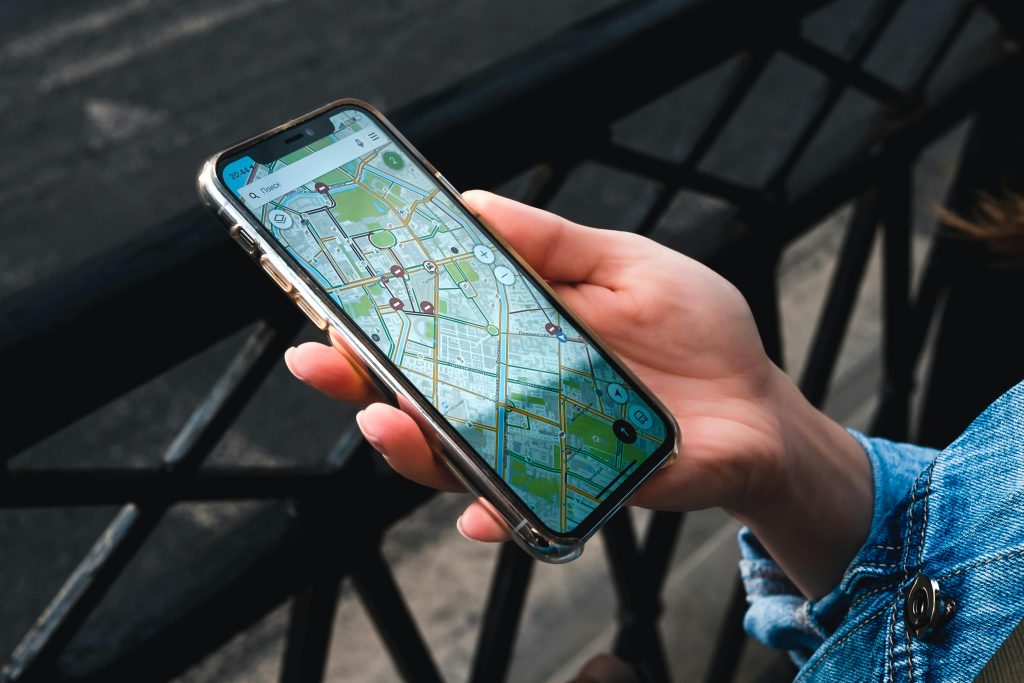
Certain permissions are more private than others, and you should definitely check location, camera, microphone and contacts particularly carefully.
Security experts recommend only letting apps know where you are when you’re actively using them, not all the time. And, for camera and microphone access, only turn them on for apps that absolutely need them to work.
Credit: Stanislav Kondratiev / Pexels
Why Limiting Background Access Improves Security
Lots of apps go on using your information even when you’re not actually on them. This happening in the background is where your privacy can be at risk, and it drains your battery faster.
Because of this, people who know about these things suggest you limit what apps can do while they’re in the background, specifically for apps that don’t absolutely have to be constantly connected. That way, they won’t use as much of your data and your personal details are safer.
Plus, your phone or tablet will simply run more smoothly.
How Regular Permission Checks Help Protect Data
Apps can get new authorizations when you update them, so you should check these fairly often. When you update your apps, you might be letting them do things you don’t realize.
Security experts suggest looking at what apps are allowed to do at least monthly. Doing this routinely means apps won’t be able to access things they shouldn’t.
And, getting rid of apps you don’t use is a good way to lower the chance of something bad happening.
Frequently Asked Questions
Q: What are app permissions?
A: App permissions control what data and features an app can access on a device.
Q: Should all app permissions be allowed?
A: Experts recommend allowing only the permissions that are necessary for the app to function.
Q: How often should permissions be checked?
A: Reviewing permissions once a month helps maintain better privacy and security.
Q: Does limiting permissions affect app performance?
A: Some features may be limited, but it improves privacy and reduces unnecessary data access.
Key Takeaway
To keep your personal information safe and your phone more secure, you really need to get a handle on app permissions. What the experts say is that if you go through what each app is allowed to do, restrict what they can get to, and check these things fairly often, you’ll cut down on how much your privacy is at risk when you’re using your phone all the time
[INTERNAL LINKING SUGGESTIONS]
– How to Improve Smartphone Battery Life With Simple Settings
– 7 Common Online Scams Experts Warn Users Should Recognize Early
– How to Secure Your Home Wi-Fi Network Easily