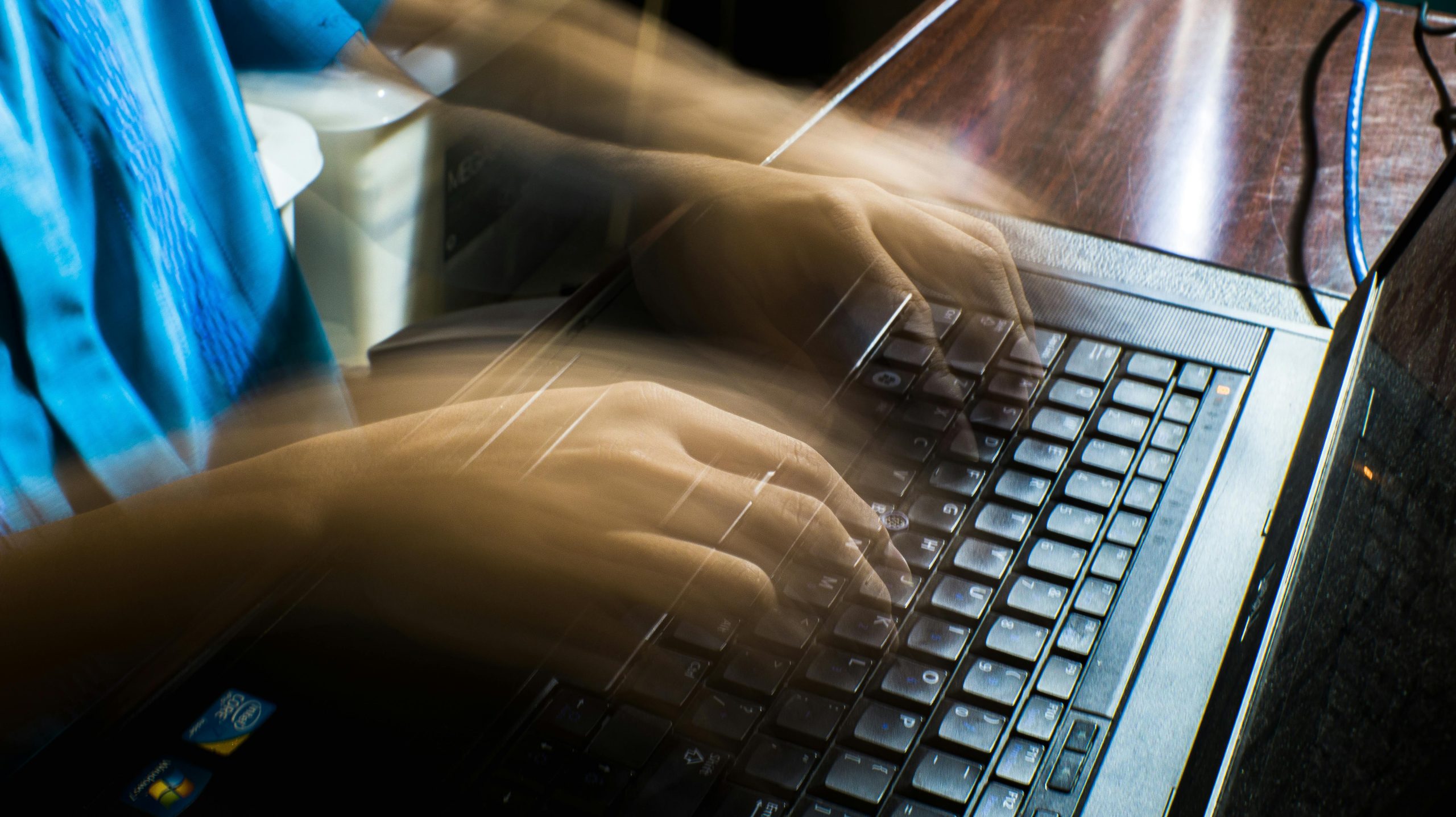
It’s really annoying when your laptop is slow. Things are much harder to achieve if it crawls when starting, if programs are sluggish to do anything, or the screen freezes. Most of the time this slowdown is due to a full hard drive, many programs starting when you boot up, software that hasn’t been updated, or a lot of activity you aren’t even aware of. Luckily, you can almost always speed it up without getting a new laptop.
Computer experts say that computers do slow down as you use them. Over time, temporary files accumulate, apps you don’t use remain installed, and programs working in the background just continue running. And the people who repair computers find that doing a little regular maintenance will make your laptop significantly faster, in fact, often much faster than you might expect.
Why Too Many Startup Programs Can Speed Down a Slow Laptop
When you switch on your laptop, many programs will begin to open, and although a few of these are useful, you won’t need most of them right away. In fact, they begin to use your computer’s resources, both memory and power, before you’ve even had a chance to do anything.
Computer repair specialists advise you to review what loads when you start your computer and disable the applications you don’t truly need. Messaging apps, cloud services, and software for audio, video are all things that often open on their own. Reducing this list will almost certainly result in your laptop booting up faster and performing more efficiently throughout the day.
And tech support staff also mention that people frequently forget about all the software they’ve downloaded over the long term. Examining what starts up with the computer is a really easy method for improving a sluggish laptop’s performance and you don’t need to buy new components to achieve it.

Credit: Monstera Production / Pexels
How Storage Cleanup Helps Speed Up a Slow Laptop
Storage space affects performance more than many users realize. When a laptop drive is nearly full, the system has less room for temporary processes and updates. This can lead to slower performance across many everyday tasks.
Device experts recommend deleting unused files, emptying the recycle bin, and removing apps that are no longer needed. Large downloads, duplicate photos, and old installation files often take up more space than expected. Cleaning these items can improve laptop speed and make updates run more smoothly.
Technical support professionals also suggest checking the downloads folder first. This location often collects old files that remain unnoticed for months. Regular storage cleanup can help fix slow computer issues before they become more serious.
Why Browser Tabs and Extensions Affect Laptop Performance Tips
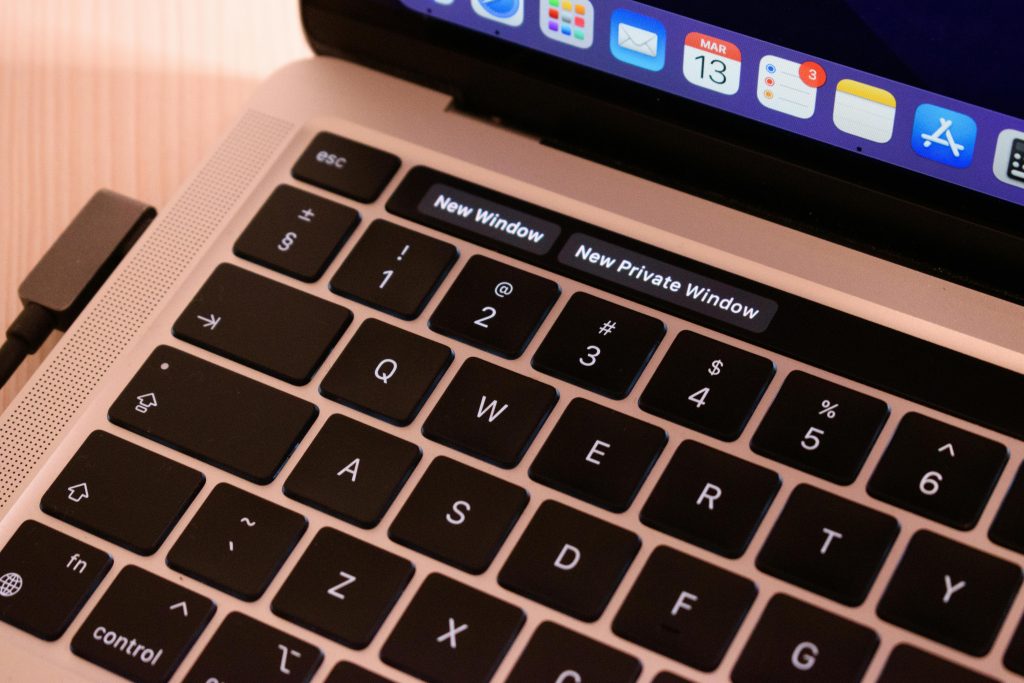
Browsers are one of the biggest causes of daily slowdown. Dozens of open tabs, automatic video playback, and heavy extensions can consume a large amount of memory. Even a newer laptop may feel slower under that kind of load.
IT specialists recommend closing unused tabs and removing browser extensions that no longer serve a clear purpose. Some extensions continue running in the background and track many pages at once. Limiting them can improve laptop speed during browsing, streaming, and online work.
Experts also advise restarting the browser from time to time. This clears temporary strain and helps reduce memory use. For many users, browser cleanup is an overlooked way to speed up a slow laptop.
Credit: Diana / Pexels
How Software Updates Improve Laptop Speed and Stability
Updates to your software aren’t just about getting the latest bells and whistles; they’ll make your system work better, get rid of problems, and shore up security. If you don’t update your operating system or applications, you’re likely to have a slower computer, and much of that could be prevented.
Engineers who work with computers say that things slowing down are frequently because older software isn’t as good as it could be anymore. Getting the newest updates can make everything much steadier and lower the number of glitches that are going on in the background. This is true for your computer’s main system, your browser, the programs that let your computer talk to its parts (drivers), and your important applications.
Computer support people suggest looking for updates often, rather than only when things start to go wrong. In fact, regularly updating your software is a really good way to keep your laptop working at a good speed for a long time.
Why Restarting and Background Activity Control Matter
Lots of people keep their laptops on for ages and ages without turning them off and on again. As time goes by, lots of little processes going on in the background use up more and more of the computer’s memory, and little glitches can begin to make it work more slowly. A restart sorts out a lot of these problems pretty quickly.
The people who help with computer issues suggest you restart fairly often and find out what programs are still doing things when you aren’t actually looking at them. Cloud syncing services, messaging applications, and programs for music or videos will often be active even when minimized. If you reduce what’s happening in the background, you can make your computer work at a reasonable speed during your usual activities.
And what your computer is set to do when it comes to power is important too. On certain laptops, the ‘balanced’ or ‘power saver’ settings might slow things down more than you’d think.
How Basic Physical Care Can Improve Laptop Speed
How your laptop feels to the touch (its physical state) absolutely impacts how well it works. Lots of dust around the openings where air comes in and goes out lowers the amount of air circulating, and this makes the laptop get hotter. And when things get too hot inside, a laptop will often purposely work more slowly to prevent damage to the parts within.
Laptop repair people suggest you don’t let anything block the vents and you use your laptop on a firm, even surface. Using it on a sofa or bed, for example, will block the airflow and make it get hotter. A careful wipe down of the outside can also lessen the chance of it overheating.
Taking care of the physical side of things won’t fix everything, but it will help it run better and last longer. In fact, when you also tidy up the software, you’ll likely see a pretty good improvement.
Frequently Asked Questions
Q: What causes a laptop to become slow over time?
A: Common causes include too many startup apps, limited storage, old software, browser overload, and constant background activity.
Q: Will deleting files really speed up a slow laptop?
A: Yes. Removing unnecessary files and apps can free storage space and help the system run more efficiently.
Q: How often should a laptop be restarted?
A: Computer support specialists often recommend restarting regularly, especially if the laptop stays on for long periods each day.
Q: Do software updates help laptop performance?
A: Yes. Updates often include fixes and optimizations that improve stability, security, and overall system speed.
Q: Can overheating make a laptop slower?
A: Yes. Excess heat can reduce performance because the device may lower its speed to protect internal parts.
Key Takeaway
If your laptop is running slowly, you can usually make it faster with a few easy things. Try having fewer programs automatically open when you turn it on, freeing up space on your hard drive, getting the newest versions of your programs, and limiting what’s doing stuff in the background. What experts say is that if you routinely look after your laptop and get into the habit of browsing the internet in a more sensible way, it will run faster and will be good to use for a longer time. In fact, tiny changes you make all the time are normally what really boosts how well it works each day.
[INTERNAL LINKING SUGGESTIONS]
– How to Fix Slow Wi-Fi Speed at Home With Simple Steps
– How to Improve Smartphone Battery Life With Simple Daily Settings
– How to Manage App Permissions to Improve Privacy and Data Security