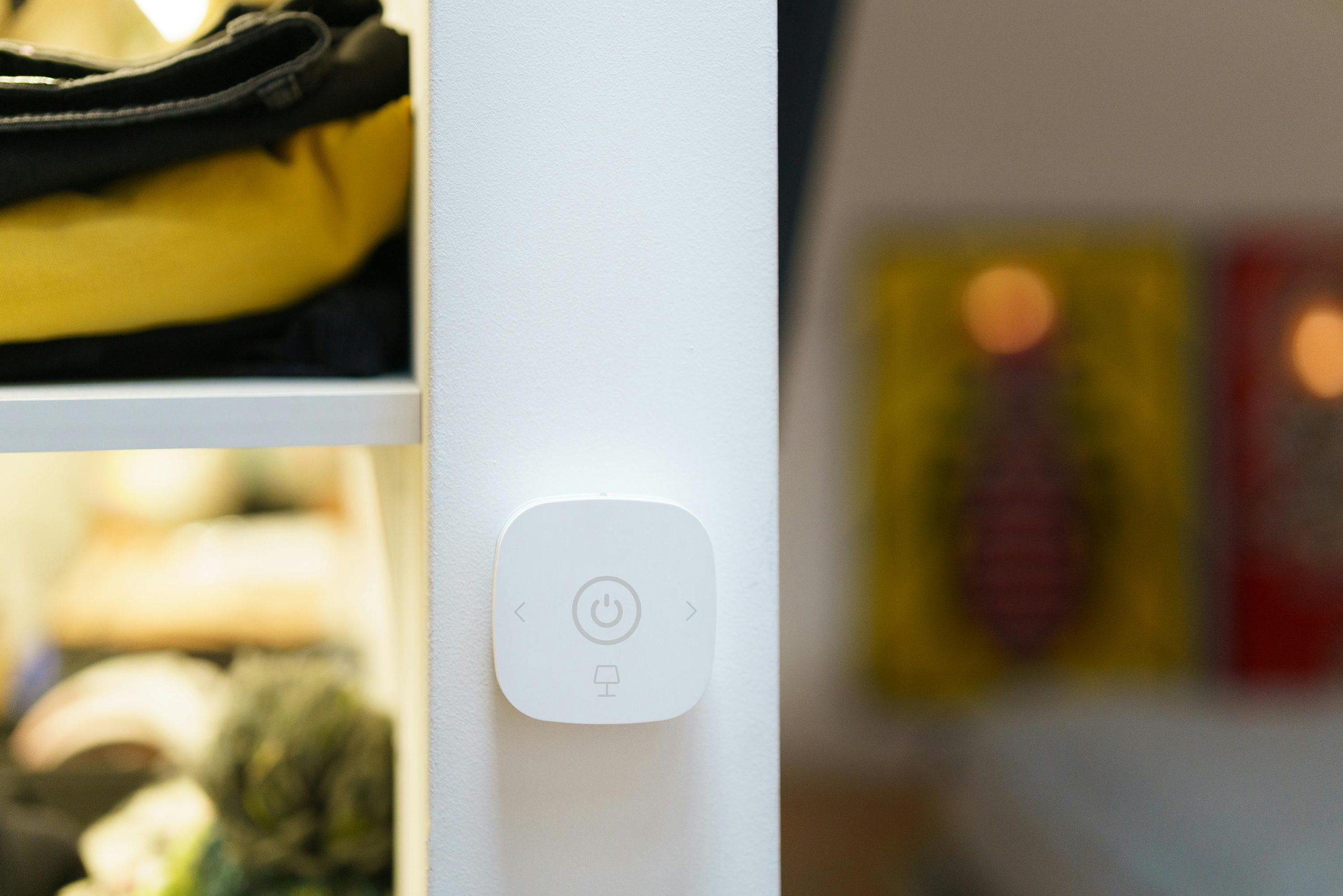
Lots of people are getting smart devices for their homes to make life easier, save on energy bills, and feel more secure. Think smart speakers, security cameras, lights you can control remotely, and appliances that connect to each other – all of which communicate on a network.
According to experts in home tech, getting these things set up right is critical for them to both work well and be safe to use. If you don’t configure them properly, they won’t be as effective, and your home network could become vulnerable to security issues.
Why Proper Setup Is Important for Smart Home Devices
Your smart home gadgets need a good, consistent internet signal and to be secured properly. If you don’t set them up right, you’ll get problems with them connecting or they just won’t do everything they’re supposed to.
Lots of devices, as many specialists have pointed out, arrive with basic factory settings which you really ought to alter when you get them going. Tweaking these makes them work better and be safer from problems.
And it’s important to know how each gadget actually links up to your home network, for everything to run without a hitch.
Credit: Jakub Zerdzicki / Pexels
How to Set Up Smart Home Devices Step by Step
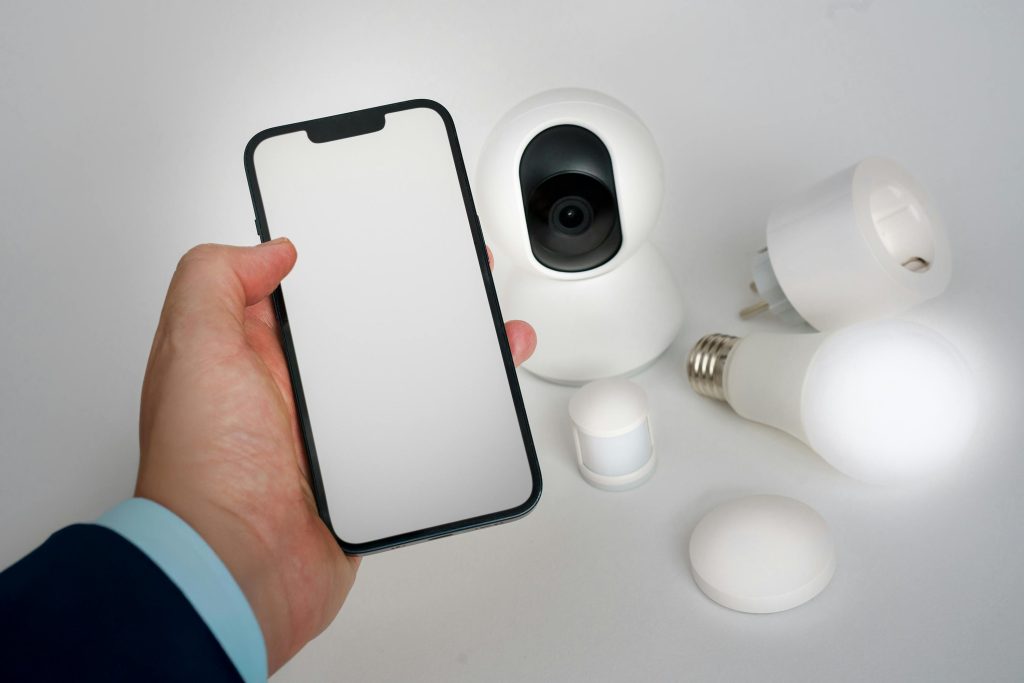
Generally, you’ll start by getting the device on your Wi-Fi. Most of these clever gadgets use an app on your phone to walk you through getting things going.
Those who know about technology suggest getting the app made by the device’s manufacturer, doing what the setup tells you to do, and importantly, making sure the device gets any updates while you are installing it. This will avoid problems with it working with your other equipment.
And for a solid connection and the best from it, you’ll want to put the device where it can easily ‘see’ the router.
What Security Settings Should Be Adjusted First
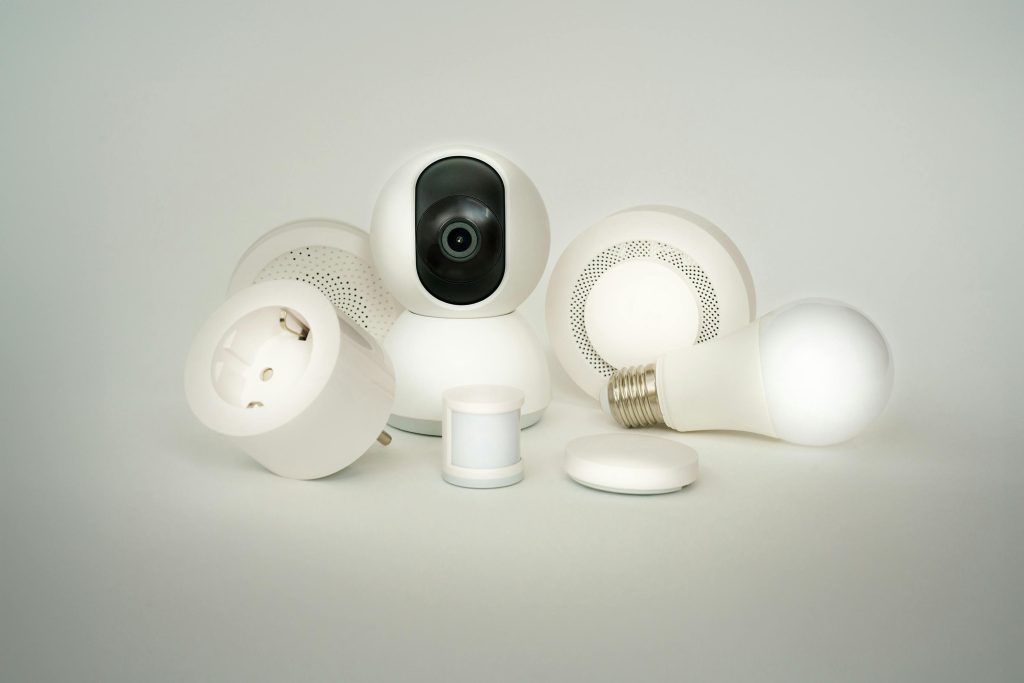
When you get things connected to the internet, keeping them safe is really important. Lots of these devices come with a standard user name and password, and you absolutely need to change those right away.
Security experts suggest making passwords that are hard to guess, plus turning on two-factor authentication if you can; doing both of these things will stop people getting into your devices without permission.
Credit: Jakub Zerdzicki / Pexels
How Device Placement Affects Smart Home Performance
Where you put your smart home devices actually changes how they work. If they’re much too far from your router, the connection will probably be bad.
Those who really know about setting up automated homes recommend thinking about where you put things so they get a good, steady connection. Security cameras, for instance, need an unobstructed view, and speakers do best where they’ll clearly ‘hear’ your spoken commands.
If you can get rid of anything getting in the way of the signal between the devices and the router, things will run more smoothly.
Why Regular Updates Help Maintain Smart Home Systems
Your smart home gadgets get improvements and fixes for security flaws through updates. If you don’t install those updates, things might not work as well or could be open to being hacked.
Most of the time, experts say you should turn on updates to happen by themselves. That way your stuff will work at its best, and will be protected.
And, to be sure, you should every so often look at all your devices to make certain they have the newest programs installed.
Frequently Asked Questions
Q: What are smart home devices?
A: Smart home devices are connected gadgets that automate tasks such as lighting, security, and temperature control.
Q: Do smart home devices require Wi-Fi?
A: Most smart devices rely on Wi-Fi for communication and control through apps.
Q: Are smart home devices safe to use?
A: They are generally safe if proper security settings are applied, such as strong passwords and updates.
Q: How often should devices be updated?
A: Experts recommend enabling automatic updates or checking regularly for updates.
Key Takeaway
Getting your smart home devices going the right way will make life easier, save energy, and make your place safer. What the pros say is that to have a smart home you can count on, you absolutely need to set things up correctly, have good security in place, and then update everything often.
[INTERNAL LINKING SUGGESTIONS]
– How to Fix Slow Wi-Fi Speed at Home With Simple Steps
– How to Manage App Permissions to Improve Privacy and Data Security
– How AI in Daily Life Is Changing Everyday Tasks