
Lots of people feel they’re quite sensible when they’re on the internet, but how safe you are actually is about your actions and a lot of us are getting it wrong. This article will examine typical errors in our understanding of online safety, and unfortunately, these errors mean people are still prone to falling for phishing scams, using passwords that are easy to figure out, and having issues with securing accounts on phones, computers, all sorts of devices.
According to security specialists, when we do something risky online, it’s generally not because we’re careless with small details. Surprisingly, a lot of us are following recommendations that were good in the past, but don’t work against the modern ways of fraud, information theft, and account hacking. In fact, the best thing for your online protection is often to disregard these outdated and incorrect beliefs.
Myth 1: A strong password is enough for full account protection
Long, complex passwords are good to have, but sadly they won’t solve everything. If you reuse the same password across many accounts, a breach on any one of them exposes them all. Hackers will obtain usernames and passwords and then use those combinations on many popular sites, gaining access to considerably more of your personal details.
For really important accounts – your email, bank, online stores, and anything in the cloud – most security professionals suggest a completely different password for each. And adding two-factor authentication provides a good degree of additional security, and it’s really worthwhile even if your password is fairly easy to figure out.
Myth 2: Phishing scams are always easy to spot
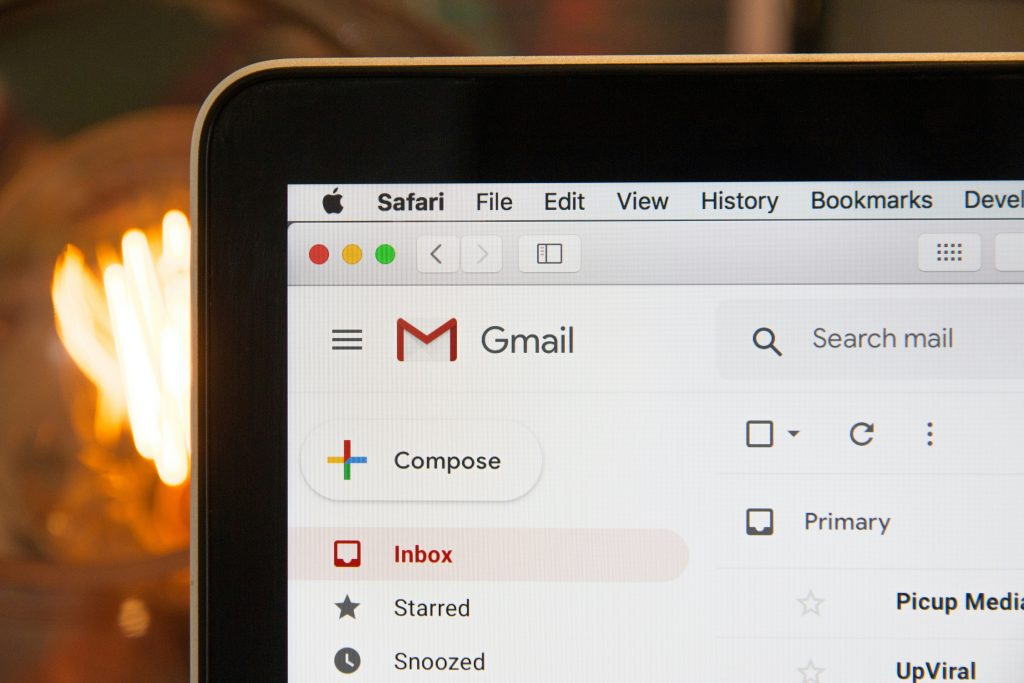
Lots of people believe they’d spot a phishing scam because of mistakes in the language, odd logos, or being blatantly told something awful will happen. There are still some of those, for sure. But increasingly, these scams are incredibly sophisticated. The company’s image looks proper, the layout is a duplicate of the real website, and the emails or texts are insistent and are written as if by someone you normally communicate with. These fake notifications about deliveries, alerts for your account, or links to change your password can really trick you into believing they are real, at least at first.
Those in the business of preventing online fraud frequently mention that a sense of urgency is a massive red flag. A message requiring an immediate action is intended to prevent careful consideration, and unfortunately, that makes mistakes much more probable.
Credit: Stephen Phillips / pexels
Myth 3: Only older adults fall for digital scams
People of all ages can be caught out by scams. They target people who buy things on the internet, those with home jobs, university and college students, and people on Facebook, Instagram, Twitter, and sites like those. Your age doesn’t really matter, since scams work on what people generally do and simply being older or younger won’t keep you safe.
In fact, people who think they’re brilliant at things are often the ones most likely to fall for scams. If you think you’re too good with technology to be fooled, you might act quickly and not be cautious enough, and this makes you an easier target for online fraud.
Myth 4: Public Wi-Fi is always dangerous in the same way
Public Wi-Fi isn’t completely without risk, and just how dangerous it is changes based on what you’re up to. Checking your bank details, entering your credit card numbers, or downloading files from sites you haven’t used before are all far more risky on an open Wi-Fi network than simply reading a few articles. Experts are very clear on the fact you should steer clear of anything confidential on public Wi-Fi whenever possible. Keeping your device’s software current and sticking to websites you know and rely on will improve your account security while you are away from home or at a coffee shop, for instance.
Myth 5: Phone users do not need to think much about online safety
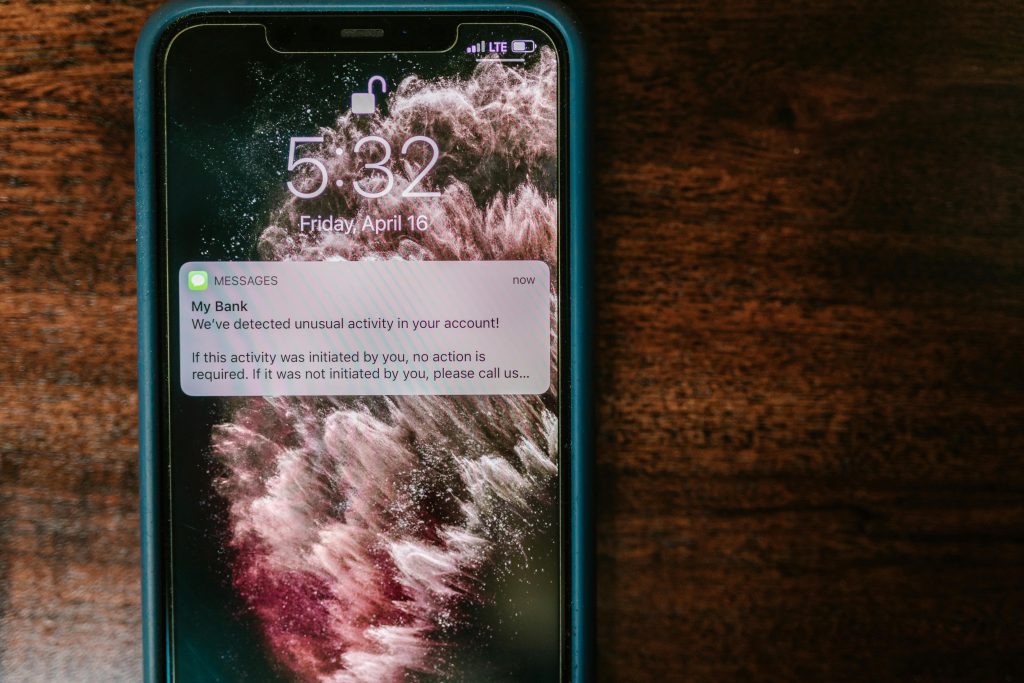
Many people feel safer with their phone’s security compared to their computer’s, and this is likely because applications appear to be self-contained. However, your phone is very much open to falling for scams (phishing), dishonest apps, apps demanding excessive permissions on your phone, and account theft by criminals. Nowadays, fraudsters will most often contact you by text, on social media platforms, or through messaging apps.
Phone security specialists insist you should be as careful with your phone as with your computer. Specifically, look out for links, downloads (those attachments!), websites asking for your username and password, or requests for money or the unique numbers you use to verify you are who you say you are.
Credit: RDNE Stock project / Pexels
Myth 6: Security updates can wait until later
When you don’t update your phone, tablet or computer, you’re giving hackers a longer opportunity to break in. Hackers are currently taking advantage of security weaknesses, and updates to your device and browser generally fix these. So, to delay installing those updates for a long time is to consciously decide to be at risk, and you absolutely don’t have to do that.
Most computer help professionals recommend allowing updates from sources you know and trust to happen by themselves. This prevents your device from acting strangely before updating. Really, keeping your updates current is one of the simplest ways to protect yourself online.
Myth 7: Small accounts are not worth targeting
When you delay updating your phone, tablet or computer, you’re giving hackers more opportunity to break in. Security weaknesses they exploit are usually fixed by updates to your device and browser. So, to put off installing those updates for many weeks is to consciously choose to be at risk and there’s really no reason to do that.
Nearly all IT professionals recommend allowing updates from sources you know are safe to happen on their own. This prevents your device from malfunctioning then updating. And in all honesty, promptly updating is a really simple way to protect yourself online.
Frequently Asked Questions
Q: Is two-factor authentication really necessary?
A: It adds an important extra layer of account protection. Even if a password is exposed, the second step can make unauthorized access harder.
Q: What is the most common sign of phishing scams?
A: Urgency is one of the most common warning signs. Many scam messages try to create pressure so users act quickly without checking details.
Q: Are phone users safer than laptop users online?
A: No. Phones face many of the same risks, including fake links, scam messages, and account theft attempts.
Q: Why do scammers care about ordinary accounts?
A: Ordinary accounts can still contain personal data, saved payment tools, or access to other services through email-based password resets.
Key Takeaway
To stay safe online, you have to know how things really work because your current ideas about security are likely old news. Being wrong about passwords, falling for those tricky phishing emails and messages, using public Wi-Fi, or even not paying attention to accounts you don’t go into very often can all leave your accounts vulnerable, and you might not even realize it. Getting much safer online is about having lots of different protection layers, being cautious and looking at things closely, and changing what you do frequently instead of simply following a single, easy guideline.
[INTERNAL LINKING SUGGESTIONS]
– How to Recognize Fake Login Pages More Quickly
– Why Two-Factor Authentication Matters for Email Accounts
– Common Social Media Scams and How They Spread
Leave a Reply