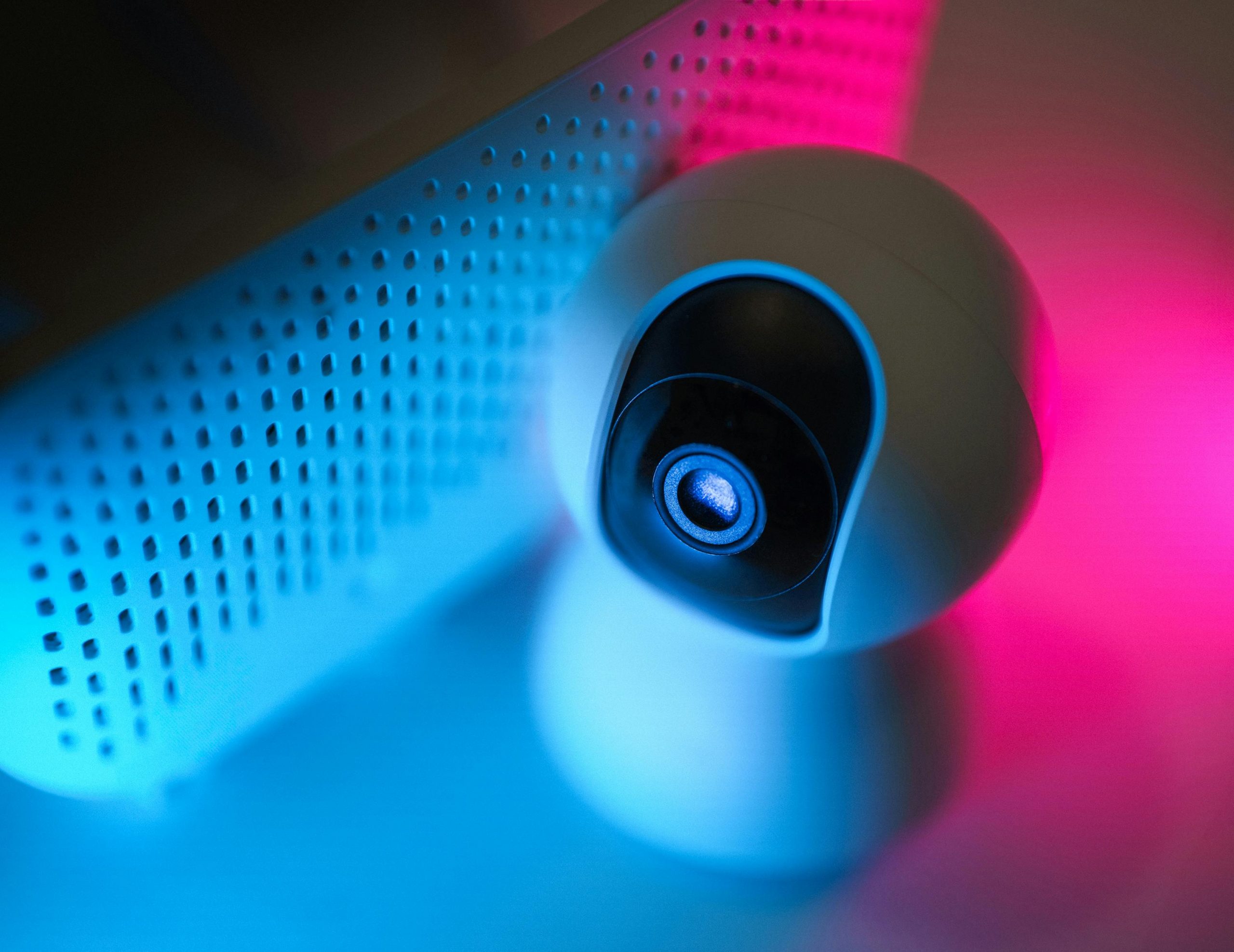
These days, most families need to make their home Wi-Fi safe, because routers are used by so much more than laptops and phones. Smart TVs, speakers, security cameras, kitchen appliances, gaming consoles are all typically on the same network all the time. If your Wi-Fi security isn’t strong, all of your devices are at a higher risk.
Experts in network security point out that keeping your home internet secure frequently boils down to easy things to configure, but many people don’t bother with them after they first set up their router. Router companies give you a starting level of security, but using the standard username, a simple password and outdated software can leave your network much more open than you’d think. With just a few adjustments, you can be a lot safer to use and not overly complicate things.
Why Default Router Settings Make It Harder to Secure Home Wi-Fi
Most routers are delivered with simple, initial settings so you can get on the internet rapidly. This includes the router’s name as it was made in the factory, a common username for getting into the router’s settings, and options that set things up by themselves. But these easy-to-use defaults can be left as they are for a surprisingly long time.
Security specialists have pointed out that if you don’t change those defaults, your network becomes easier to figure out. A router with the original admin password, or the usual factory name for the network, is simpler for people from outside your home to find and attack. Your internet might seem to be running smoothly, but the network isn’t as safe as it could be.
So, the people who know about this kind of thing say you should look at your router’s settings not long after you get it.
How Strong Passwords Help Protect Wireless Network Access
One of the most important steps to secure home Wi-Fi is using a strong network password. Weak passwords are easier to guess, especially if they rely on simple words, address details, or short number patterns. A stronger password makes unauthorized access less likely.
Network support teams recommend choosing a longer password that combines different character types in a way that is hard to predict. A unique passphrase often works better than a short code. The router’s admin password should also be changed and kept different from the Wi-Fi password itself.
Experts stress that password reuse is a common problem. Using the same password for Wi-Fi, email, and other services can create wider exposure if one account is ever compromised.
Why Encryption Settings Matter for Router Security Settings
Encryption is what keeps what you’re doing on your Wi-Fi (the information going between your router and your phone, laptop, etc.) secret. Basically, it stops people nearby from easily understanding what you’re sending and receiving. Most routers have security options within their settings and you’ll generally get the best security for everyday use by selecting the strongest one.
Those who really know about keeping wireless safe say older security types aren’t as good at protecting you as the newer ones. So, you should look at your router’s security settings to be certain your network is using a current method, and hasn’t got an old one still running just to make older devices work.
The experts suggest looking at the wireless security type within your router’s menu and then selecting the strongest setting that all of your things at home can use. It’s a simple, yet vital, step toward making your network much safer.
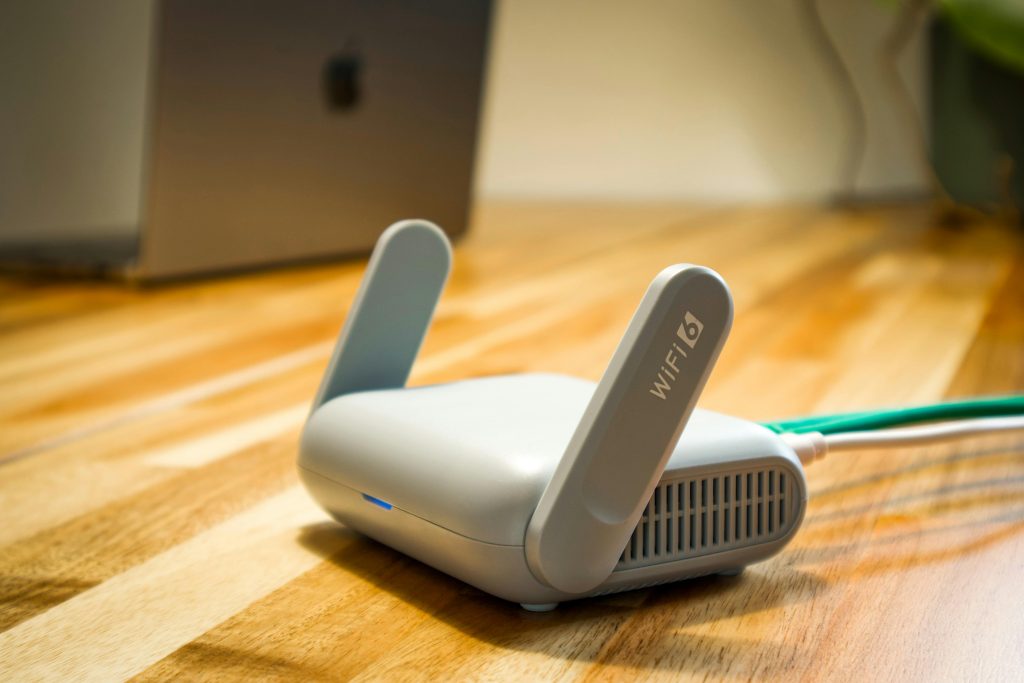
Credit: Pascal 📷 / Pexels
How Router Updates Improve Home Internet Safety
Routers depend on firmware, which is the internal software that controls how the device works. Over time, manufacturers release updates that improve performance, fix bugs, and address security weaknesses. A router running old firmware may keep working, but it may not be offering the best protection available.
Device security analysts recommend checking for router updates regularly through the router management page or companion app. Some models allow automatic updates, which can make long-term maintenance easier for households that do not review settings often.
Experts explain that updates are one of the most overlooked ways to protect wireless network access. Security improvements are often quiet, but they matter over the full life of the device.
Why Guest Networks Can Help Secure Home Wi-Fi
Many routers include a guest network option that creates a separate connection for visitors. This is useful because guests do not always need access to the same network used by personal devices, smart home equipment, or work systems. A separate guest network reduces how much of the home system is shared.
Home networking specialists explain that guest networks are especially useful in households with frequent visitors, shared spaces, or many connected devices. They can also help separate less-trusted devices from the main network, depending on router options and home needs.
Experts recommend giving the guest network its own strong password and turning it off when it is not needed. Separation is often a simple way to improve network control.
How Device Management Supports Better Wi-Fi Safety
Routers often show which devices are connected to the network. Reviewing that list can help users notice unfamiliar names, older devices no longer in use, or items that should not still be connected. Many households never check this list, even though it can reveal useful information quickly.
Technology support professionals recommend looking through connected devices from time to time and removing anything that is no longer recognized or needed. This is also a good chance to rename personal devices clearly so the list becomes easier to understand later.
Experts note that a cleaner network is usually easier to secure. Fewer unnecessary devices mean fewer points of possible weakness and less confusion during reviews.
Why Router Placement and Physical Access Still Matter
Security is not only about settings inside the router menu. Physical access also matters. A router placed in a public or shared area may be easier for others to reset, inspect, or tamper with. The location should support both good signal coverage and reasonable control over the device itself.
Network technicians explain that routers should be kept in a practical but secure location inside the home. At the same time, the reset button and device labels should not be left exposed carelessly if many unrelated people have access to the space.
Experts recommend balancing convenience with control. Physical placement is a smaller part of the process, but it still supports better home internet safety overall.
How Regular Reviews Help Protect Wireless Network Over Time
Wi-Fi security is not a one-time task. New devices join the network, router settings change, and software ages over time. A network that felt secure last year may not feel as strong now if no updates or reviews have happened since then.
Cybersecurity educators recommend a simple routine: check the admin password, confirm the Wi-Fi password is still strong, review firmware updates, inspect connected devices, and look at guest network settings. These steps do not need to take long, but they work best when repeated from time to time.
Experts explain that users do not need advanced technical knowledge to secure home Wi-Fi more effectively. Better protection usually comes from consistent habits and clearer settings rather than from complicated tools alone.
Frequently Asked Questions
Q: What is the first step to secure home Wi-Fi?
A: Security specialists often recommend changing default router passwords and using a strong unique Wi-Fi password as the first step.
Q: Why does router firmware matter?
A: Firmware updates can fix security weaknesses and improve the router’s overall protection and stability.
Q: Is a guest network useful for home internet safety?
A: Yes. A guest network can separate visitor access from the main network used by personal and smart home devices.
Q: Should the router admin password match the Wi-Fi password?
A: No. Experts recommend keeping them different so one exposed password does not affect both types of access.
Q: How often should Wi-Fi security settings be reviewed?
A: A short review every few months, or after adding major new devices, is often a practical habit.
Key Takeaway
Learning how to secure home Wi-Fi helps protect laptops, phones, smart devices, and everyday online activity across the whole household. Experts recommend changing default router settings, using stronger passwords, checking encryption and firmware, and reviewing connected devices regularly. Better router security settings and simple review habits can make home internet safety much stronger over time.
[INTERNAL LINKING SUGGESTIONS]
– What Causes Weak Wi-Fi Signal at Home and How to Improve It
– What a VPN Does and When It Can Help Improve Online Privacy
– How to Create Strong Passwords Without Making Them Hard to Remember
Leave a Reply