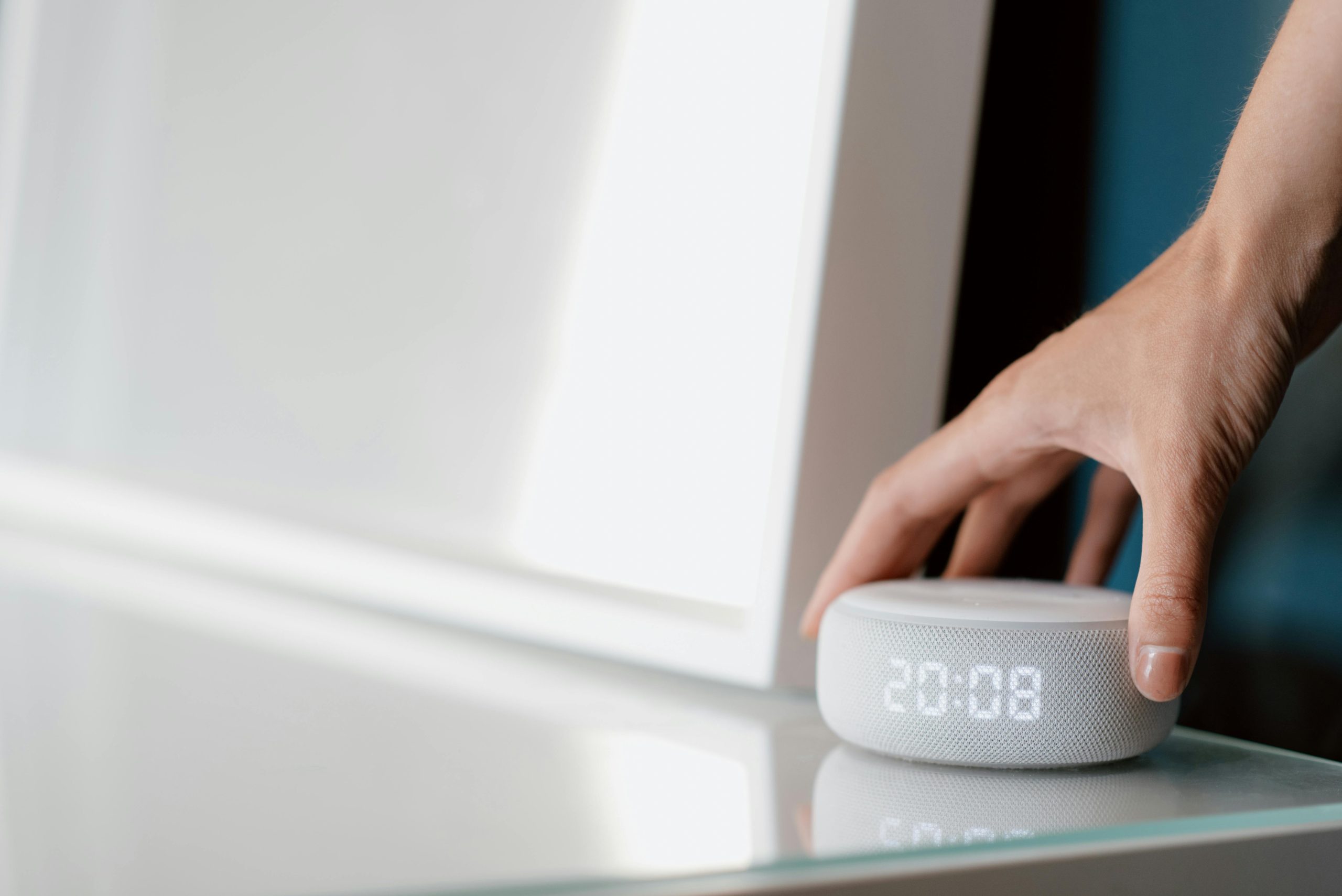
Smart speakers are a big part of what many of us do every day. They’ll answer your questions, play tunes, turn on the lights, and keep track of time for you. However, they’re always listening for their activation phrase and are linked to services on the internet. This means the ease of using them and keeping your personal life private are directly tied together.
Experts in connected devices say smart speakers are supposed to only start working after you say a specific thing to them. But what people are generally worried about with privacy isn’t one particular function, it’s how the settings are, what’s stored of your voice, who can get into your account, and where in your house the speaker is. And security people say you can lower the risk of things being exposed by being a bit careful with how you adjust a few things.
Why Smart Speaker Privacy Matters in Everyday Use
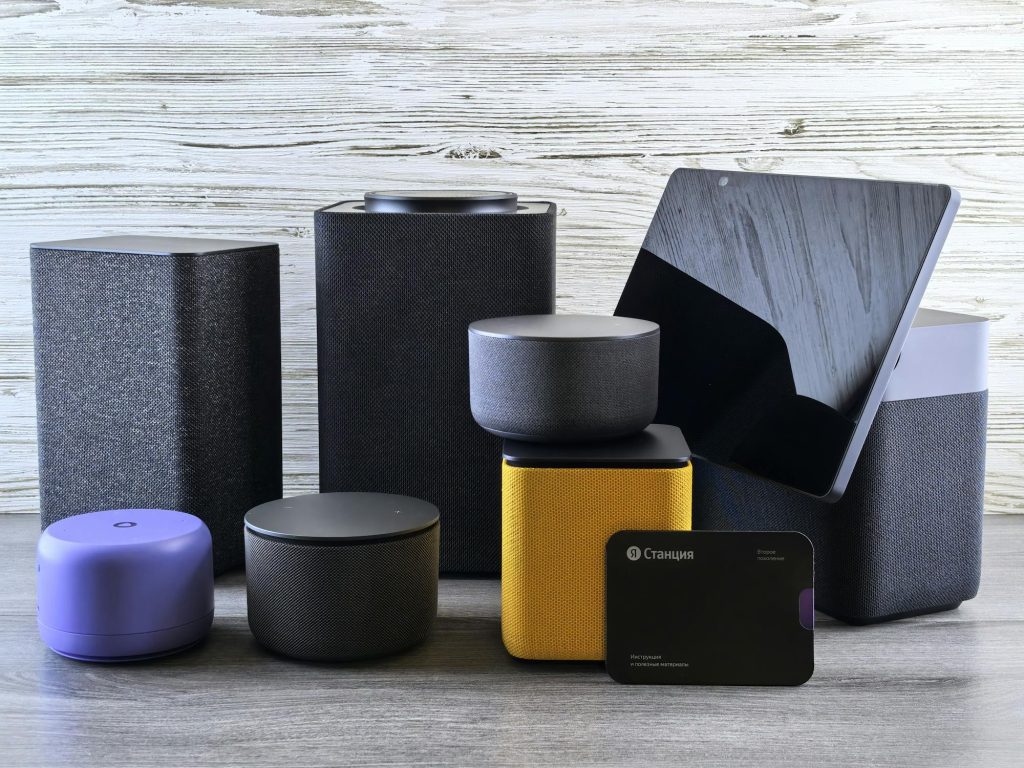
Smart speakers are in places in your home where everyone is, like the kitchen, living room and bedroom. Since you talk to them, they’re likely to hear what you do, what your family says, when you order things, and how you manage the things in your house that are online. Even if they do exactly what they should, that’s a lot of access and you should really think about it.
When it comes to privacy, people who study this stuff say worries about smart speakers generally come down to three things. First, it’s about what happens to your voice once you’ve spoken to the speaker and where it’s kept. Second, it’s about who is able to get into your account or control the speaker itself. And third, it’s about how the speaker talks to all your other smart devices and services.
Security professionals suggest you consider a smart speaker as you would any other thing in your home that is connected to the internet.
Credit: Andrey Matveev/ Pexels
How to Improve Smart Speaker Privacy Through Account Settings
To really boost your privacy with a smart speaker, begin with the account that it uses. Smart speakers almost always connect to an app which handles your voice commands history, what the speaker is allowed to do, the services it’s connected to, who in your family uses it, and how it’s customized to you.
Security professionals say the first thing to do is look at the privacy part of the app for your speaker. That’s typically where you’re able to manage the voice recordings the speaker has, get rid of past conversations, and decide if your recordings will be used to make the voice recognition better. Going over those settings will show you much more clearly what information the speaker is holding onto.
And, as a tip from those in the know, make sure your account has a strong password, and use an extra layer of security when you sign in if the system allows. A safe smart speaker truly depends on a safe account operating it.
Why Voice History Controls Matter for Voice Assistant Privacy
You can usually look at or get rid of the recordings of what you’ve said to most smart speakers. Why this is important is that these recordings hold your usual requests, what you tell the speaker to do, and a record of what you typically get up to. While having lots of past information can make things easier, it also means a lot of your personal details are kept on file, and some families won’t like that.
Privacy specialists say that getting rid of older conversations or telling the speaker to not keep recordings for so long will mean you don’t hang onto data you don’t need. Plus, some systems let you turn off certain things to do with your history, or change how your recordings are used to make the service better.
The people who know about this stuff advise you to check these settings from time to time. When you understand what’s saved and delete anything you don’t need anymore, your privacy with a voice assistant is better.
Credit: John Tekeridis / Pexels
How Device Placement Affects Connected Home Security
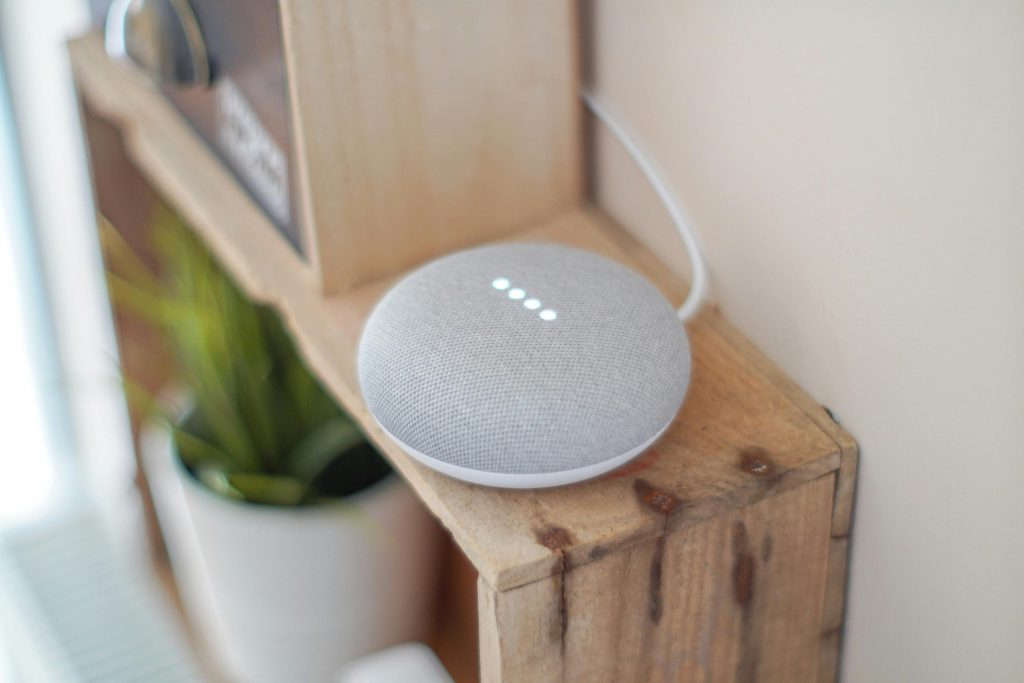
How you position a smart speaker in your house impacts your privacy. One in a busy spot will likely overhear more of what’s going on in the background, more speech from the TV, or even the words that activate it by mistake, as opposed to a carefully selected location. You should be a lot more careful in bedrooms, offices, or any place you have private talks than in a family room which is open for all.
Tech advisors say that people often don’t think about where they put these devices, they prioritize having them where they’re handy. Yet, the room is important. A speaker close to the television could react to spoken words in commercials or on the shows themselves, and one by a door is likely to hear more of people as they walk by than you intend.
Why Mute Controls and Wake Word Awareness Help
Nearly all smart speakers have a button or switch to turn the microphone off. It’s one of the easiest ways to protect your privacy, but a lot of people don’t use it very often. When you’re in meetings, having private conversations, or just want some peace and quiet, muting the microphone gives you complete say over when the speaker will start ‘hearing’ for its activation command.
Tech support people say the speaker usually doesn’t mishear you all the time, but it can start up by mistake. Because of that, it’s good to know if the microphone is on, if it’s muted, and how the speaker lets you know it’s currently listening.
To really improve how safe your smart speaker is, experts suggest getting into the routine of muting it when you don’t have to speak to it. Little things you do every day to protect your privacy will usually do more good than just setting it up once.
How Linked Services and Purchases Affect Smart Speaker Settings
Smart speakers often connect with music services, calendars, shopping tools, lights, doorbells, and other home systems. Each connection can add convenience, but it also expands the number of services tied to the device. More links can create more privacy and security considerations.
Cybersecurity analysts recommend reviewing which services are actually needed. Unused links should be removed, and shopping or purchasing features should be limited if they are not essential. In households with children or many guests, purchase restrictions can be especially useful.
Experts also advise checking whether the device allows voice purchasing, household profiles, or guest access. Managing these features helps keep smart speaker settings aligned with the home’s real needs.
Why Software Updates Matter for Smart Speaker Privacy
Smart speakers, like all things in a connected house, get better and get their security flaws fixed with software updates. If your speaker’s software is old, it won’t look after your account details, what the speaker is allowed to do, or your WiFi security as well as a newer version would.
Security people say you should allow updates when the speaker says so and occasionally have a look at the speaker’s app to see how the software is doing. Loads of people think the speaker updates itself for everything, yet it’s a good idea to double check that the security and privacy features are all up to date.
Those in the know point out that keeping your home safe for the future when it’s all connected involves these updates. Improved privacy isn’t just about the options you pick at the moment, but about keeping the device in good shape over the long run.
How Simple Household Rules Support Better Privacy
When more than one person lives in a place, it’s a good idea to have a few basic understandings about how the smart speaker will be used. The family can decide on the speaker’s location, when it should be muted, and if any buying or connecting to other accounts should be blocked. Making these little choices will stop things getting muddled and make things happen the same way each time.
Those who teach about privacy say home tech is generally at its best when everyone knows what to expect. A smart speaker in the lounge is probably okay, but a device in a bedroom might not be for all families. How things are arranged should be about what you do, how comfortable you are and how much power over things people want.
From time to time, people with expertise in these things recommend looking at all your connected devices together. A fast look around the house can ensure that easy use doesn’t accidentally mean revealing more than you should.
Frequently Asked Questions
Q: Can smart speakers store voice recordings?
A: Yes. Many platforms allow users to review, manage, or delete stored voice interactions through the connected app.
Q: Does muting a smart speaker help privacy?
A: Yes. Using the microphone mute control can reduce listening availability during times when voice commands are not needed.
Q: Should a smart speaker be placed in a bedroom?
A: Privacy specialists suggest thinking carefully about placement in more private rooms and choosing locations that balance usefulness with comfort.
Q: Why do account settings matter for smart speakers?
A: The account controls voice history, linked services, permissions, and security features, so strong account protection improves privacy overall.
Q: Do updates affect smart speaker security?
A: Yes. Software updates can improve privacy controls, fix security issues, and support better device performance over time.
Key Takeaway
Learning how to improve smart speaker privacy helps households enjoy voice assistant features with more confidence and control. Experts recommend reviewing account settings, limiting stored voice history, choosing device placement carefully, using mute controls, and keeping software current. Better privacy comes from simple habits that make connected home devices easier to manage over time.
[INTERNAL LINKING SUGGESTIONS]
– How to Set Up Smart Home Devices for Better Security and Convenience
– How Smart Doorbells Work and What Homeowners Should Know First
– Why Location Permissions Matter and How to Control Them Safely
Leave a Reply