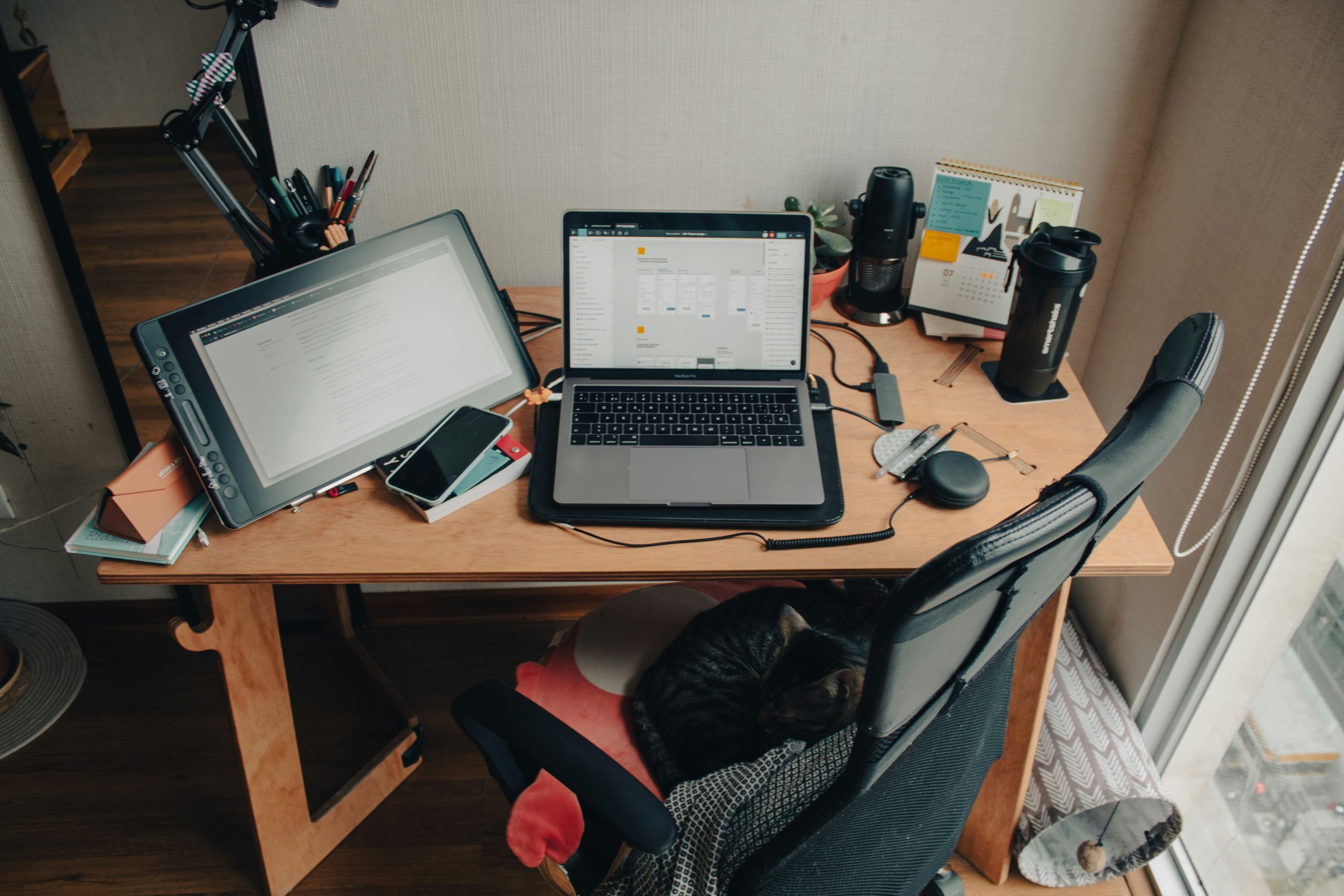
You can usually tell your laptop is getting too hot before it actually turns itself off or gives you a warning. The bottom of the laptop might feel hotter than it should, the fan will probably be running all the time, and even easy things you do on it will start to feel sluggish. More often than not, this heat is caused by a combination of air not being able to move through the laptop properly, doing a lot at once, dust inside the machine, or not looking after it as it gets older.
According to experts in computer hardware, laptops always make heat when you’re using them. However, they have fans, holes for air and built-in systems to deal with this heat. If the cooling can’t manage, the temperature goes up and the laptop will slow itself down to protect the parts inside. Knowing why your laptop overheats can help you avoid making it work so hard and will help it to be more dependable.
Why Heavy Workloads Cause a Laptop to Overheat
Laptops get hot primarily because they’re doing a lot of difficult things for an extended time. Activities like editing video, playing games, downloading big files, having way too many things going on in your browser and running a whole bunch of programs at once all push the processor and graphics card to their limits. And as they work harder, they generate more heat.
Laptop designers point out that newer laptops are small, and all the powerful bits inside have to fit into a small area. Even just regular work can make the temperature go up if you’re running lots of programs that require a lot of the laptop at the same time. You’ll probably notice it’s hottest when it’s updating, during video chats, when you’re watching something online or if you have loads of browser pages open for ages.
If you want to cool your laptop down, people who know about these things say you should find out which programs are using most of the computer’s power.
Credit: insung yoon / unsplash
How Blocked Airflow and Soft Surfaces Reduce Laptop Cooling
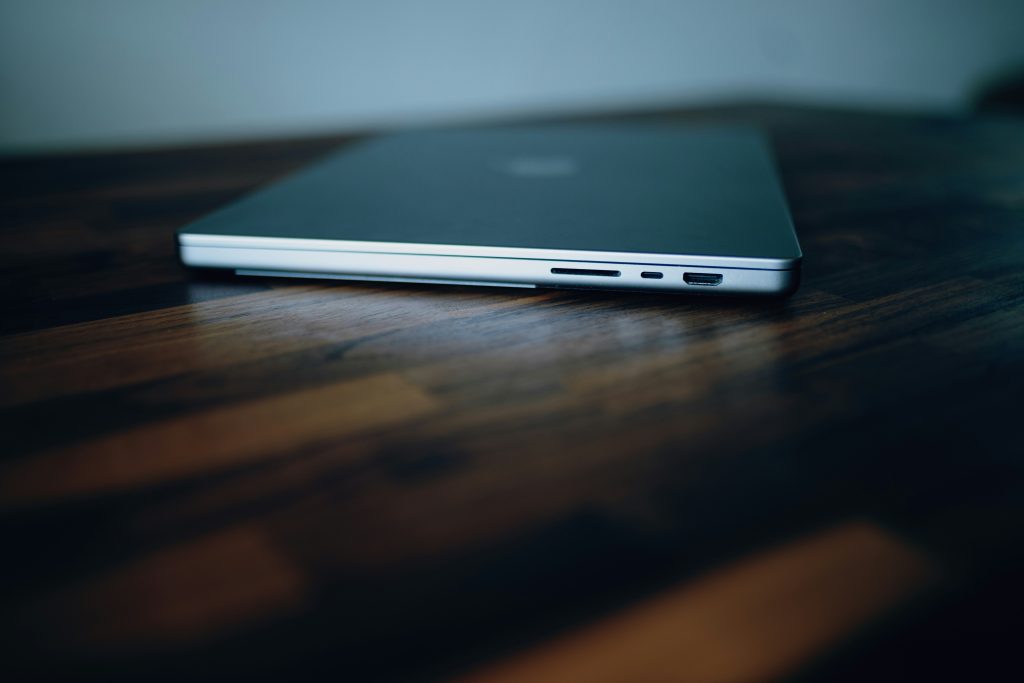
Laptops need air to circulate and get rid of heat from the parts inside. If the air vents are covered, hot air gets stuck in the laptop. This makes the laptop’s cooling system work much harder.
Repair people will tell you that soft things like beds, pillows, and blankets often cover the vents on the bottom or sides. And sometimes, even using a laptop on your lap can limit airflow, depending on how the laptop is made. Because of this, the laptop gets hotter, faster than many people realize.
So, when you can, experts say to use your laptop on a flat, solid surface. A desk or table will allow the air to move, and keep the temperature under control when you’re using it for a long time.
Why Dust Buildup Is a Common Overheating Laptop Cause
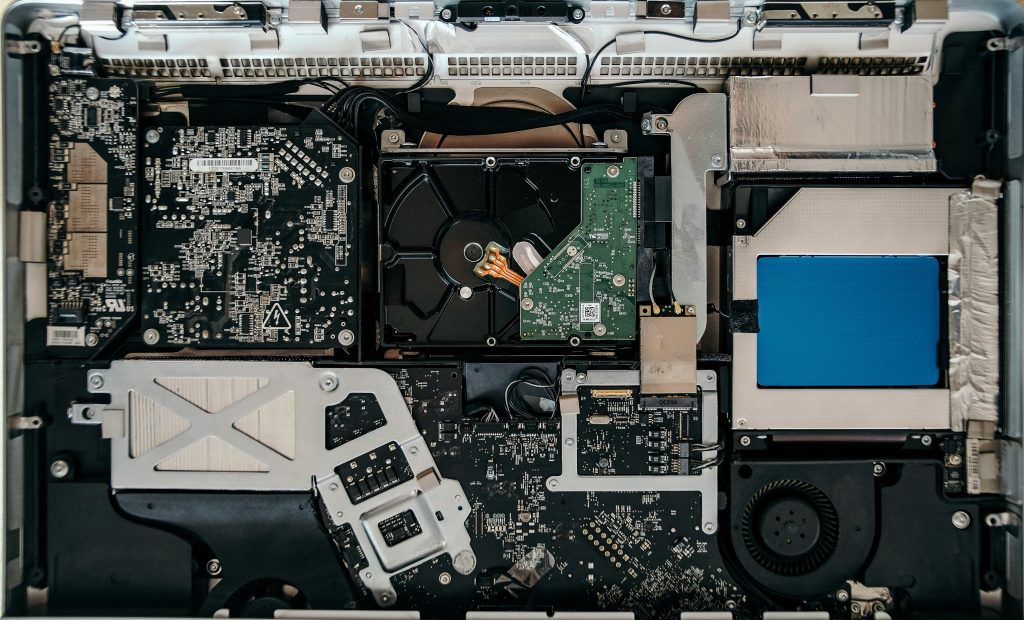
Lots of laptops get too hot, and surprisingly, dust is a really typical reason for this, but we don’t usually think about it. Over a while, dust gathers around the openings, the fan, and all the spaces inside where the air is meant to go, and this build-up stops the cooling system working as well as it should, forcing the laptop to struggle more.
Repair specialists say even just a little bit of dust within a laptop’s small body can change how the air flows. Because of this, the fan has to work harder to get air moving and will likely get noisier, but won’t cool things down as much as it did before. This often causes you to realize the laptop is warmer to the touch when you are doing everyday things.
Cleaning the outside of the laptop regularly and being careful with the vents is what the experts recommend.
Credit: Josh Sorenson / unsplash
How High Room Temperature Can Reduce Laptop Cooling Tips
How warm the place around your laptop is also changes its temperature. A laptop will struggle to get rid of heat if you are using it in a hot room, and it’s even more of a problem during summer or in rooms that don’t have a lot of moving air.
Tech support people say laptops cool down by sending their heat into the air around them. But if the room is already hot, this doesn’t work as well. Being in direct sunshine will add to the problem, as the sun heats up the laptop itself.
Keeping your laptop away from heaters and things like that and using it where air can circulate are what the people who know about these things suggest. These easy ways to keep your laptop cool will make it more comfortable to use, and won’t push its temperature so hard.
Why Background Processes and Old Software Increase Heat
You might believe your device isn’t doing much, but it could actually be very busy doing things behind the scenes. System updates, syncing with the cloud, organizing files (indexing), antivirus checks, and making automatic backups all make the computer work harder internally. All that extra work can make a laptop get hot, even if you don’t have many programs visibly open.
Software experts point out that apps or drivers that haven’t been updated can be slow and wasteful of resources. Mistakes in the programs and older things running in the background can make the processor work for longer than it should. And in fact, the fan might be on all the time because the computer is dealing with jobs you aren’t aware of.
To fix this, experts suggest restarting your laptop from time to time, looking at what apps are running in the background, and making sure your software is up to date. This will lessen the load on the computer and help it stay cooler.
How Overheating Affects Laptop Performance and Lifespan
A device isn’t just unpleasant to use when it gets hot. It can also get slower and won’t last as long. Laptops will frequently slow their processing down by themselves if they get too warm. This is to prevent anything breaking, although it will make the computer seem sluggish.
If something gets too hot over and over, the parts inside will likely wear out more quickly, according to people who study computer hardware. The fan will run more, batteries will get old faster, and when you’re really pushing it, the computer might not work as steadily. So cooling it down is for being comfortable, and for looking after your device for the future.
You should notice certain things happening regularly. Things like the fan being loud, the computer slowing down without warning, the outside of the computer being hot, and the computer turning off by itself. These repeating events likely mean you need to do something about how the temperature is being controlled.
What Experts Recommend to Reduce Laptop Heat Safely
Nearly all experts suggest starting with some straightforward adjustments. So, put your laptop on a solid surface, close any apps you don’t need, make sure the ventilation openings aren’t blocked, get the latest software and regularly reboot. Often, these things will get the temperature down without you needing expensive repairs.
If your laptop is still hot even when you’re doing fairly easy things, computer help people advise looking at the power options. Certain ways to run your computer make the components work at top speed all the time, and you won’t always need that much power. Selecting a more sensible power setting will likely mean less heat during everyday use.
However, if it keeps getting very hot even after you’ve done these basic checks, a hardware repair person would say to have it looked at professionally.
Frequently Asked Questions
Q: What is the most common reason for a laptop to overheat?
A: Common reasons include blocked airflow, dust buildup, heavy workloads, high room temperature, and background processes.
Q: Can using a laptop on a bed make it hotter?
A: Yes. Soft surfaces can block vents and reduce airflow, which makes overheating more likely.
Q: Does dust really affect laptop temperature?
A: Yes. Dust can block vents and reduce fan efficiency, making it harder for the device to cool itself.
Q: Why does an overheating laptop become slower?
A: Laptops often lower performance automatically to protect internal parts when temperature gets too high.
Q: When should overheating be checked by a professional?
A: Experts recommend professional inspection if overheating continues after cleaning, software updates, and airflow improvements.
Key Takeaway
Laptops get hot for a lot of reasons. Running demanding programs, vents being covered, lots of dust inside, a hot room, and things running in the background that you don’t know about are all common causes. To get the heat down without doing anything risky, specialists suggest getting air circulating better, not making the computer do too much at once, keeping your programs up to date, and making sure the vents aren’t clogged. And doing a little bit of looking after your laptop regularly can really help it work better and last much longer.
Leave a Reply