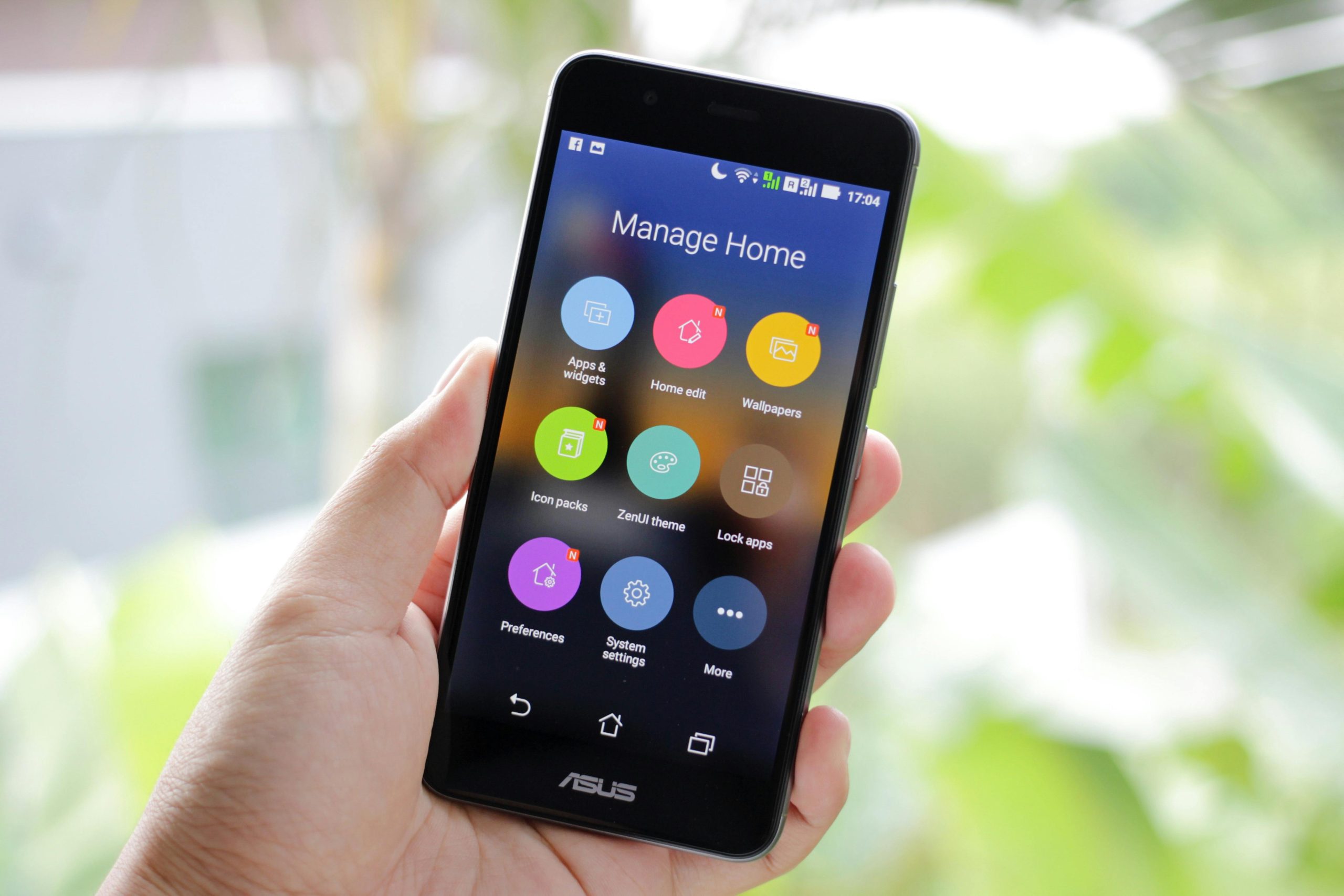
Lots of us need more room on our phones. When your phone’s storage is completely full it makes it run slowly, stops you from getting updates for your apps, and means you can’t save new pictures or download things. These storage issues tend to creep up on you, from those saved ‘cache’ files, big videos, copies of pictures and songs, or things you downloaded and then forgot about. Often you can get a lot of space back on your phone without deleting your precious photos, documents, and so on.
Experts in mobile phones say that storage gets full because of lots of files accumulating, not from one specific thing. And tech help teams say people very often have loads of temporary files sitting on their phone without even being aware of them. You can get your storage cleared and hold onto the files you’re really interested in with a little bit of careful work.
Why Full Storage Affects Phone Performance
As your phone nears being totally full, the operating system has less space for things like updates, information for your apps, and files the phone uses for what it’s doing. Because of this, even doing easy things on the phone can seem slow. Opening apps will be delayed, and your camera might have trouble with new pictures or video.
Phone repair people say that a phone with almost no free space can also become unstable. To install updates and keep on top of what’s running in the background, some phones require a good bit of free space. Having plenty of space available helps your phone work much better from day to day.
The people who know about these things suggest you look at how much storage you’re using before your phone is absolutely packed. Getting rid of stuff early on is often simpler, and a lot less risky, than waiting for the phone to repeatedly tell you there’s a problem.

Credit: Tim Douglas / Platform
How to Free Up Phone Storage by Reviewing Large Files
To get a lot more space on your phone, begin by finding the files that are hogging the most room. Videos, photos with lots of detail, and lengthy voice memos surprisingly use up a great deal of your storage. Luckily, most phones have something built-in that will show you exactly which of your things are the biggest space-takers.
Phone help people suggest arranging your files from largest to smallest and dealing with the biggest first. You’ll clear out space much more quickly this way rather than deleting lots of little files one at a time. You’ll often find you can safely delete big duplicate videos or screen recordings from a while ago after you’ve looked at them.
And don’t forget to look at videos and images you’ve gotten from messaging apps. These are frequently saved on your phone for quite some time after you first opened them.
Why Cached Files and Temporary Data Build Up
Apps save bits of information as a shortcut to displaying things to you more rapidly. These temporary files, and they accumulate over time, can really start to take up a lot of room on your phone, particularly with browsers, social media apps, and streaming services. Most people don’t even look at this kind of stored data.
According to tech experts, getting rid of cached data is one of the easiest ways to free up phone space. It deletes those temporary files, but won’t delete your main things, like photos, people in your contacts, or how your accounts are set up. You might find an app takes a little longer to appear when you open it after doing this, though.
Looking at how much storage each of your apps is using and deleting the cache for the biggest ones is what the experts suggest. It’s a fairly foolproof method of gaining back space, and you’re not likely to lose anything important.
Credit: Nothing Ahead / Pexels
How Photo and Video Backup Can Help Manage Phone Files
Pictures and videos are usually what take up the most space on your phone. You can free up room and still keep your precious memories safe by copying them to a cloud service you trust, or by moving them to another device. Then you can get rid of the copies on your phone, but only after you’ve double checked the backup worked.
People who know a lot about phones say you should be certain your backup is all done before you delete anything. An incomplete upload or a bad internet connection could mean some of your things won’t get saved, and looking at the backup’s progress will stop you from losing anything by mistake.
After you’re sure the backup is good, you can delete older files from your phone and get space back. This is a much better way to organize the files on your phone than simply deleting things at random.
Why Unused Apps Take More Space Than Expected
Apps you don’t use up take up room on your phone, of course. But a lot of them also hold onto data they’ve downloaded, files for offline use and other things that accumulate as time passes. How many games, photo editors or shopping apps on your phone haven’t seen the light of day for months?
Phone support people say you should go through the apps you have installed fairly often and get rid of anything you don’t really need. You’ll get space on your phone back and also clean up all the stuff going on in the background.
And what’s more, experts advise looking to see if an app has a simpler version on the internet. A lot of the time using your browser instead of the full app will save on your phone’s storage.
How Downloads and Duplicate Files Create Hidden Clutter
Your Downloads folder has a way of collecting everything, and you’ll find old documents, images, forms, and videos sitting there long after you’ve actually used them. You also end up with the same photo or video saved over and over, perhaps from different applications.
People who are experts in getting your digital life in order suggest looking through your Downloads folder frequently and looking for repeating videos and pictures. Some phones even have tools to manage files, grouping things that are alike, so tidying up is simpler.
Just a little bit of regularly checking your files can stop you from having huge storage issues in the future. It’s a really easy way to get space on your phone without deleting your precious photos, videos and other important things – and lots of people forget about doing it!
Frequently Asked Questions
Q: What takes up the most storage on a phone?
A: Photos, videos, large apps, downloaded files, and cached data are usually the biggest storage users on a phone.
Q: Is clearing cache safe?
A: Yes. In most cases, clearing cache removes temporary files and does not delete important personal data.
Q: Should unused apps be deleted?
A: Experts recommend removing unused apps because they can occupy storage and sometimes keep extra background data.
Q: Can cloud backup help with phone storage cleanup?
A: Yes. Backing up photos and videos first can make it safer to remove local copies and clear storage space.
Q: How often should storage be checked?
A: Mobile support specialists often recommend reviewing storage regularly, especially if warnings begin to appear or updates start failing.
Key Takeaway
If your phone is running slowly, or just generally getting on your nerves each day, gaining more space on it can help. And you don’t have to delete your photos, videos and other stuff you really want! What people who know about these things suggest is to go through your biggest files, get rid of all the cached data apps have collected, uninstall any apps you aren’t using, and ideally, make a copy of your pictures and videos somewhere else before you do any deleting. When you’re thoughtful about cleaning out your phone’s storage, it will be much simpler to have it continue to work well.
[INTERNAL LINKING SUGGESTIONS]
– How to Improve Smartphone Battery Life With Simple Daily Settings
– How to Speed Up a Slow Laptop With Simple Everyday Fixes
– How to Manage App Permissions to Improve Privacy and Data Security
Leave a Reply