Smart home devices can make daily routines easier, but setup problems often appear early. This guide explains how to set up smart home devices more smoothly, reduce common syncing issues, and build better habits around network strength, naming, updates, and privacy from the start.
Home technology support teams often note that many setup problems come from simple issues rather than faulty products. Weak signals, rushed app permissions, confusing device names, and skipped updates can all make smart home setup more difficult than it needs to be.
Why smart home devices often fail during setup
Many connected devices depend on a stable Wi-Fi signal, the right app permissions, and correct account details. If one of those parts is missing or inconsistent, setup may stop halfway through or the device may appear online for a moment and then disappear. This often happens when users move too quickly between steps or when several devices are being added at once.
Support specialists generally recommend setting up one device at a time. That makes it easier to see where a problem begins and prevents account confusion when several connected devices are trying to register together.
How Wi-Fi strength affects smart home setup
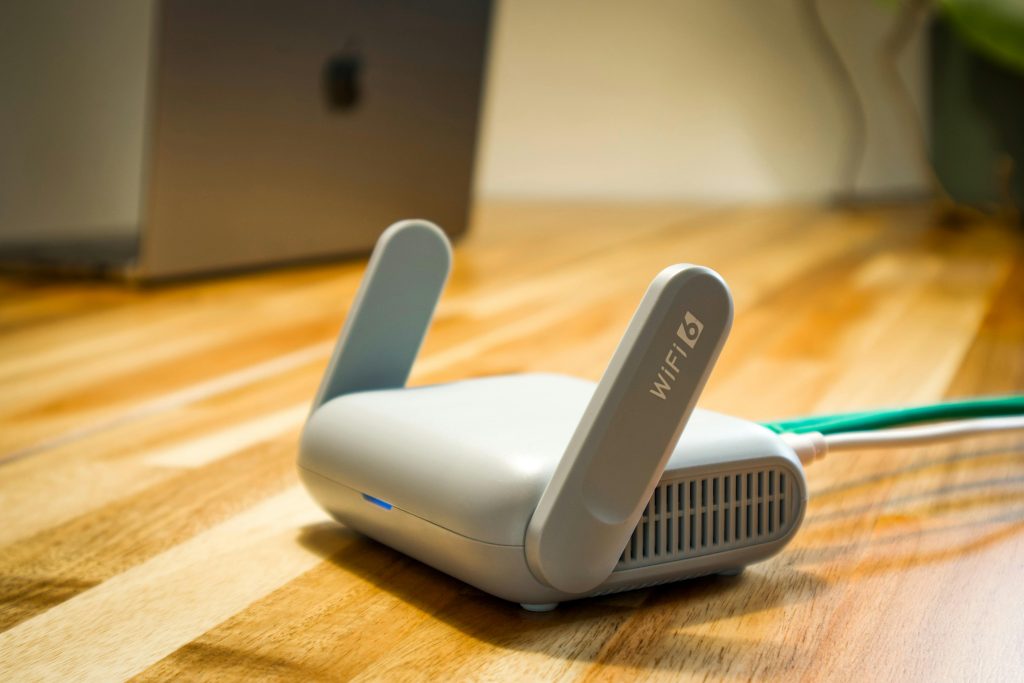
Smart home devices depend heavily on signal quality. A smart speaker or camera placed far from the router may have trouble finishing setup even if a phone in the same room still seems to work. Some devices also rely on specific network conditions and may not connect well if the signal is weak or unstable.
Wireless support teams often recommend starting setup in the same room as the router when possible. Once the device is connected and updated, it can be moved to its final location and tested again for stability.
Credit: Pascal / Pexels
Why clear device names make connected devices easier to manage
Simple naming helps more than many users expect. If several devices are called “light,” “camera,” or “plug,” voice commands and app controls can become confusing quickly. Naming devices by room and function usually works better. Examples such as “hall lamp” or “kitchen camera” are easier to understand later.
Smart home specialists often suggest setting naming rules early so devices stay organized as the system grows. Clear names can also make troubleshooting easier when one item disconnects or behaves differently from the others.
Why updates matter before devices are fully in use
Some smart home devices ship with older software and need updates soon after setup. Skipping those updates can lead to app problems, syncing errors, or weaker security. Firmware updates often fix connection issues that users might otherwise blame on the router or phone.
Consumer technology analysts often recommend finishing setup only after updates are installed and the device has been restarted if needed. This extra step may save time later by reducing repeat connection problems.
Which privacy settings deserve attention first
Privacy matters because many smart home devices collect activity data, respond to voice commands, or use cameras and microphones. The right settings will vary by device, but privacy controls should be reviewed before the system becomes part of daily routines. Account passwords, guest access, and permission settings are good places to begin.
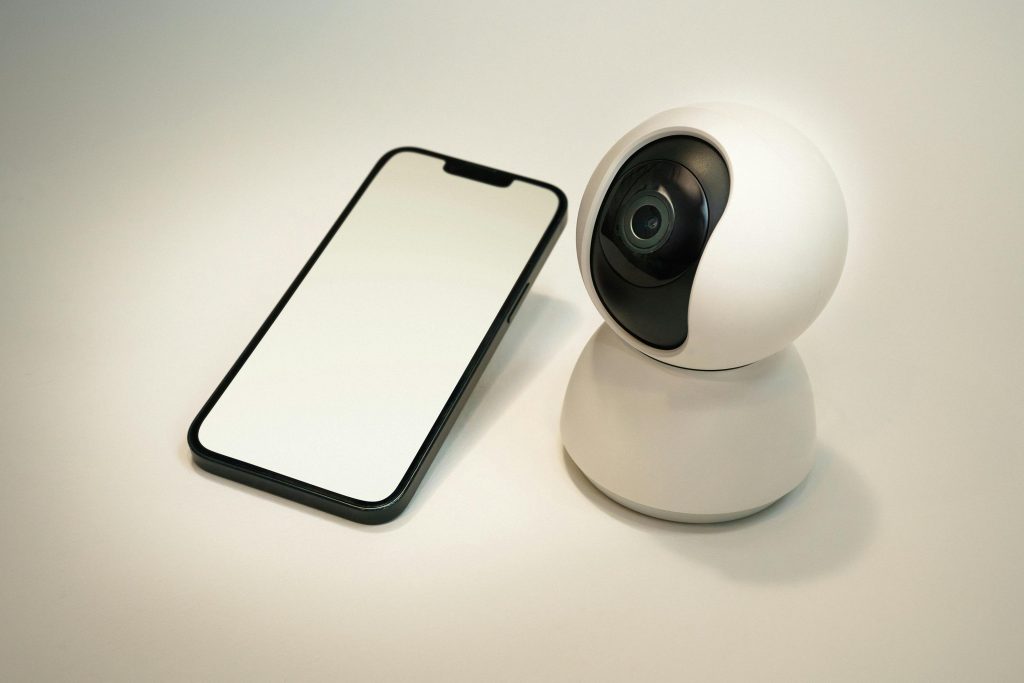
Digital privacy educators usually recommend checking whether voice recordings are stored, whether cameras can be turned off when not in use, and whether the app allows security alerts for unexpected logins. Those steps support stronger home automation basics without making the system harder to use.
Credit: Jakub Zerdzicki / Pexels
How to reduce future connection problems
Once the device works, it helps to keep the system simple. Avoid adding too many devices at once, remove devices that are no longer used, and keep apps and firmware reasonably current. It also helps to note which room each device belongs to and which account manages it.
Home support teams often explain that long-term stability comes from routine care rather than constant adjustment. A small amount of organization can make connected devices easier to manage and easier to fix when something changes.
Frequently Asked Questions
Q: Why do smart home devices disconnect after setup?
A: Weak Wi-Fi, outdated firmware, and account sync issues are common reasons. Signal stability and updates usually matter more than users expect.
Q: Should devices be named by brand or by room?
A: Room-based naming is often easier for everyday use. Clear names help both in apps and with voice controls.
Q: Are privacy settings really important for smart home setup?
A: Yes. Connected devices may store activity data, recordings, or access details, so privacy habits should be part of setup from the beginning.
Q: Is it better to connect many devices at once?
A: Usually not. Setting up one device at a time makes troubleshooting easier and reduces account or syncing confusion.
Key Takeaway
Successful smart home setup depends on careful basics more than speed. Signal quality, clear naming, updates, and privacy settings all shape how well smart home devices work over time. Users who build good home automation basics early can usually avoid many common connection and syncing problems later.
[INTERNAL LINKING SUGGESTIONS]
– Why Some Smart Speakers Lose Connection at Home
– How Router Placement Affects Connected Devices
– Privacy Checks to Make Before Adding Home Cameras
Leave a Reply