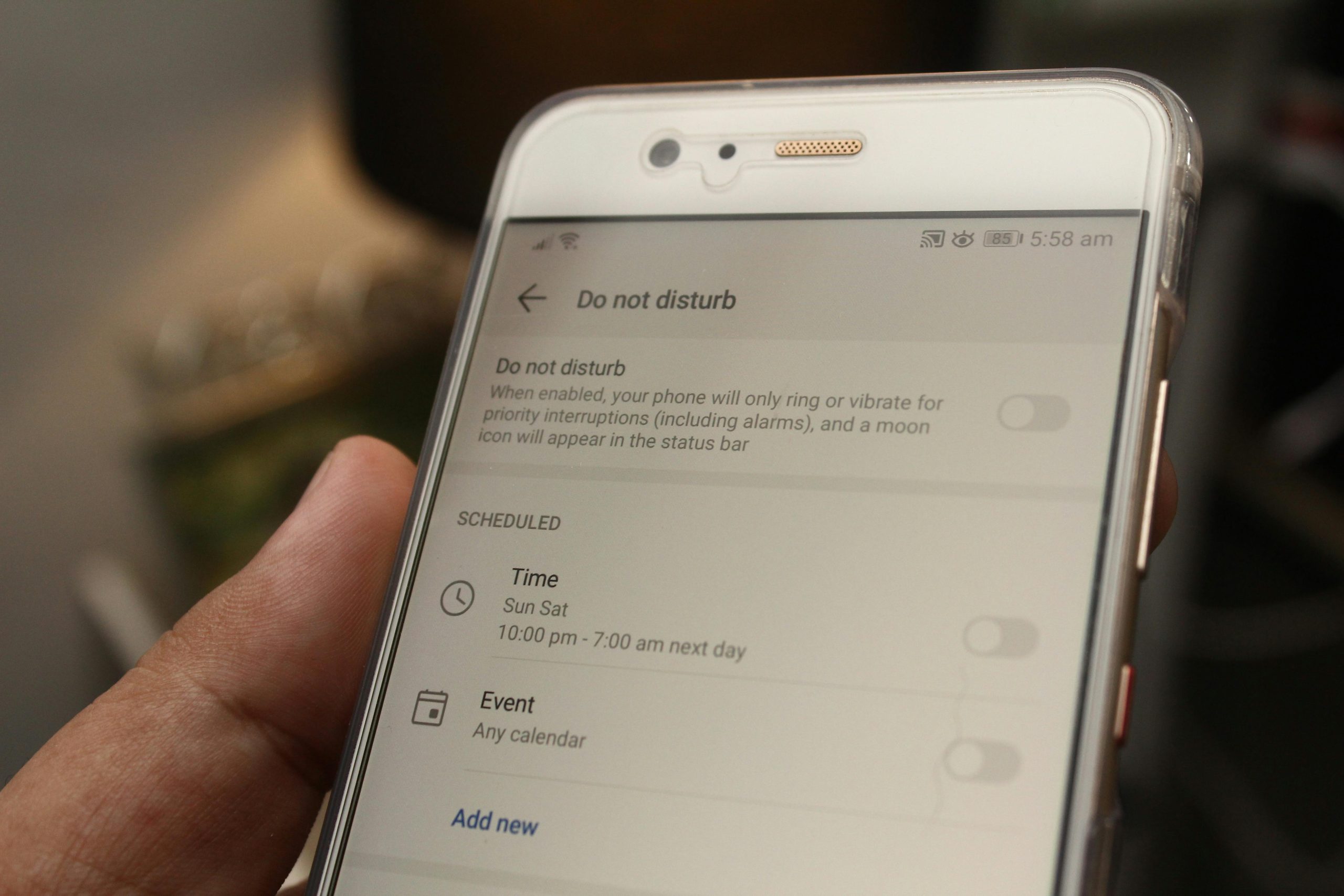
Apps on your phone ask for access to different features, and these requests determine what information they can get. However, many of us don’t give a second thought to these permissions after we’ve downloaded an app. I’m going to explain what app permissions are, why being in charge of your privacy matters, and how to adjust these settings thoughtfully so your favourite apps will continue to work as you’d expect.
Security specialists who understand phones and online safety say that managing permission settings is a straightforward way of increasing your privacy. You don’t have to refuse every request, but consider if the access an app wants actually fits with what the app does.
Why app permissions matter more than they seem
Many apps are looking for your location, your contact list of friends, your photos, what your microphone hears, your camera, your notifications and messages, and your files. Some of these requests are reasonable. A map application, for instance, needs to know where you are to provide directions and a video call application won’t function without access to your microphone and camera. Problems develop though, when apps request far more data than they logically should, and then continue to track your information even when you aren’t using them.
Privacy professionals have noticed that people generally quickly agree to permission requests simply to begin using the application. Over time, this can build up to a massive amount of access for many apps and you haven’t properly examined each app’s capabilities.
How to review app permissions in a practical way
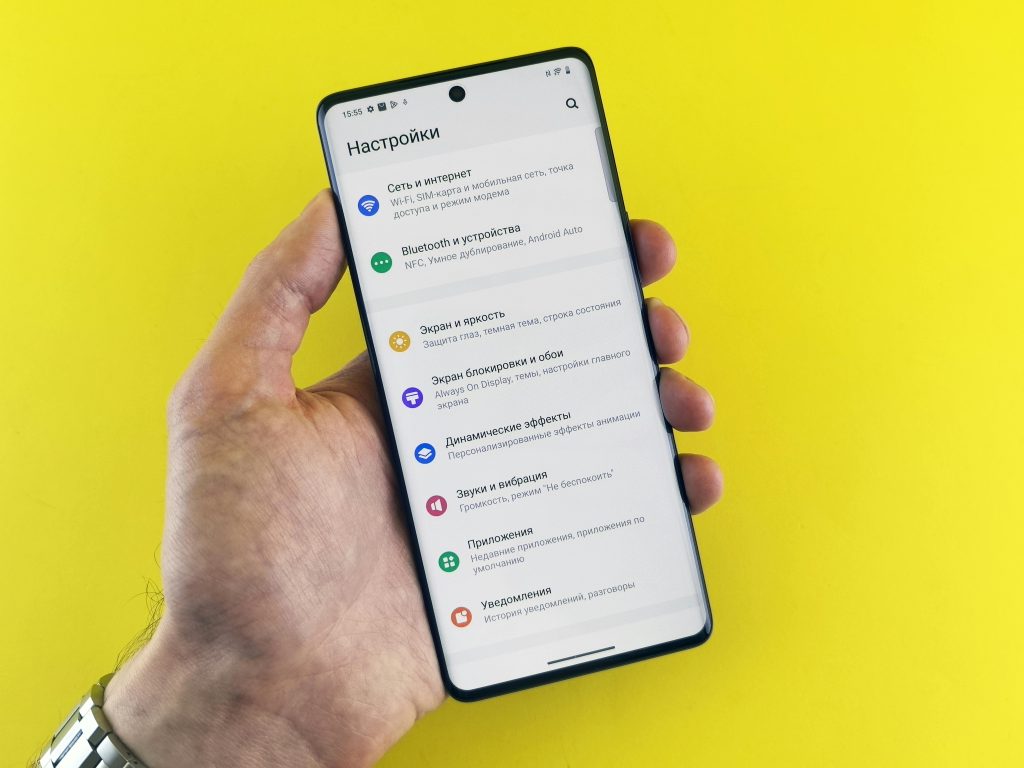
To start, have a look in your device’s settings; permissions are usually grouped by what they allow. You’ll then be able to see which apps are using your location, camera, microphone, contacts, and photos, and decide if each one really needs to. It’s usually faster to look at permissions based on the type of access, rather than going through each app on its own.
Most mobile phone support people suggest beginning with apps that have access to your most personal details. So, things like your location, microphone, camera, and contacts are all good to examine particularly closely because of how they connect to your daily life and the people you’re in touch with.
Credit: Andrey Matveev / Pexels
Which permission levels usually make the most sense
Many phones now offer options for controlling what apps are permitted to do. You can allow access all the time, only during use of the application, be asked about it on each occasion, or refuse permission outright. It’s often a sensible middle ground to only grant access while you’re actually on the app; that way the app functions as needed, but isn’t perpetually at full access.
Privacy specialists generally advise being quite precise with these permissions. Choosing limited access, when possible, is preferable to an all-encompassing ‘yes’ or a blanket ‘no’, as it makes things simple for you and improves your privacy at the same time.
How location settings affect privacy the most
Really consider which apps are tracking your whereabouts. These locations reveal your habits, your typical routine and all the places you spend a lot of time. Apps for directions or car services absolutely need to know precisely where you are while you are using them. However, an app for shopping, altering your phone’s wallpaper or a simple utility doesn’t need so much detail.
Security professionals regularly recommend checking if apps are using your precise location when a general idea of your region would be sufficient. By tweaking the app’s location permissions slightly, you can cut down on the data they’re collecting and you probably won’t even find the app behaves differently.
When permissions can affect mobile security
We generally consider permissions in terms of privacy, but they’re a big part of your phone’s security as well. If an application can access your files, messages or the phone’s internal processes for no legitimate reason, a hack or a glitch is much more likely to cause serious issues. Of course not all apps are harmful, but giving apps broad access to a lot of different things is considerably riskier than limiting what they can get to.
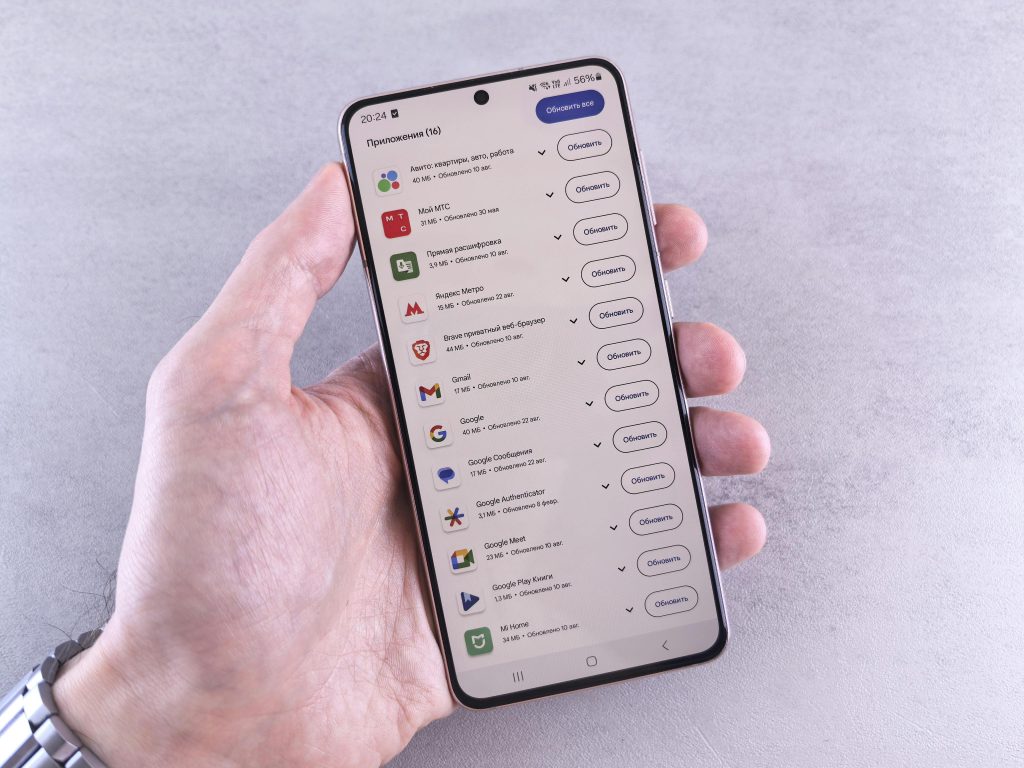
Security professionals at companies serving the public often suggest removing apps you aren’t using. This is a straightforward approach to have fewer apps with excessive permissions and, subsequently, to decrease activity running in the background on your phone.
Credit: Andrey Matveev / Pexels
How often users should review privacy controls
You don’t need to check which things apps are permitted to access all the time, but doing it a few times during the year is a good plan. Actually, it’s beneficial to review your privacy settings after you’ve installed a bunch of apps, or when you get a new phone or tablet, or if your battery is unexpectedly draining rapidly, or your phone is mysteriously running processes in the background.
Both apps and the operating system of your phone are continually being updated and mobile security professionals advise that when they gain new functions, they will usually request new permissions. That permission you gave an app previously may not be for the same activity it’s now undertaking.
Frequently Asked Questions
Q: Should every app have location access turned off?
A: Not always. Some apps need location settings to work properly, but many do not need constant access. Reviewing each case individually usually works best.
Q: What does “allow only while using the app” mean?
A: It means the app can use that permission only while the app is open and active. This is often a useful middle option for privacy controls.
Q: Can app permissions affect battery life too?
A: Yes. Apps that keep using location, syncing data, or running in the background can affect both battery drain and mobile security.
Q: Is deleting unused apps better than just turning permissions off?
A: In many cases, yes. Removing unused apps reduces clutter, background activity, and the number of apps that can request or retain access over time.
Key Takeaway
It’s not a massive undertaking to review what apps are permitted to do. A reasonable check of which apps are getting your location, using your camera, using your microphone, and handling anything regarding your privacy will reduce the amount of data apps obtain unnecessarily, and won’t make using your phone harder. Reviewing these app permissions from time to time both protects your personal details and enhances your phone’s overall security.
[INTERNAL LINKING SUGGESTIONS]
– What Phone Privacy Settings Matter Most for Everyday Users
– Why Some Apps Request More Access Than Expected
– How to Reduce Background Activity on Mobile Devices
Leave a Reply